How to book water heater replacement estimates from Facebook ads
If you want more plumbing leads for scheduled water heater replacements, give that work its own Facebook ad and estimate page. Then limit extra follow-up to the properties and ZIP codes your installation crew can serve. Keep urgent calls with the office team that handles them.
Steps
-
Define the replacement work your crew can take Choose the water heater types and service ZIPs you handle.Explain how scheduled estimates and urgent calls are handled.
Ask your plumbing lead which replacement jobs fit the crew and current schedule. Use that answer to write the ad and landing page. State your actual service area and let homeowners describe their existing equipment.
Give urgent callers a clearly labeled phone option that matches your real coverage. Avoid a blanket installed price when venting, access or other site conditions change the quote. Use photos your company owns or has permission to publish.
-
Build a replacement estimate page Send the ad to a fast, mobile replacement page.Give urgent callers a separate phone path.Test the Meta lead event on an accepted request.
Explain what your estimator needs to see and what the visit includes. Ask whether the homeowner is planning a replacement or has lost hot water so the office can triage the request. Let them choose an unknown equipment type.
Tag the Facebook destination with a dedicated campaign name. Submit the mobile form yourself and check the confirmation, office notification and record in your existing system. Record the campaign source alongside the request when your setup supports it. Repair missing delivery before buying more visits.
Check the page in a phone browser and in mobile PageSpeed Insights. Test the Meta Pixel from a successful form submission and confirm the office gets that request. Check your reply time before increasing spend.
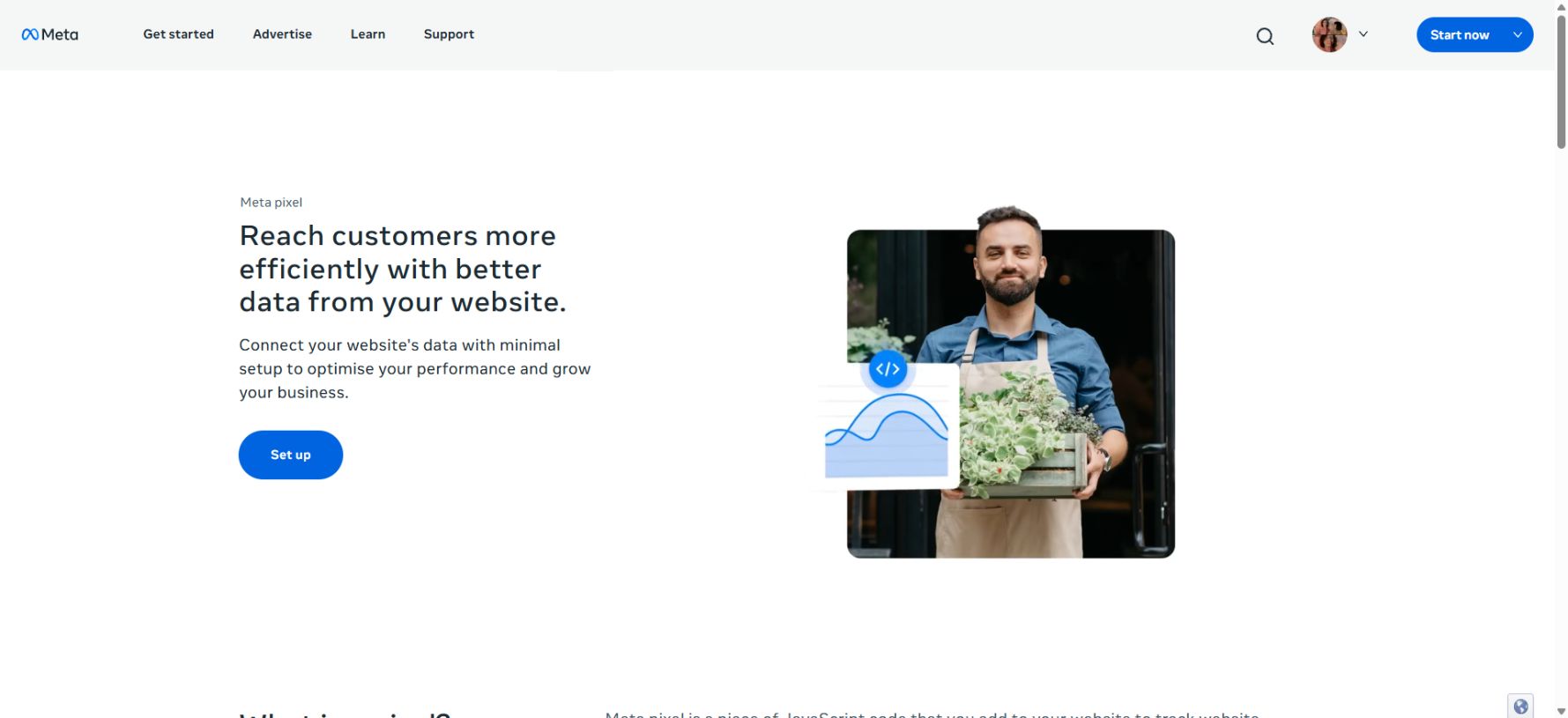
Meta’s public guide to the Meta Pixel. Source -
Set paid ZIP and page rules before collection Install and verify PipelineOn on the website.Set eligible ZIPs and replacement-page rules before enabling paid collection.
PipelineOn's current product page describes exact ZIP and page rules for paid leads. Use the ZIPs your office will actually book and the published replacement URL. Check how the rule treats trailing slashes and any campaign parameters in your account before relying on it.
Use the official plugin for WordPress or follow your platform’s manual tag instructions. Verify tracking on the live site. The paid page rule applies where identification is attempted, so confirm that it covers the replacement path you want. Review available matching records as traffic comes in.
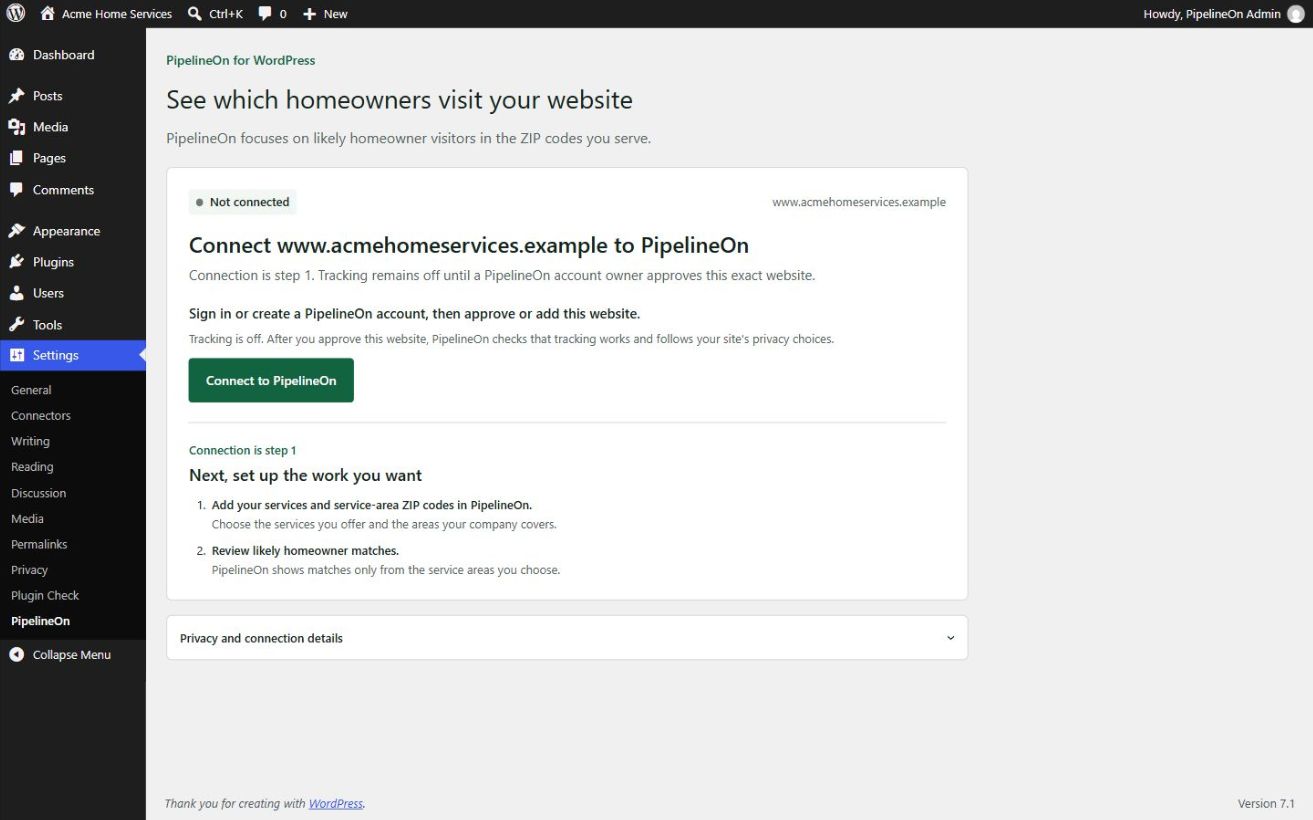
The official PipelineOn plugin’s demo Connect screen in WordPress. Source -
Route each opportunity to a real office task Handle submitted requests first and check existing bookings.Track matched visitors separately from requested estimates and sold jobs.
For each additional match, check the address against existing customers, open estimates and booked work. Assign a staff member to review the available context. A replacement-page visit alone does not establish a failed heater, ownership of the device or permission to contact someone through every channel.
Use a manual task if your existing CRM connection has not been verified. Record the follow-up result and any reason the job does not fit. Compare campaign spend with suitable requests, appointments and completed replacements so the office can explain where the campaign is helping.

PipelineOn’s public demo record shows where the visit came from and which pages were viewed. Source
What to measure
Keep the first test narrow enough to audit. When the office can trace one replacement request from ad to appointment and invoice, use that same trail to review the next batch.