Use a first-cut checklist to confirm lawn booking readiness
A quoted lawn can still leave the crew waiting at a locked gate. Give the new customer a short first-visit checklist and a way to report anything that prevents access. Your dispatcher needs a readiness answer before confirming the crew's first stop.
Steps
-
Publish the preparation your crew actually requires Have the crew lead approve access and preparation instructions.Make the checklist readable without a signup.
Build a page for the first visit that explains your actual gate, pet, vehicle and yard-preparation arrangements. State what the customer should do if they cannot prepare the agreed area. Keep sensitive access information in your approved service process rather than a public page.
Make the checklist useful before asking for another form. Explain how your office confirms the visit and who handles a preparation question. Keep a first visit that needs additional review outside an automatic recurring-service promise.
-
Collect readiness and unresolved questions with the page source Let the customer report an access problem or say they are unsure.Save the accepted checklist response to the existing request.
Use a short response form with service address, contact reference, readiness answer and a space for unresolved questions. Let the customer say they need help arranging access. Do not expose gate codes in campaign parameters or ask the customer to resolve an unsafe condition for marketing intake.
For Tally, add a hidden field for the first-cut checklist source and pass it through the form URL or supported embed setup. Submit a test and check the saved source alongside the readiness answer. Transfer it manually if the job-system connection has not been verified.
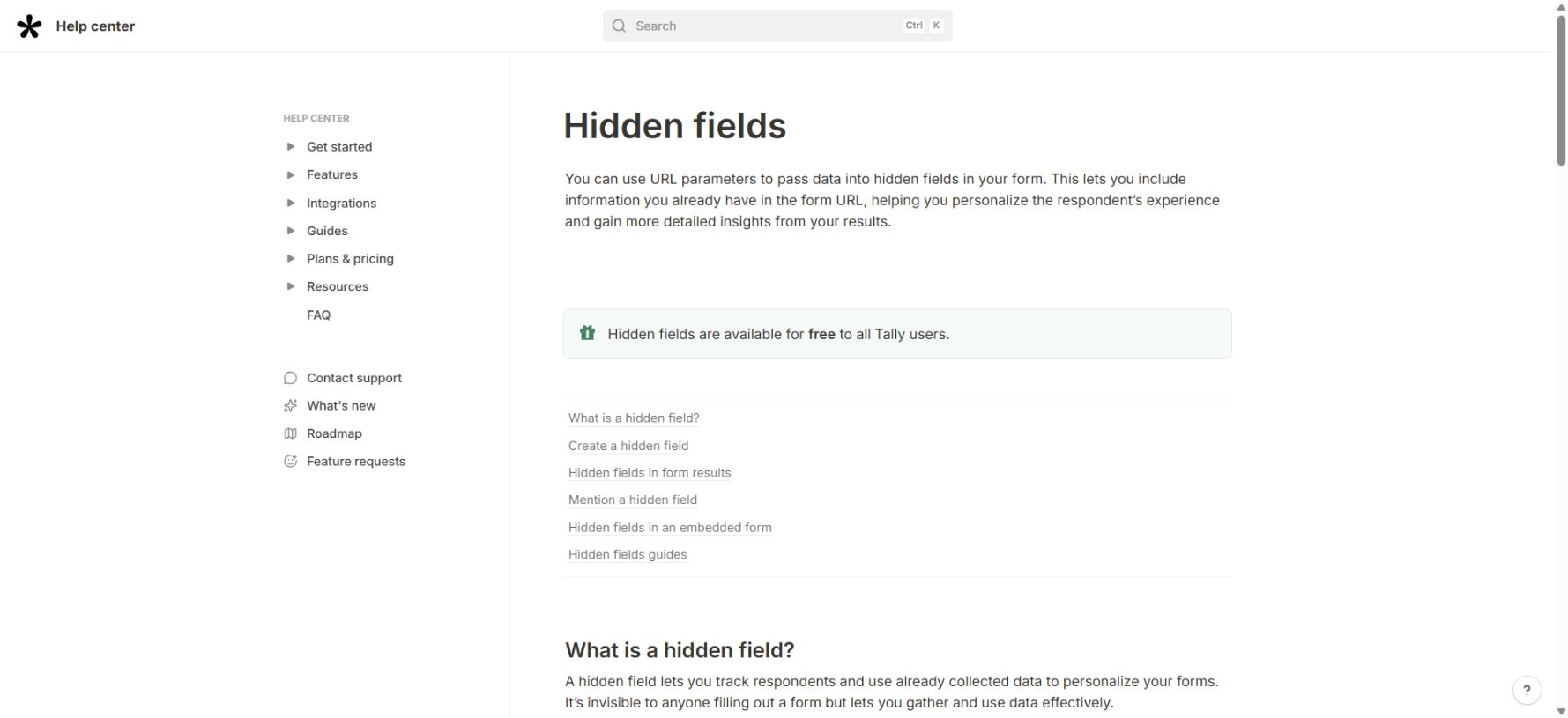
Tally’s public documentation shows how to carry a campaign label into a submitted form. Source -
Give dispatch a readiness decision before the first stop Match the response to the confirmed service property.Assign unresolved access to a callback owner.
Check the accepted quote and appointment before changing the work order. Give dispatch the customer's actual response and the crew-approved instructions. A completed form can still contain a question that needs a person to resolve.
Prioritize customers with an imminent confirmed visit and an unresolved access problem. Follow routine planning questions within the window your office promises. Keep an unbooked resource reader in a separate estimate-review group. Record who confirms readiness and informs the customer if a visit must move.
-
Compare first-visit readiness with actual crew outcomes Test ready, unsure and cannot-provide-access cases.Record preventable delays and completed first cuts.
Run controlled submissions for each readiness answer. Confirm that a reported problem reaches dispatch and that another response cannot create a duplicate visit. Make the current access arrangement visible to the crew through its normal work order.
Track accepted checklist responses, callbacks, first visits completed and access-related delays. If PipelineOn is installed, verify tracking before using available page activity as extra context. A checklist-page view cannot confirm readiness. Use the submitted response and crew outcome to improve the instructions.
What to measure
Ask the first crew which preventable problem still delayed the visit. Add only the preparation detail that would have let the customer and dispatcher resolve it beforehand.