How to get more window replacement leads from your mobile quote form
If a homeowner has to count every opening and upload six photos before your office sees a request, someone has to finish that job on a phone. Give whole-home replacement shoppers a short first step, test what arrives in the office and find the part of the form that loses people.
Steps
-
Check your replacement page on a real phone Open the exact quote URL from the ad or search result.Try it on mobile data and submit one test request.
Look for the estimate button before you scroll. See whether a large project gallery pushes the form down or moves it while the page loads. Check the published URL in mobile PageSpeed Insights for a second view of loading problems.
Keep the first project photo because it explains the job. Compress heavy files, give images dimensions and lazy-load gallery images farther down the page. After any change, repeat the request and confirm the office received it.
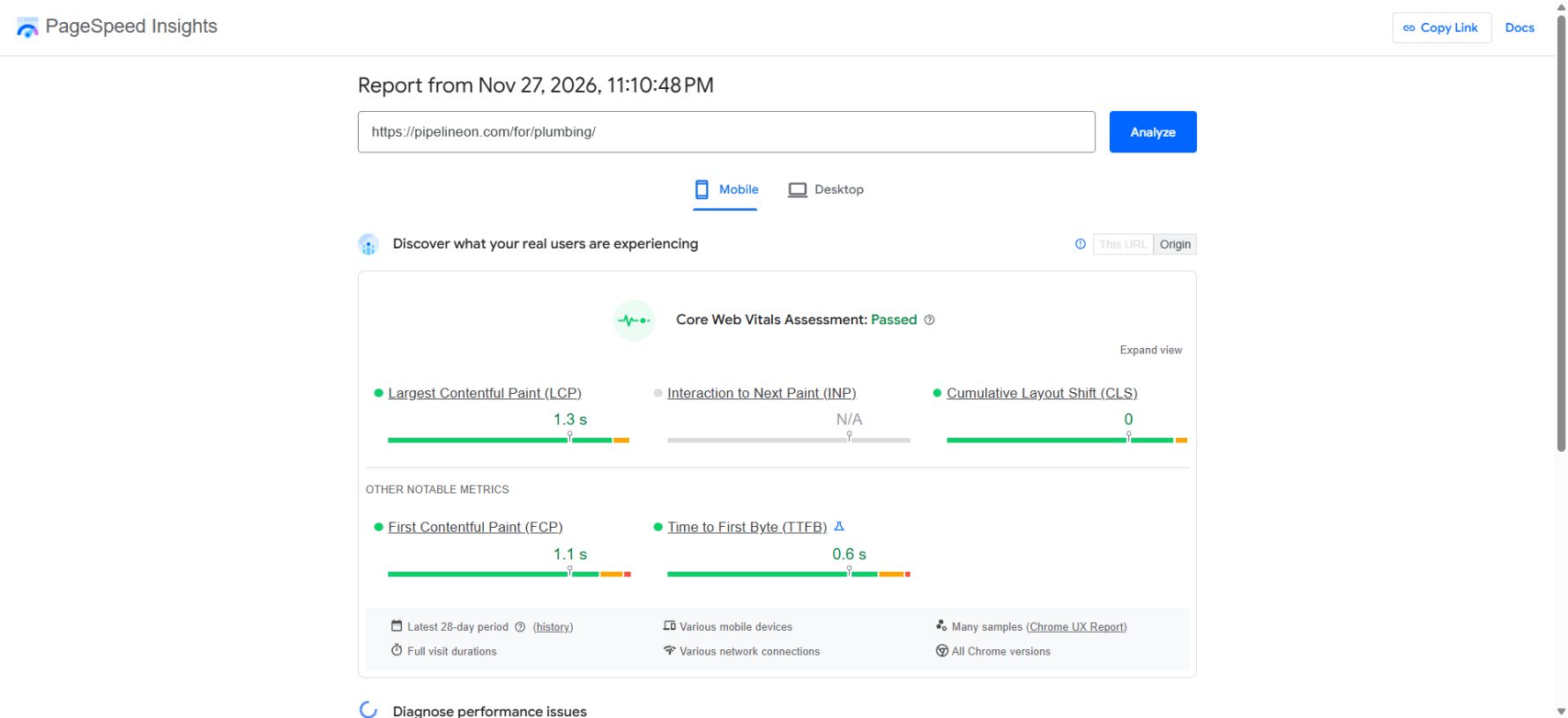
A mobile PageSpeed Insights report for a live plumbing page. Run the test on your own quote URL. Source -
Ask for enough to start a quote Ask for contact details, service ZIP and approximate window count.Request measurements or photos after the first submission.
Let the homeowner select a rough job size or say they are unsure. If you handle whole-home projects and single-unit calls go to another team, tell the customer what happens next and give the office a way to route both.
Test an eligible ZIP, an out-of-area ZIP and a request with the count unknown. Save the test results. Check who gets each accepted request and what the homeowner sees after sending it.
-
Find out where requests go missing Measure page visit, form open and accepted request in PostHog.Verify an accepted request against the CRM or inbox.
Have your web person record the success event from the form’s accepted response. Keep contact details out of the analytics event. Compare mobile and desktop progress, along with actual accepted requests for the same period.
If the office got the request and PostHog missed it, fix event delivery. If phone visitors open the form and few reach confirmation, reproduce the problem and change the field or upload that blocks them.
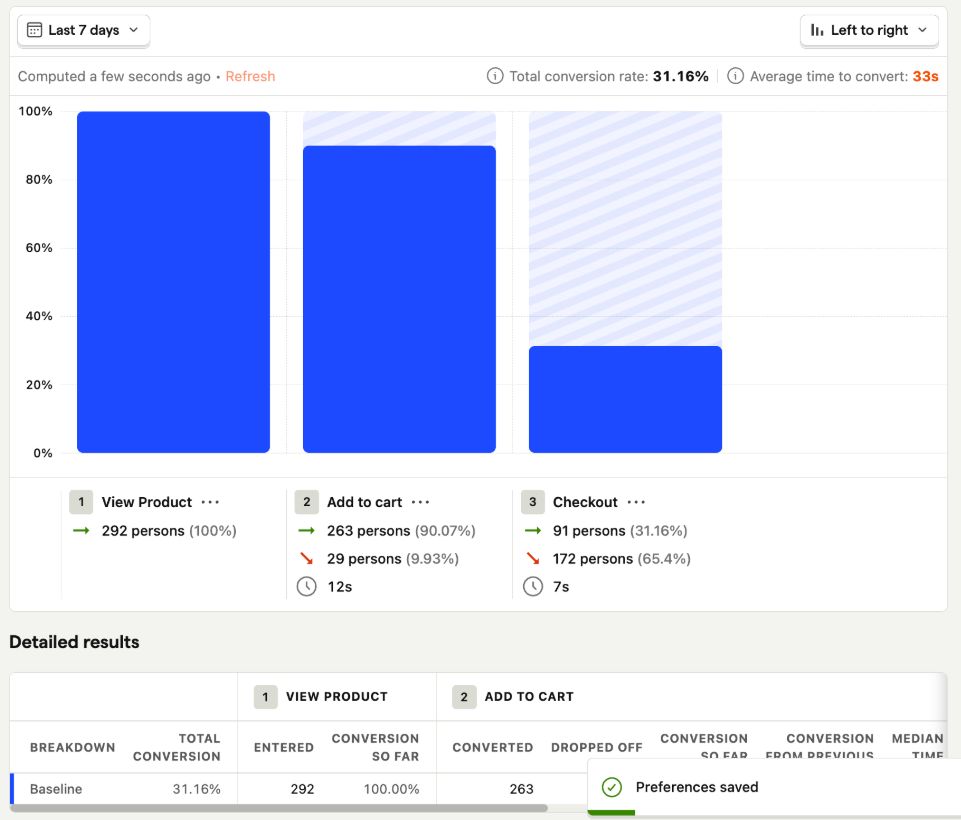
PostHog’s sample funnel. Substitute your page visit, form open and accepted request. Source -
Give the estimator a second path to suitable jobs Review available PipelineOn matches from the replacement page.Check service ZIP, existing quotes and outreach eligibility.
If your tag is already live, in-area matches can give the office one more source of records to review. Deduplicate any active opportunities. Where the record qualifies for follow-up, offer the simpler request path and let the homeowner say what work they want.
Keep confirmed inquiries separate from the reviewed match list. Have the estimator record appointments and sold jobs so you can see whether the change brought in the type of replacement work you want.

PipelineOn’s public demo record shows where the visit came from and which pages were viewed. Source
What to measure
Compare accepted mobile requests per 100 replacement-page visits, then check how many turned into attended estimates. Review jobs by project size before paying to send more traffic.