Send a neighborhood window postcard after a nearby installation
A completed window installation gives nearby shoppers a concrete example of your work. Turn it into a postcard only after checking what the customer permits you to share. Send people to a project consultation page and measure the jobs that follow the mailing.
Steps
-
Choose proof you have permission to publish Obtain customer permission for the imageRemove identifying details when neededState the actual installed scope
Choose your own photo from a completed job and confirm permission for print marketing. Avoid showing the street number, family members or other identifying details outside that permission. Describe the installed product and scope accurately.
Say that you recently completed work in the area when that is true. A nearby installation does not establish that surrounding homes need windows or share the same materials. Give the reader a reason to request an assessment of their own project.
-
Choose a mailing area your team can serve Check actual route coverageCompare addressed mail with carrier routesInclude all mailing costs
Pick nearby streets that your estimator can visit and your crew can service. USPS Every Door Direct Mail works at carrier-route level, so inspect the actual selected route before ordering cards. Use an addressed mailing when a smaller list better fits the test.
Record print quantity, design, postage, preparation and handling costs. Keep the selected area and mailing date with the campaign record. Check the postcard size and preparation against the current USPS requirements before printing.
-
Give the card a traceable consultation request Use one clear QR destinationInclude a readable web addressKeep the form short
Send readers to a page showing the permitted job example and explaining your consultation. Ask for service address, contact details and rough project scope, with an unsure option. Clarify how your office handles a single-window repair if the campaign promotes whole-home replacements.
Tally's shared documentation screenshot shows how campaign labels pass into hidden fields. Use a label for this mailing and test a printed QR before ordering the batch. Confirm the label appears on the submission and office handoff. Keep personal details out of the URL.
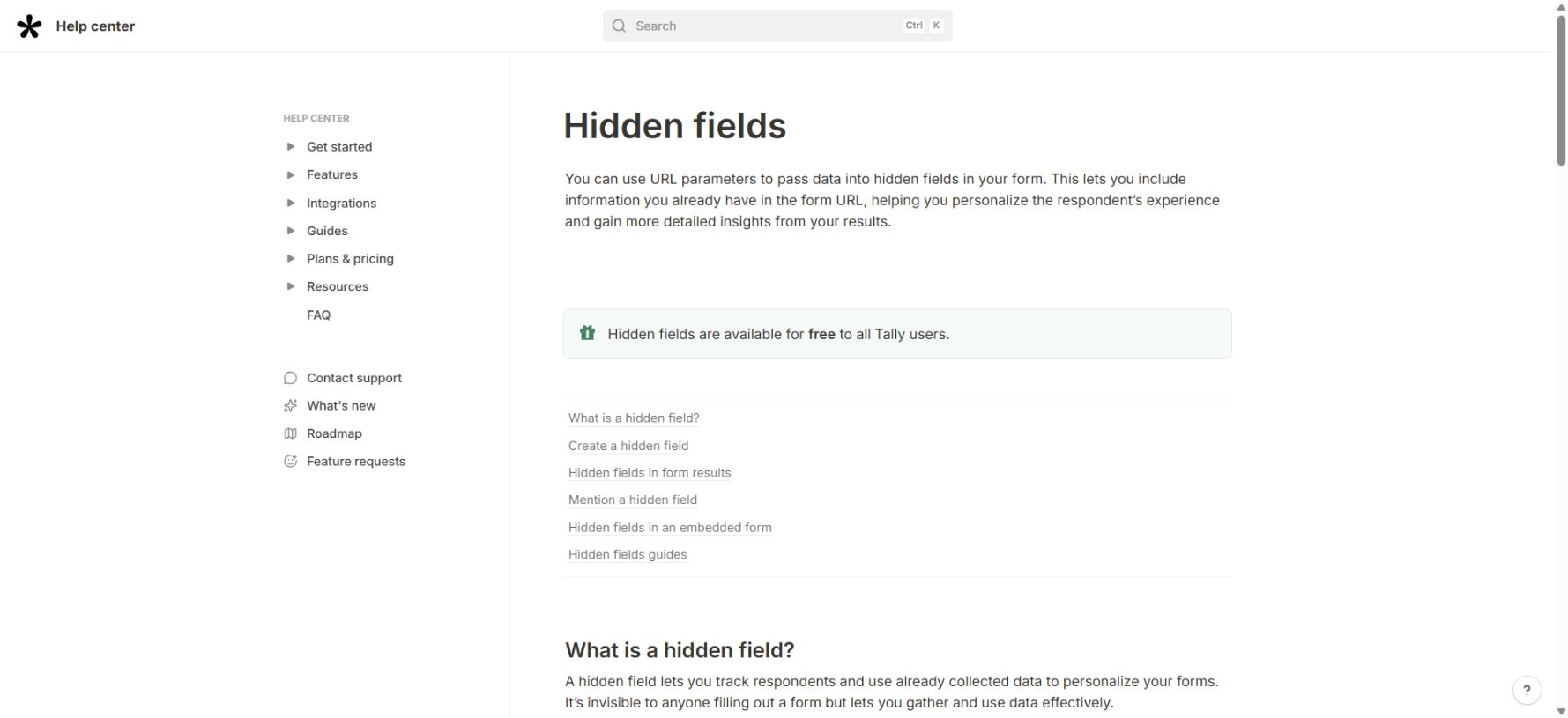
Tally’s public documentation shows how to carry a campaign label into a submitted form. Source -
Follow each property through the consultation Merge repeat calls and formsTrack attended consultationsAllow time for proposals to resolve
Assign one estimator after checking the existing CRM contact and property. Preserve the mailing source when the homeowner later calls or returns through search. Record requested, confirmed and attended consultations separately.
Review unique inquiries, qualified projects, proposals, sold replacements and completed installations. Calculate cost per outcome using the full mailing cost. Keep unresolved proposals visible so a quick review does not report them as lost or sold prematurely.
What to measure
Start with a small mailing you can reconcile property by property. Expand when the inquiries fit your service and the resulting consultations justify the campaign's full cost.