Qualify Messenger stump requests for equipment access
A stump photo can show the job while leaving your crew unable to reach it. Use Messenger to collect the requested work, then a site form for access details. Let the crew confirm the equipment route and scope before the office promises a grinding appointment.
Steps
-
Capture the stump request in one conversation Ask for stump count and service locationRecord the customer's scopeState the office review hours
Ask whether the person wants grinding, removal advice or another tree service. Collect service area and approximate stump count. Explain when a person will review the request and which services your team actually provides.
If using HighLevel, test the correct Facebook Page connection and a reply from Conversations. The shared Messenger screenshot shows the documentation inbox example. Verify the actual thread reaches your office before relying on that route.
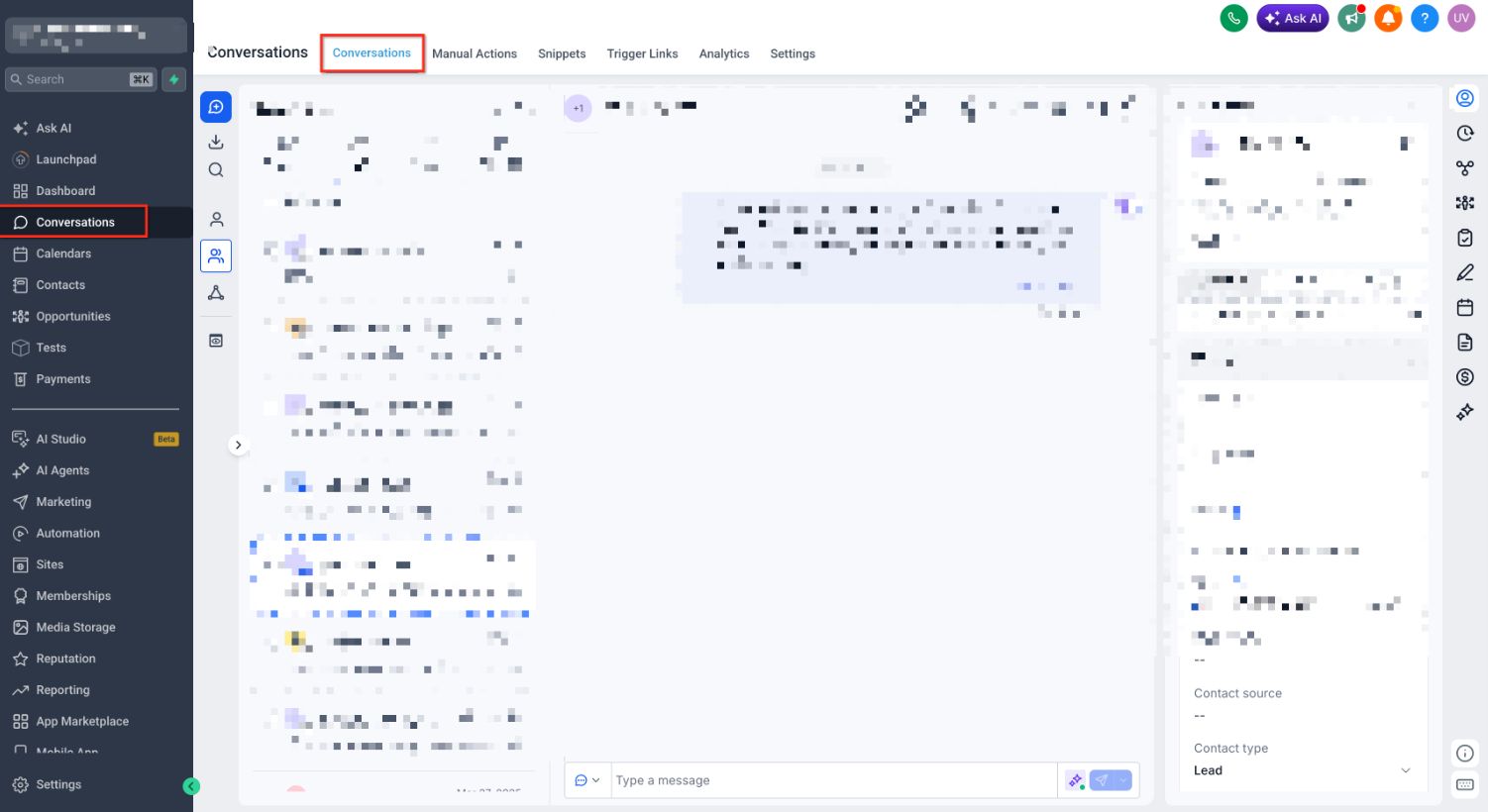
HighLevel’s example shows where incoming Messenger threads appear in Conversations. Source -
Use the site form for access and optional photos Ask about gates and route obstaclesAllow unknown dimensionsKeep a callback fallback
Send a short form asking for address, contact details, stump location, gate or passage constraints and optional ground-level photos. Let the customer mark dimensions unknown. The crew can decide whether a previsit is needed.
Tally supports file uploads. Test the actual phone-image path and current account limits. Keep a no-photo request available so a large file or slow connection does not erase the customer's inquiry. Avoid collecting details the crew will never use.
-
Have the crew confirm equipment and job boundaries Check the access against actual equipmentClarify debris and restoration scopeVerify required prework
Give the crew lead the stated access details, photos and requested result. Confirm whether your equipment can reach the work area and what the job includes. Keep site protection, debris handling and restoration expectations clear in the quote.
Follow the applicable utility notification and site-check process before the work your team plans. Verify requirements locally. Your marketing form should record questions for the crew, with no claim that a photograph establishes a clear underground work area.
If the PipelineOn timeline includes the access instructions page, compare the matched property with the service location supplied in Messenger. Check the access details directly in the thread before offering a visit. The website path can help you choose the first question.
-
Measure work completed on the planned visit Confirm scope and price before bookingAttach access notes to the work orderRecord access-related return trips
Have the office confirm the approved scope, fee, date and access contact. Check for an open job at the same property before making another appointment. Ensure the equipment operator sees the same notes as the office.
Track conversations, qualified requests, accepted quotes, completed jobs and return visits caused by access problems. Review the form when the crew repeatedly lacks the same detail. Count repeat messages about one stump project once.
What to measure
Run a test conversation through the site form to a sample work order. The crew should be able to identify the requested job and access questions without hunting through messages.