Fill arborist estimate slots around a booked tree job
An arborist can have one assessment window near a booked pruning job and none across town. Set the window before offering it to nearby homeowners.
Steps
-
Find an actual appointment window Confirm the arborist is freeAccount for travel and site access
Open the crew schedule and confirm which assessor has the opening. Build enough travel and site time into the plan before letting the office offer it.
If the primary job moves, have someone confirm whether the assessor’s nearby appointment still works. Avoid promising the crew will perform extra work during the estimate.
-
Give neighbors a relevant page and booking option Show what the visit coversTest a controlled appointment
Explain what a planned assessment covers, which ZIPs you serve and what information the office needs. Offer a call for complicated access.
Book a test from the page. In your HighLevel calendar, or the scheduler your office actually uses, check the assigned person, appointment type and timezone.
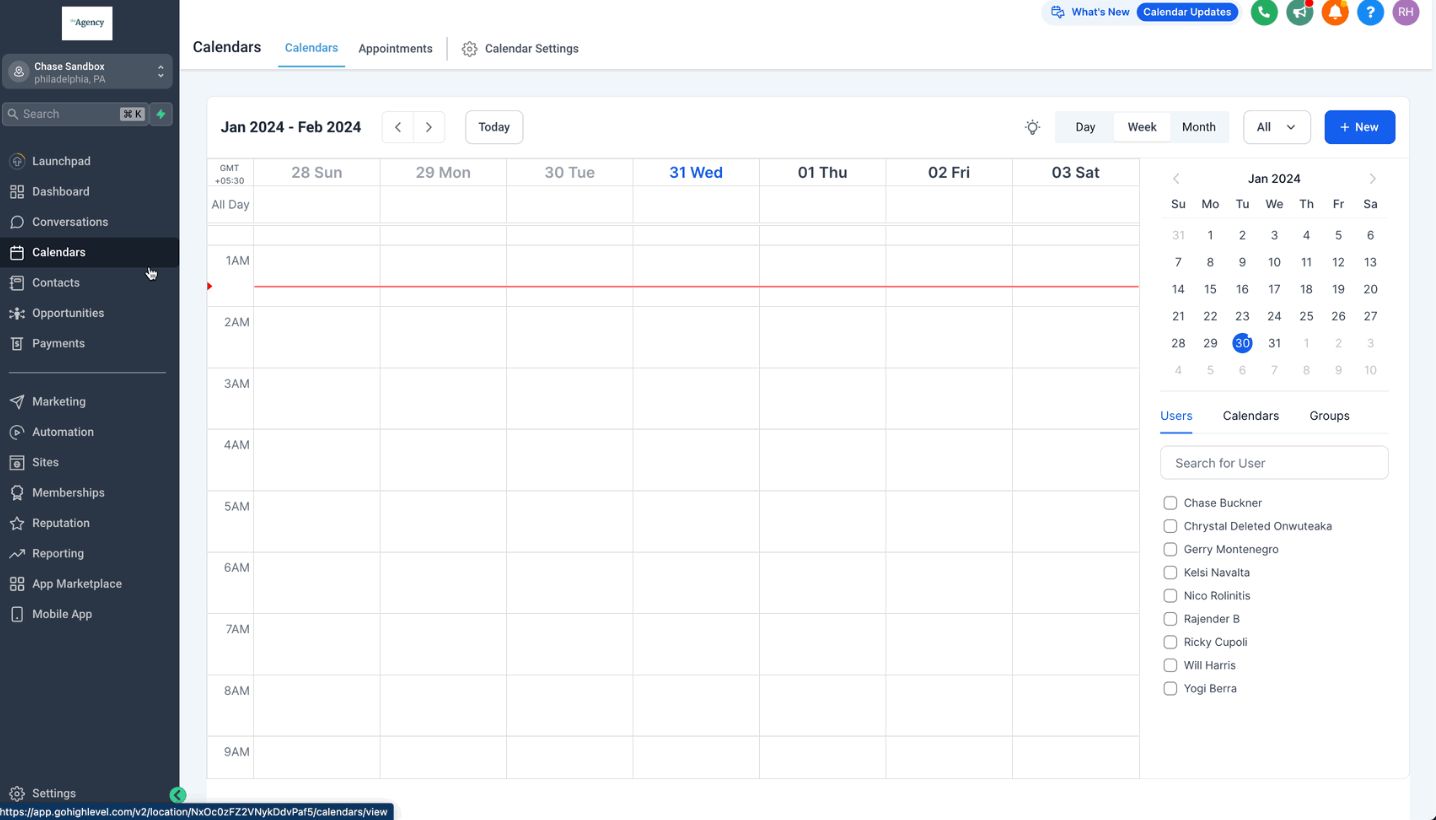
HighLevel’s internal calendar view. After a test booking, check that the appointment appears in the correct calendar. Source -
Work the opt-in requests first Check known service addressesAssign one owner for each appointment
Give first priority to people who asked for a visit. Check your CRM for open projects or access issues before offering the slot.
If PipelineOn is already active, available site activity may add context for eligible matched households in the area. Verify territory and who is authorized to arrange a visit before following up.
-
Compare route value to a normal estimate day Record attendance and travelWatch changes to the main job
Count accepted assessments, kept appointments and out-of-route travel. Note if the office had to reschedule when the booked job moved.
Compare with a similar day on your normal route. Keep the offer only if the assessor can still give each homeowner a usable visit.
What to measure
Track attended assessments per assessor hour alongside signed work. Stop offering a route window when its staffing or travel assumptions change.