Triage tree care estimate requests after a storm
The same windstorm can send a homeowner reporting a downed tree and another person asking about next month’s pruning to the same form. Your office needs two intake paths before the phone starts ringing.
Steps
-
Give customers two clear contact routes Name current staffed hoursKeep routine requests on one form
Write the phone number your office is staffing for urgent reports and explain what a callback can do. Give routine pruning or assessments their own estimate route. If the customer reports a downed line, point the caller to the appropriate local emergency or utility service and keep the crew away until the utility confirms the site can be approached.
List the property address and a way to reach the customer. Ask what they observed and whether access is blocked. Leave diagnosis and work decisions to the qualified team.
-
Test how the source label reaches your office Run one routine website submissionVerify the route without guessing an identity
Carry a neutral storm campaign source into the form through Tally’s hidden fields. When the season is busy, it helps show which page directed a request without putting the property address in the URL.
Use a controlled address or clearly marked test and confirm the receipt, source and assigned team. Repeat the test for the routine page, too.
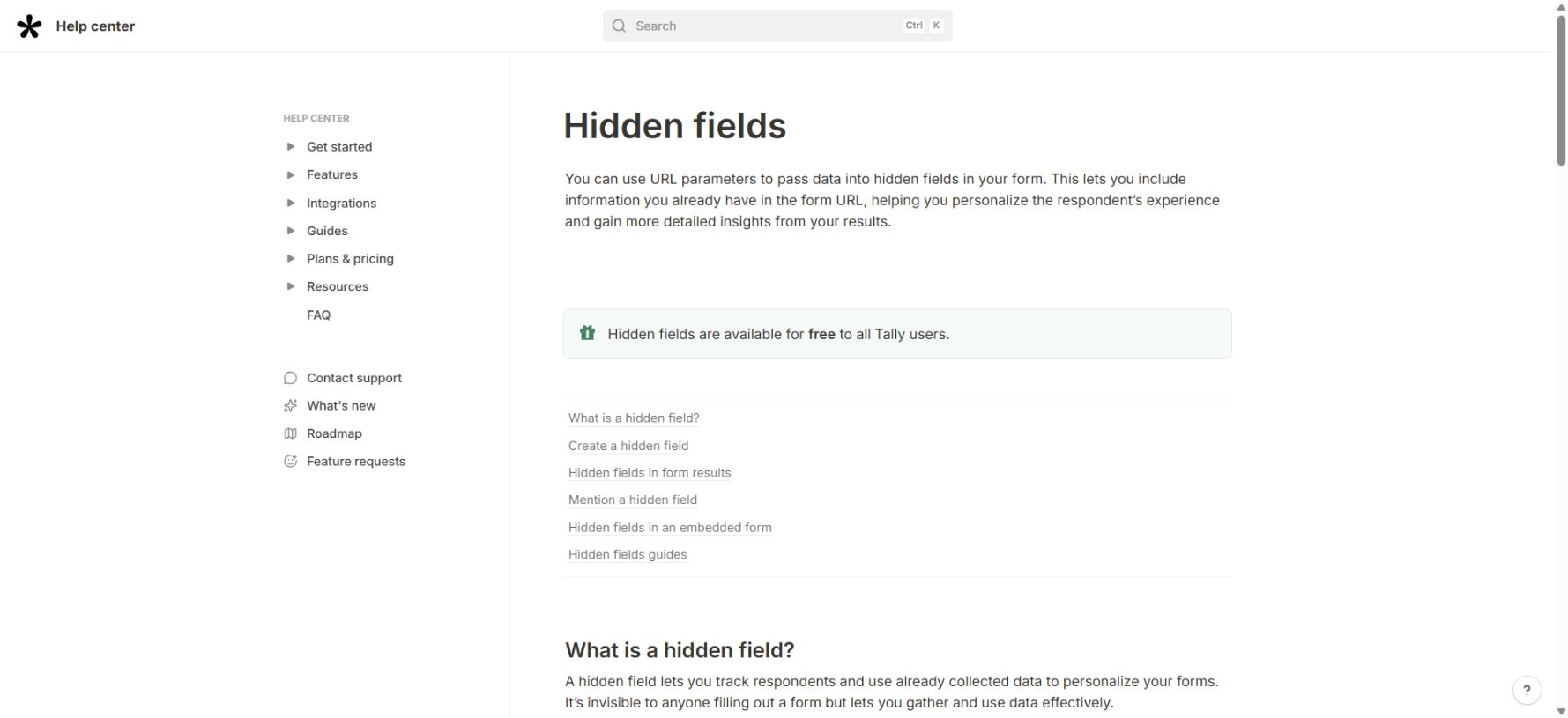
Tally’s public documentation shows how to carry a campaign label into a submitted form. Source -
Sort by what the homeowner actually reported Give dispatch the current reportAssign planned visits to the estimator
Use the request facts and the office’s current response policy to decide who sees the record. A website visit cannot establish the severity of a tree issue.
If your team also sees an eligible PipelineOn match on the routine page, check your territory and whether the same property already has an open request. Use the context only for the appropriate follow-up.
-
Count the requests the right person handled Watch time to first responseSeparate urgent intake from estimates
Track invalid or duplicate calls, urgent referrals, routine appointments and completed work separately. Pin down where the handoff stalled before buying more traffic for that page.
Review appointment attendance and whether the crew served the work your site promoted. Recheck the contact routes after staffed hours change.
What to measure
Measure time to the correct team and completed work by service route. Use the result to decide whether your pages need clearer contact instructions.