Build a spring HVAC tune-up waitlist from existing customers
Your spring tune-up email should offer the visits your schedule can support. Start with customers whose service history your office can verify, then invite a manageable group to request a place. Keep a waitlist request separate from a confirmed appointment.
Steps
-
Choose customers from verified service records Check the property, equipment record and last completed service.Remove existing bookings and respect contact preferences.
Pull the service records your office uses to plan maintenance. Check the current service address, last completed visit, equipment details where available and any membership terms. Have your service manager decide who is due under your actual service policy. Review incomplete records manually.
Remove already-booked visits, unresolved complaints and contacts whose preferences exclude this invitation. Check membership entitlements before describing a fee or included visit. If you use HubSpot for the email, inspect the relevant subscription status before selecting recipients. A customer label alone does not establish permission for the send.
-
Set the capacity your dispatcher can release Reserve real appointment capacity by service area.Define who confirms a place and what happens when slots fill.
Have dispatch choose the technicians, service areas and visit types that can accept maintenance work. Use your own visit durations, travel allowances and existing obligations. Set how many invitations the office can handle before sending the first group.
Give the waitlist a named owner and simple states such as requested, contacted, offered, confirmed and withdrawn. Explain that joining requests contact about availability. Hold a place only under the rules your office can maintain, and give released slots back to dispatch when an offer expires.
-
Publish and test a waitlist request page Ask for address, preferred contact method and availability.Save the email campaign label with the request.
Link the eligible email invitation to a page that states the actual service, terms and confirmation process. Ask for the service address and suitable callback times. Let customers correct an outdated address without silently changing the CRM property record.
In a Tally form, add a hidden campaign field and pass a label such as spring_customer_waitlist in the invitation URL. Use the embedded-form instructions if needed. Send a test email, submit the form and check the office queue. Confirm that the thank-you message says the request is awaiting confirmation and that no calendar booking was created unexpectedly.
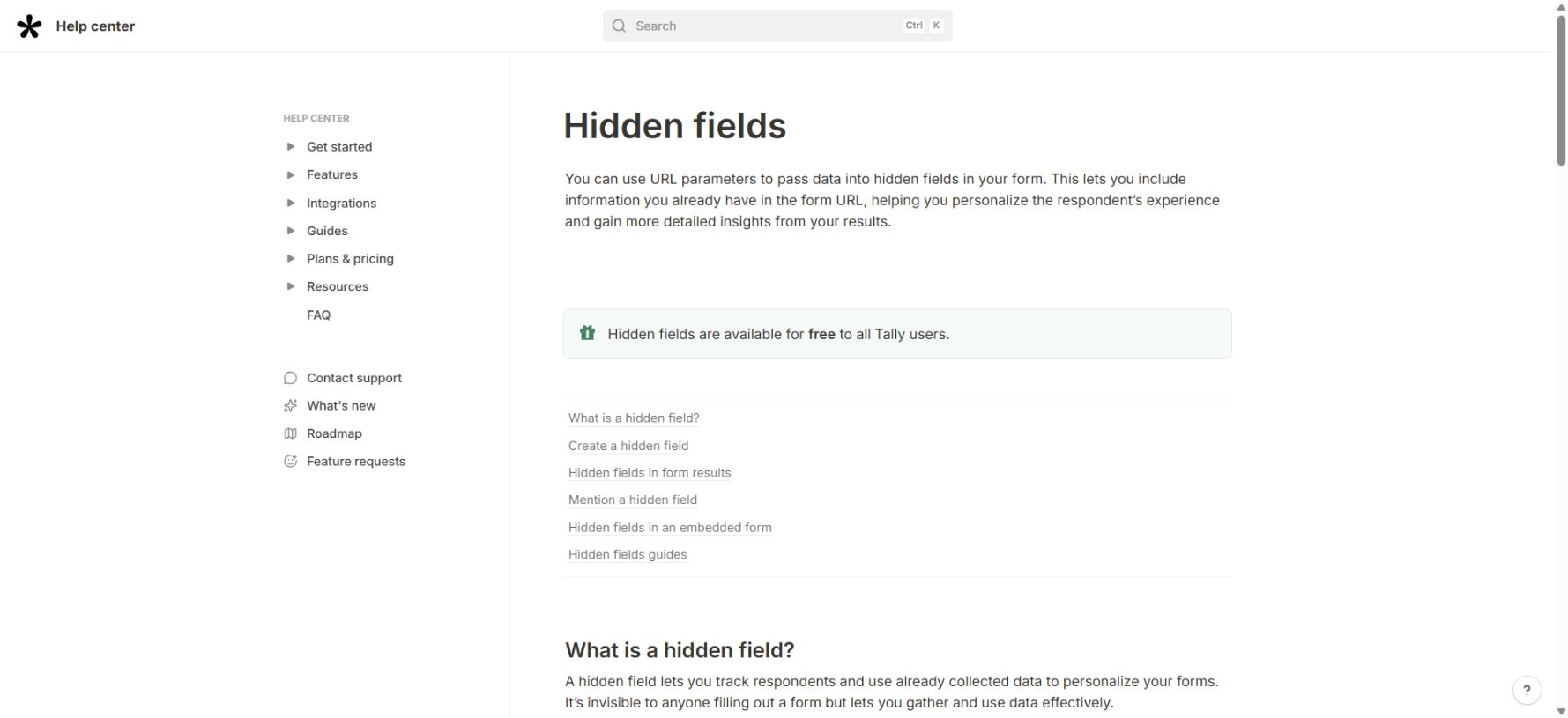
Tally’s public documentation shows how to carry a campaign label into a submitted form. Source -
Offer available visits and close the loop Verify the existing customer and service record before booking.Stop invitations after a reply, booking or opt-out.
Match each request to the correct property and customer record. Dispatch confirms the service, terms and available appointment before moving it to confirmed. Update the waitlist after a cancellation so the next eligible customer receives a real offer.
With PipelineOn already live, available returning-page activity can help your office review an existing customer record. Corroborate the connection and keep uncertain matches separate. A return visit does not join the waitlist or reserve a slot. Track eligible invitations, requests, confirmed visits, completed tune-ups and staff time.
What to measure
Send the next invitation group when dispatch has room and the office has cleared the current requests. Review completed tune-ups and unfilled slots alongside the waitlist size.