Carry yard and gate questions from Messenger into a fence estimate
A yard photo can start a useful conversation without establishing a boundary or fence length. Preserve the customer's goal and gate needs before booking. The estimator should receive those questions on the actual project.
Steps
-
Ask purpose and property first Collect gate use and access constraintsKeep dimensions and boundaries uncertain
Record address, requested fence purpose, gate needs and preferred callback. Let the customer say they do not know the length or boundary status.
Keep the photo as context. Your estimator determines what measurements, evidence and approvals the project requires.
-
Verify the Messenger handoff Test the intended Page and inboxAssign one conversation owner
HighLevel documents Messenger reception in Conversations. Test the business Page your customers actually use.
The shared image shows an example inbox. Confirm your office preserves purpose, property and conversation link before sending dates.
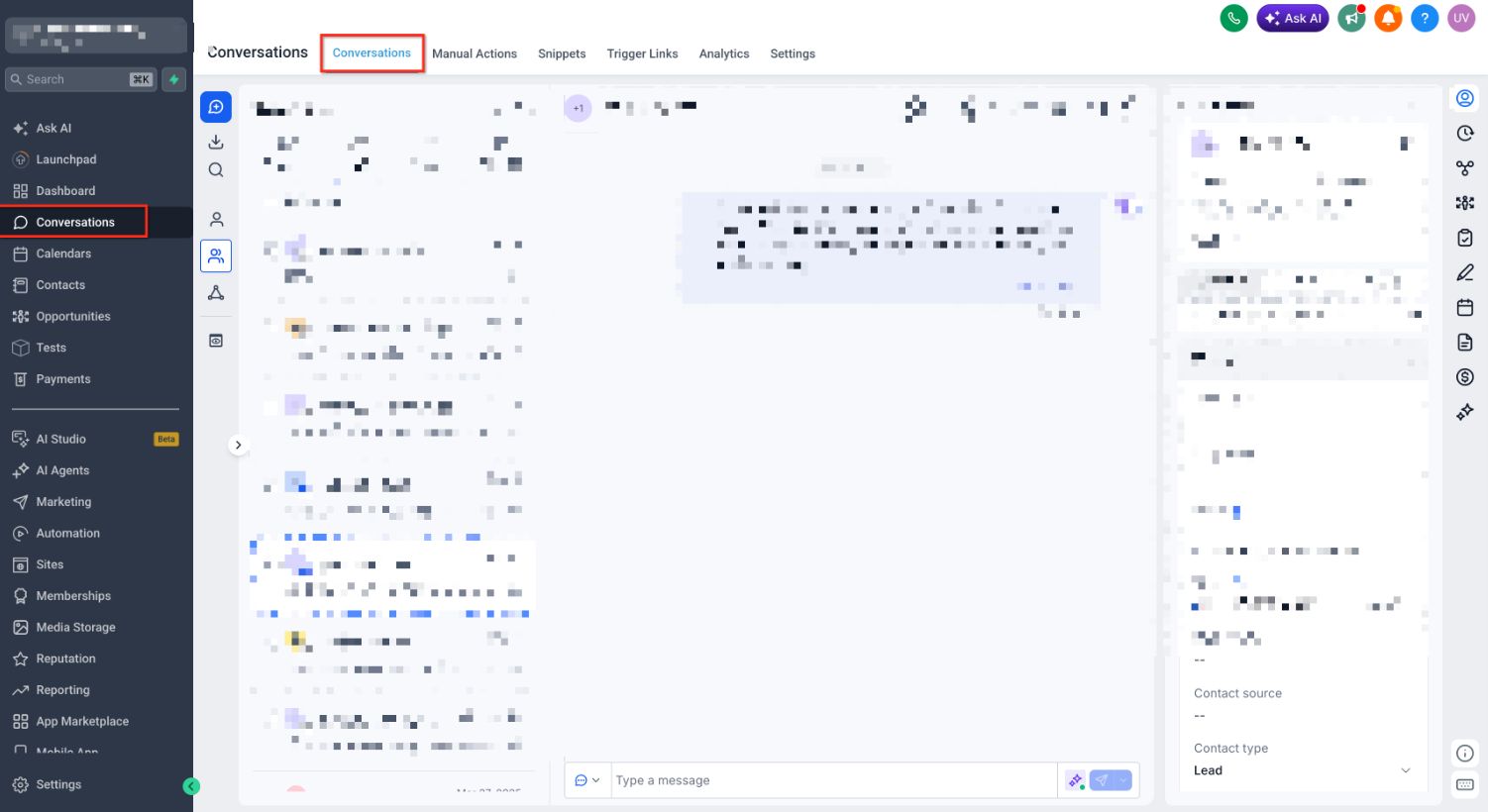
HighLevel’s example shows where incoming Messenger threads appear in Conversations. Source -
Offer the relevant site estimate Explain terms and required participantsCheck the existing property project
Send the page for the requested service and confirm territory and access authority. Keep unknown technical answers usable.
Run a controlled booking and inspect owner, local time and transferred notes. A link click alone is separate from an appointment.
-
Review conversations without bookings Check recent replies and calendar firstUse permitted follow-up
Before another message, check whether the person booked through a different route. Respect current platform limits and contact preferences.
Record missing boundary information, no suitable time, unclear fee and no reply separately. Measure attended estimates and completed installations.
What to measure
Review a few nonbookers with the estimator. Improve the handoff around actual unanswered scope or scheduling questions.