Facebook ads for painters that lead to exterior estimates
If you want more exterior painting leads from Facebook, pick one job you’d be happy to repeat. Show the before and after, send people to an exterior estimate page, and check what the office actually receives. Then give your estimator a short list of additional households worth reviewing.
Steps
-
Give the ad one painting job to sell Choose exterior repainting and the neighborhoods your crew serves.Send the ad to a matching page with one estimate request.
Use a before-and-after pair from the same exterior job, ideally from the same angle. Show the finished house clearly and check the crop in each placement. Put the neighborhoods you serve in the ad and say what an estimate includes.
In Ads Manager, start a Leads campaign with the website destination if your account offers it. At ad set level, start with the area your crew serves and the verified website event for an accepted request. Keep one exterior offer and open the tagged link from your phone before you launch.
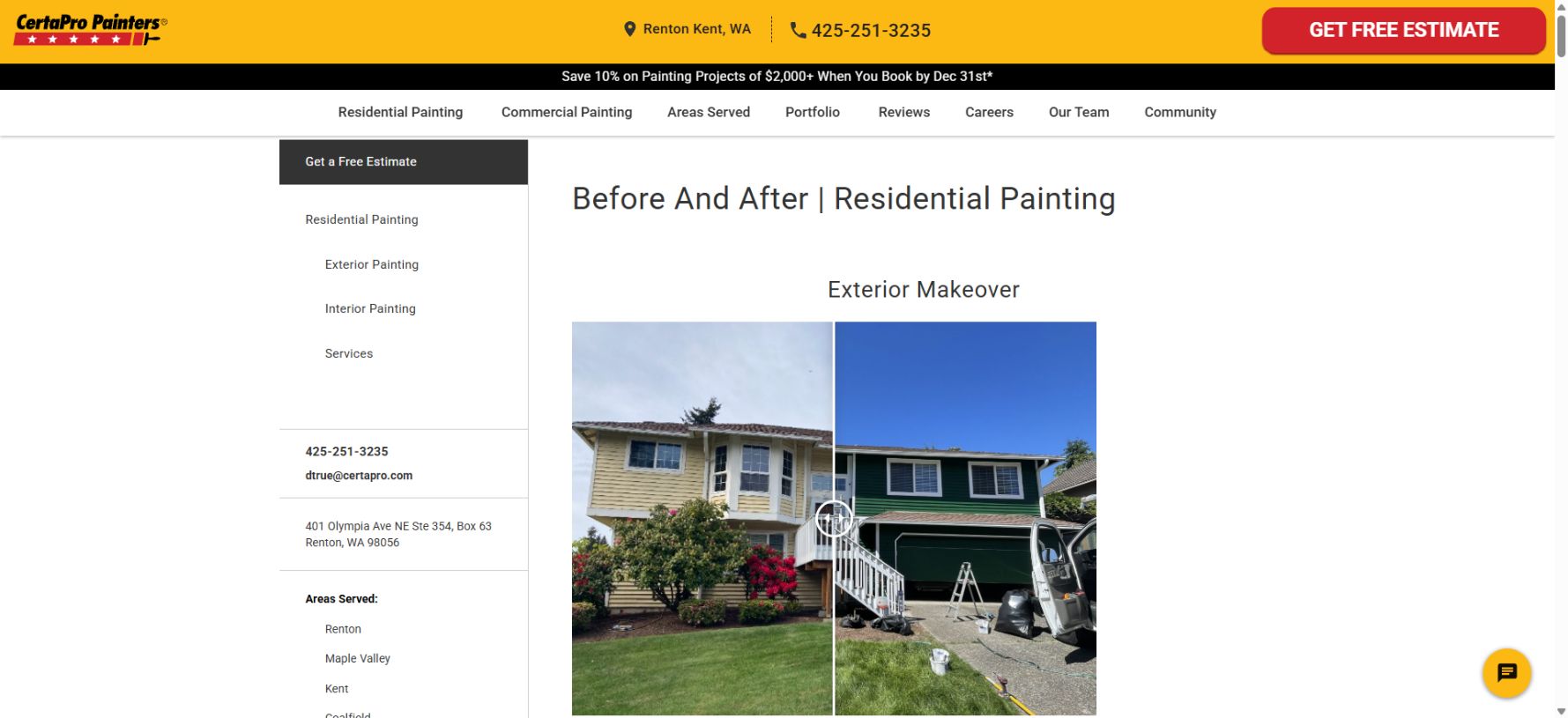
CertaPro of Renton and Kent shows the same exterior before and after painting. Photograph both views on a job you have permission to share. Source -
Make one fast page for exterior estimates Build the page around exterior painting.Make the gallery and estimate form fast on a phone.Install and test the Meta Pixel on the published page.
Put a finished exterior, the neighborhoods you serve and the estimate button near the top. CertaPro’s exterior service page is a useful reference for keeping preparation, scope and the estimate request on one page. Use your own photos and an offer your crew can honor.
Put only the best photo up front. Compress it and set explicit dimensions. Lazy-load gallery photos farther down. Try the form and tap-to-call on a real phone and use mobile PageSpeed Insights on the exact URL.
Connect the right Meta Pixel in Events Manager. Test that the lead event fires when the form accepts the request and that the office sees the same submission. A button press alone belongs in a separate diagnostic event.
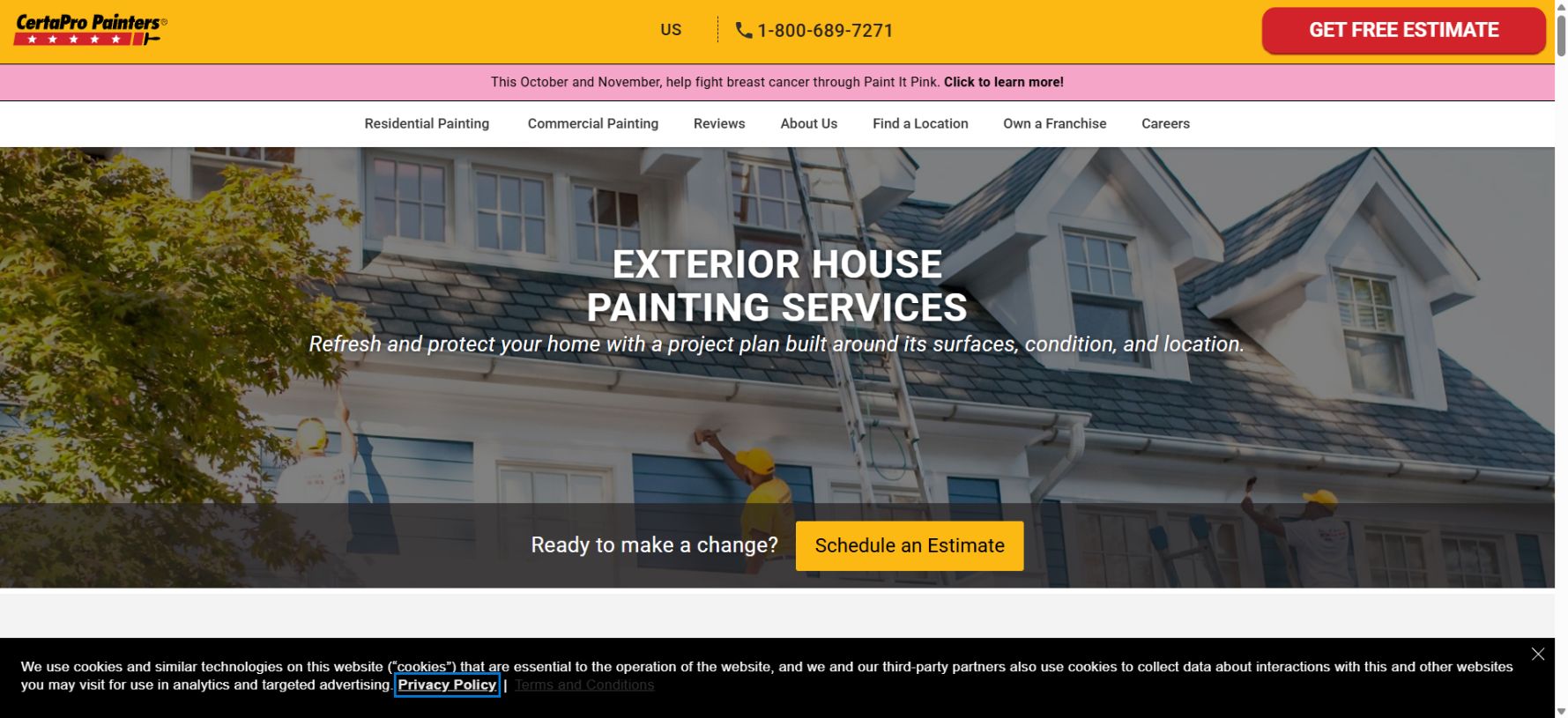
CertaPro’s exterior-only service page gives shoppers an estimate request at the top. Source -
Find where the estimate request stalls Check visits, form opens and accepted requests in PostHog.Fix the biggest visible problem and repeat the test.
Follow PostHog's installation and privacy instructions. Keep contact fields masked and check the recording yourself before inviting the office to review sessions.
Use a funnel for the exterior page visit, form open and accepted request. Compare the same campaign and device type. If replay is enabled, use a masked recording to see whether a slow gallery or unclear field explains the drop. Make one repair and send another test request.
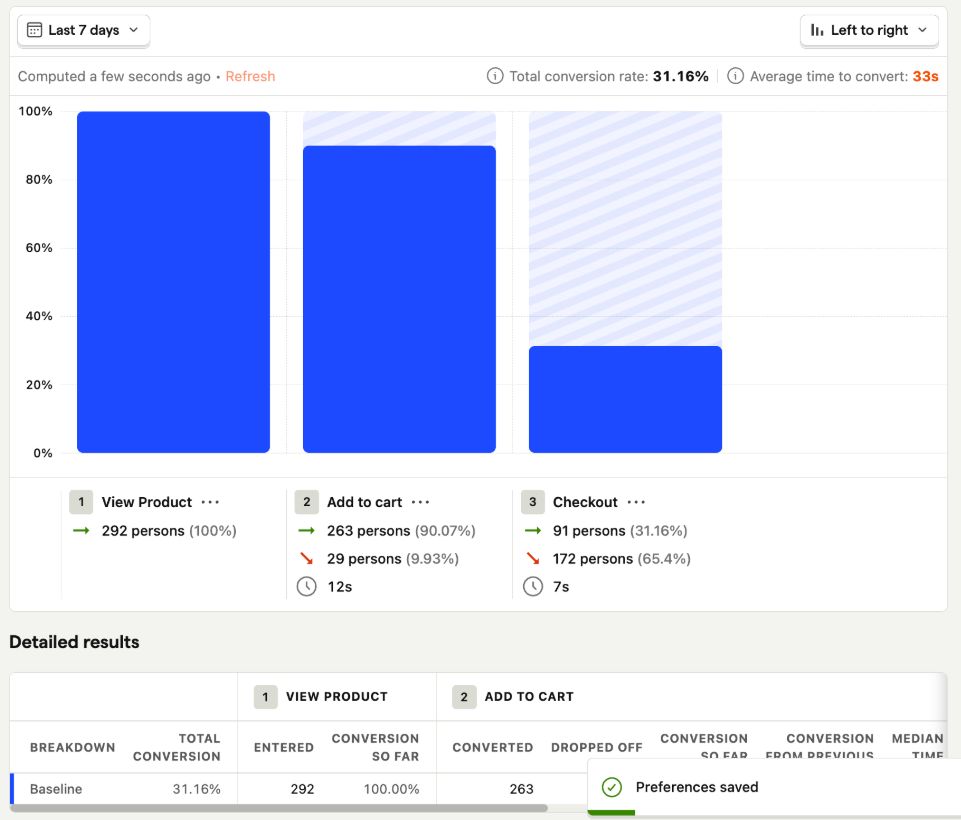
PostHog’s sample funnel. Substitute your page visit, form open and accepted request. Source -
Give the estimator a checked priority list Work submitted estimate requests first.Review available PipelineOn matches against existing customer and estimate records.
PipelineOn can identify some homeowners visiting your website and show available contact details and page activity. Review an exterior-page match for service-area fit, then check whether your office already has an open estimate or a booked visit. Keep the source labeled as a website match.
Give the sales manager a small list of eligible in-area households with strong exterior service fit and a usable number. Work the submitted requests first. For eligible lower-priority contacts, offer a simple prep checklist and an invitation to request an estimate by email. Record booked visits and jobs sold under the original source.

PipelineOn’s public demo record shows where the visit came from and which pages were viewed. Source
What to measure
Review suitable requests, estimates booked and jobs sold beside campaign spend. Use recording faults to improve the page and estimator outcomes to decide which follow-up deserves another test.