Turn installed-system records into useful filter replacement reminders
An owner returns to your filter page after an install and can’t tell which cartridge fits. A reminder earns its keep when it points them to the right system and lets the office check the choice.
Steps
-
Review installed systems before writing the email Confirm equipment from the job recordKeep unknown models out of product-specific offers
Pull installation records with the hardware recorded. Ask a service lead which part numbers and service options are still current.
Route unknown or changed systems to a short review. Write the reminder for the actual customer and any service interval supported by company records and manufacturer guidance.
-
Link to the exact replacement choice Give owners a way to check compatibilityUse a safe default for an unknown model
Use a campaign link to the right model page if your CRM supports it. Test it and confirm the office can find the event on a sample contact.
Give the customer a reply option to request help without typing equipment or contact details into a tracked link.
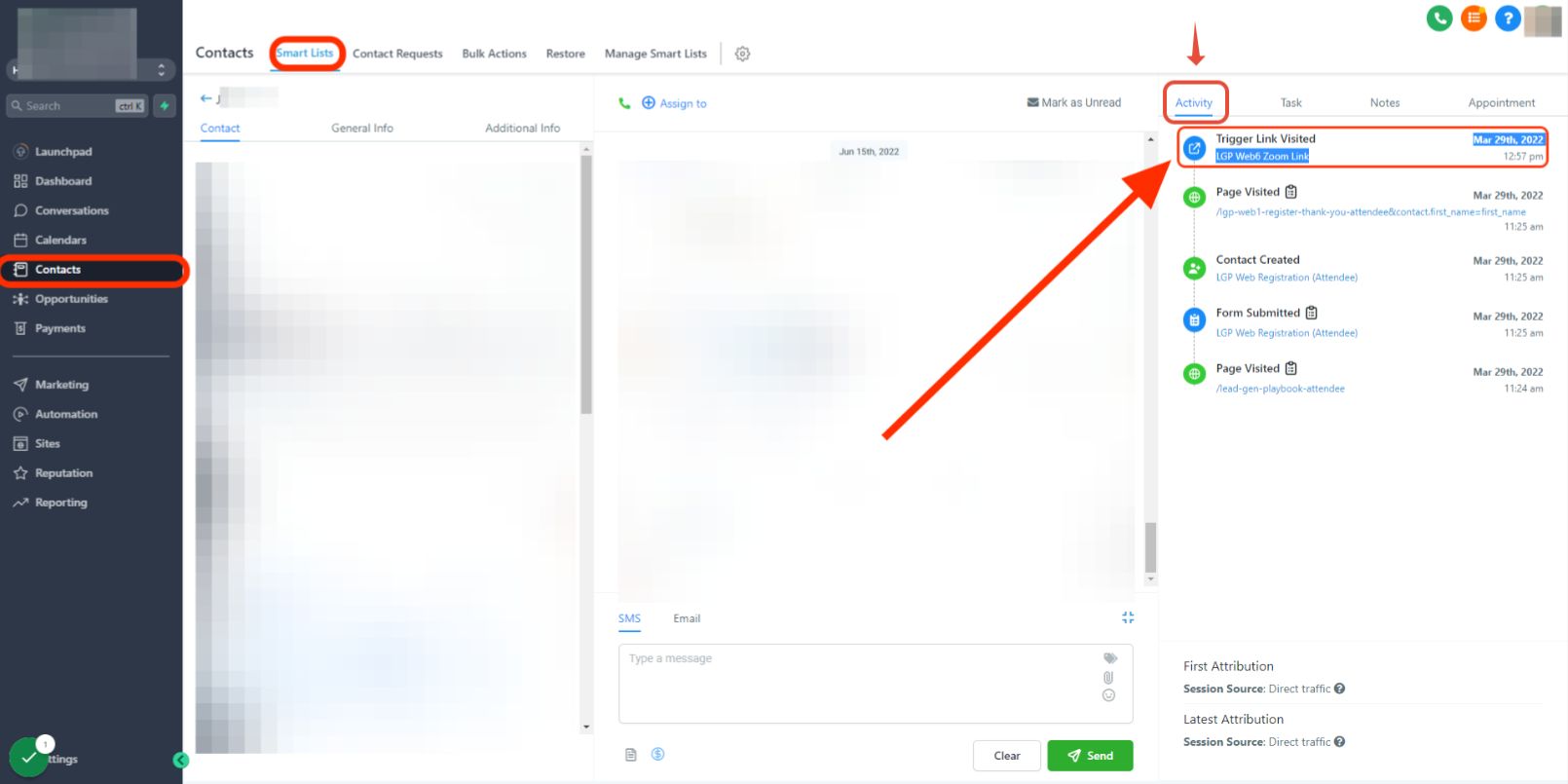
HighLevel’s trigger-link example. Use the CRM’s record of the click alongside verified activity. Source -
Follow up on the confirmed question Check an outstanding order or active service caseSend a verified part or an appointment option
An eligible PipelineOn match and relevant page visit can help the office decide which customer context to review. Confirm what the owner is looking for before preparing an order.
Use one contact owner so installation, service and fulfillment do not all reach out about the same event.
-
Check compatibility outcomes and repeat orders Count correct replacements fulfilledReview unresolved compatibility questions
Audit wrong-part returns and requests waiting on system identification. Ask where the record stopped being clear.
Update the product or service page with the most common question your company can answer accurately.
What to measure
Send a reminder people can act on once you have enough equipment information to guide the next step.