Turn siding visualizer images into a measured project brief
A customer’s digital exterior concept can explain a preference while the estimator still needs the actual building scope.
Steps
-
Identify what the image represents Ask which features are conceptsKeep existing conditions separate
Ask the customer what they want to change and which parts of the image are generated or edited.
Request available actual exterior photos through the agreed route. Have the estimator verify site conditions before pricing.
-
Keep the concept request traceable Carry a visualizer-source labelTest the brief receipt
Use a Tally request link with a neutral concept-review hidden field and questions about the desired change.
Submit a test and confirm the estimator receives the image’s status and the customer’s actual preference.
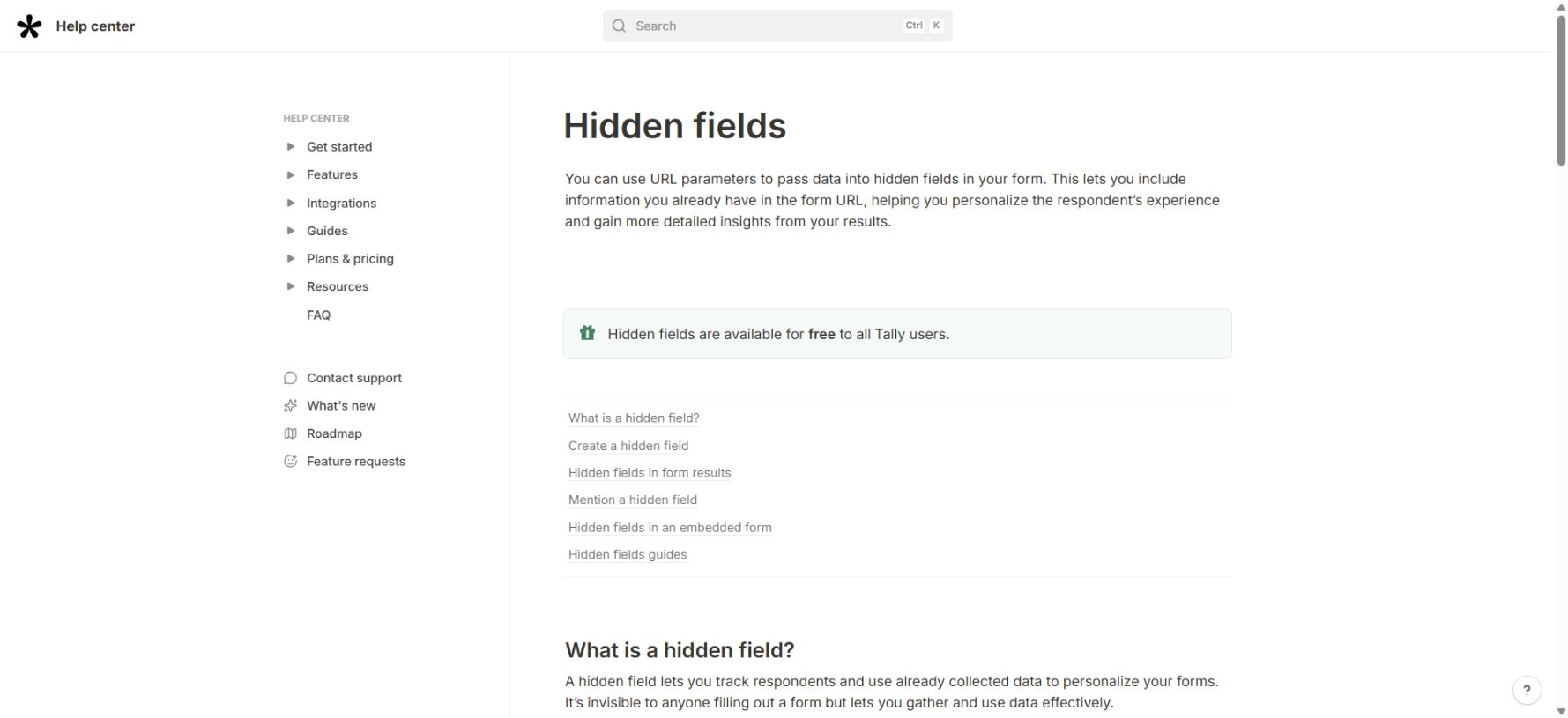
Tally’s public documentation shows how to carry a campaign label into a submitted form. Source -
Translate preferences into review questions List proposed materials and areasAssign measurement work
Give the estimator a brief distinguishing color preference, material choice and changes to openings or trim.
Have the qualified team decide what can be assessed and which parts need site measurements or further design.
-
Record a supported scope Save the measured proposal versionRetain the concept reference
Keep the concept labeled in the project record and identify the actual scope issued for approval.
Track revisions caused by customers assuming the image established price or construction feasibility.
What to measure
Use the concept to start the conversation and the verified site scope to prepare the proposal.