Turn a siding sample handout into a scoped consultation
A customer can leave your showroom with a siding color in mind and no defined project. Give the handout a useful site destination. Your office can collect the property, requested scope and sample interests before arranging an estimator visit.
Steps
-
Connect the samples to the services you install Use actual supported product optionsExplain consultation scopeKeep material selection provisional
Build a page showing products your company actually offers and what the consultation covers. State territory, any fee and the difference between discussing samples and approving an installation specification.
James Hardie provides a manufacturer sample-request page for its siding products. Use manufacturer information to identify actual samples, then verify your own supplier availability. Do not imply every displayed product is available for every customer location.
-
Carry the showroom handout into the request Use a stable QR destinationCollect property and project scopeSave a neutral source label
Give the handout a readable site address and QR. Ask for contact details, service address, repair or replacement scope and sample names if known. Allow undecided choices so the customer can request advice.
Tally's shared documentation screenshot shows campaign labels passed into hidden fields. Use a showroom or handout-version label, keep personal details out of the URL and verify the label on a submission from the printed piece.
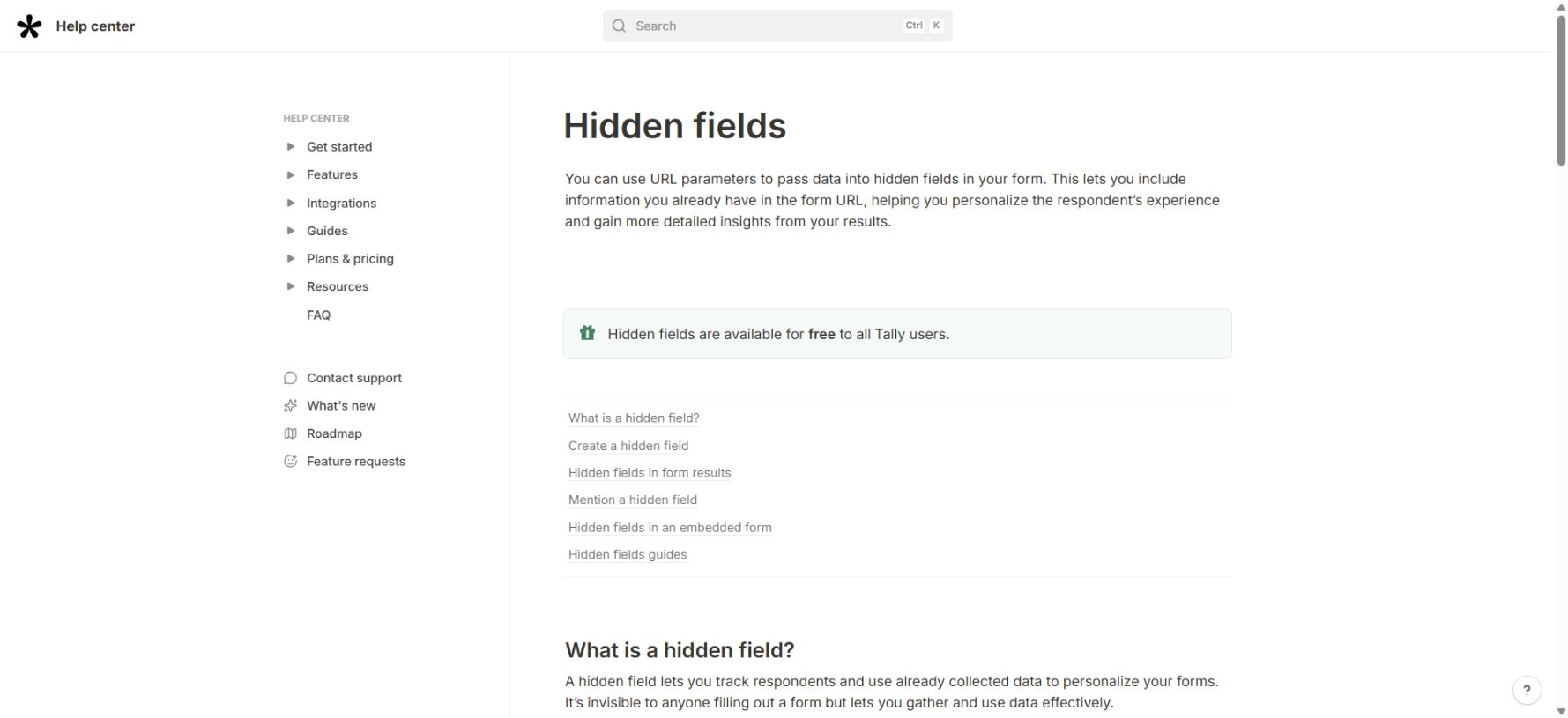
Tally’s public documentation shows how to carry a campaign label into a submitted form. Source -
Give the estimator the project context Check an existing quote firstConfirm access and actual service fitPass sample preferences as preferences
Search the CRM for the property and any active siding quote. Attach the request to the correct opportunity and assign the estimator. Confirm the customer can arrange access and that the property is within your service area.
Give the estimator the requested scope and sample interests. Keep substrate, removal, detailing and final material suitability subject to assessment. A selected color does not establish the concealed work required for the installation.
When a verified PipelineOn match returns to the sample or consultation page, have the showroom rep check the open record before scheduling another call. Confirm the selected product and requested work with the customer before moving the estimate forward.
-
Measure consultations through defined proposals Track attended consultationsKeep source and sample notes togetherReview sold and completed work
Record handout requests, qualified appointments, completed assessments, proposals and accepted installations. Count one property project once when the customer later calls or scans again.
Review projects delayed by unavailable material or an unclear initial scope. Improve the page and showroom explanation around those questions. Compare the staff time and completed work before increasing distribution.
What to measure
Print a small batch after one test request reaches the estimator. The handout should preserve useful preferences while leaving the technical scope for the visit.