Turn a multi-building roofing inquiry into a verified survey list
A property manager sends one email asking for estimates at several buildings. Your office needs a structure-level list so the survey and proposals cover the intended work.
Steps
-
Create the requested building list Separate service addresses and structuresRecord the manager's reference
Ask which buildings or roof areas are included and who can arrange access. Preserve the customer's identifiers alongside addresses.
Record reported concerns for each structure without assigning one building's condition to the rest.
-
Keep the intake source usable Label the portfolio request routeKeep tenant information out of URLs
Tally hidden fields support source labels passed in URL parameters. Use a neutral portfolio-referral label if you provide a request link.
The shared Tally image illustrates the mechanism. Keep building lists and confidential access details in the approved project record.
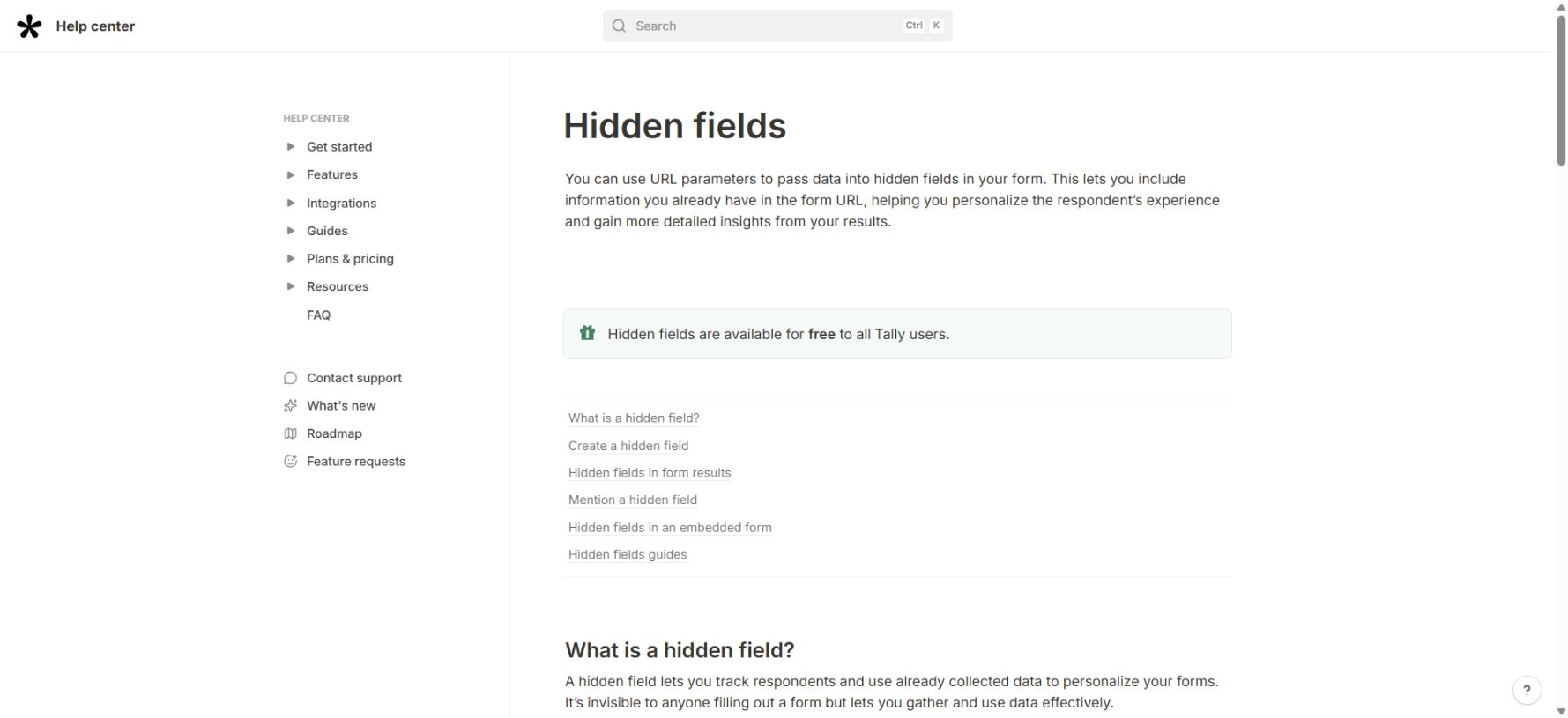
Tally’s public documentation shows how to carry a campaign label into a submitted form. Source -
Have estimating accept the survey scope Review structure count and accessAssign a lead and next deliverable
The roofing lead should decide whether to survey all requested structures or phase the review. Confirm the accepted scope with the manager.
Record who receives each proposal and who can approve work. Do not assume one property's authorization applies to the full portfolio.
-
Reconcile field and proposal lists Check every requested structureTrack omitted or duplicated assessments
Compare the approved survey list with completed field records and proposal references.
Review missing buildings, wrong addresses and access failures. Correct the list before counting the portfolio as a completed estimating opportunity.
What to measure
Use a verified structure list as the handoff. One email may represent several distinct assessments and approvals.