Ask completed roofing customers for an honest review through a tested card
A closeout card can make it easy for a roofing customer to share their experience. Keep the request accurate and separate from resolving any open service concern.
Steps
-
Choose a consistent completed-job rule Use real customer experiencesKeep service concerns owned
Define when your team sends the request after the work and closeout communication. Apply the rule consistently.
Assign unresolved concerns to the service team. Do not make support conditional on a public review or ask the customer to change a review to receive help.
-
Verify the official review destination Use the actual Business Profile linkAvoid incentives
Google documents using a review link or QR code and prohibits incentives for posting, changing or removing reviews.
Open the final destination with a staff device and confirm it identifies the correct business. Keep the request for honest feedback.
-
Test the card's customer route Check the printed QR and readable URLUse only neutral tracking labels
If the card includes a separate feedback form, Tally hidden fields can retain a neutral source label. The shared image illustrates that mechanism.
Keep the public review destination clear and avoid routing only favorable feedback to it. Do not put personal customer details in a printed URL.
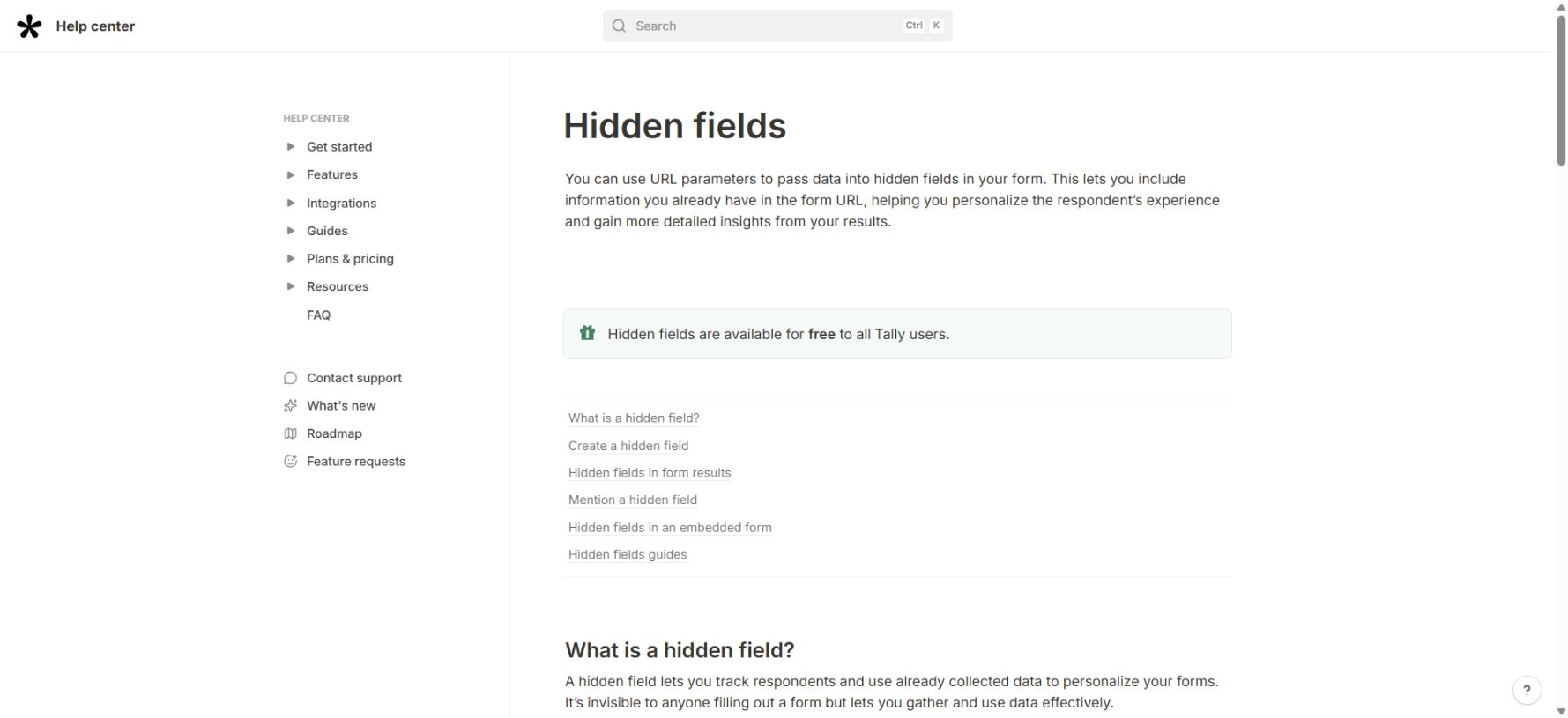
Tally’s public documentation shows how to carry a campaign label into a submitted form. Source -
Review delivery and privacy Count requests delivered accuratelyKeep public replies free of private details
Track cards sent from the actual completed-job list and investigate wrong-profile or broken-link reports.
Google's review guidance advises protecting privacy in public replies. Move project-specific service details into a private monitored conversation.
What to measure
The card should make an honest review easy. Use real completed work and give open service issues their own owner.