Reschedule a plumbing estimate without reserving two crew windows
A customer moves a plumbing estimate through a calendar link, then calls to check. Your office needs one current visit and a clear record of what changed.
Steps
-
Choose the reschedule owner Keep the original appointment referenceIdentify the correct property and visit
Record the customer's requested change against the existing estimate. Check whether the visit involves a shared crew or a specialist.
Do not treat the incoming call as a second estimate request. Assign one office user to reconcile the change across scheduling and CRM.
-
Inspect the calendar record Check the actual new time and time zoneVerify the old reservation status
HighLevel documents embedding a calendar, which displays the configured booking experience. The shared calendar is an example and does not prove your reschedule path works.
Run a marked staff booking through the actual customer reschedule link. Inspect both the appointment record and the old capacity slot.
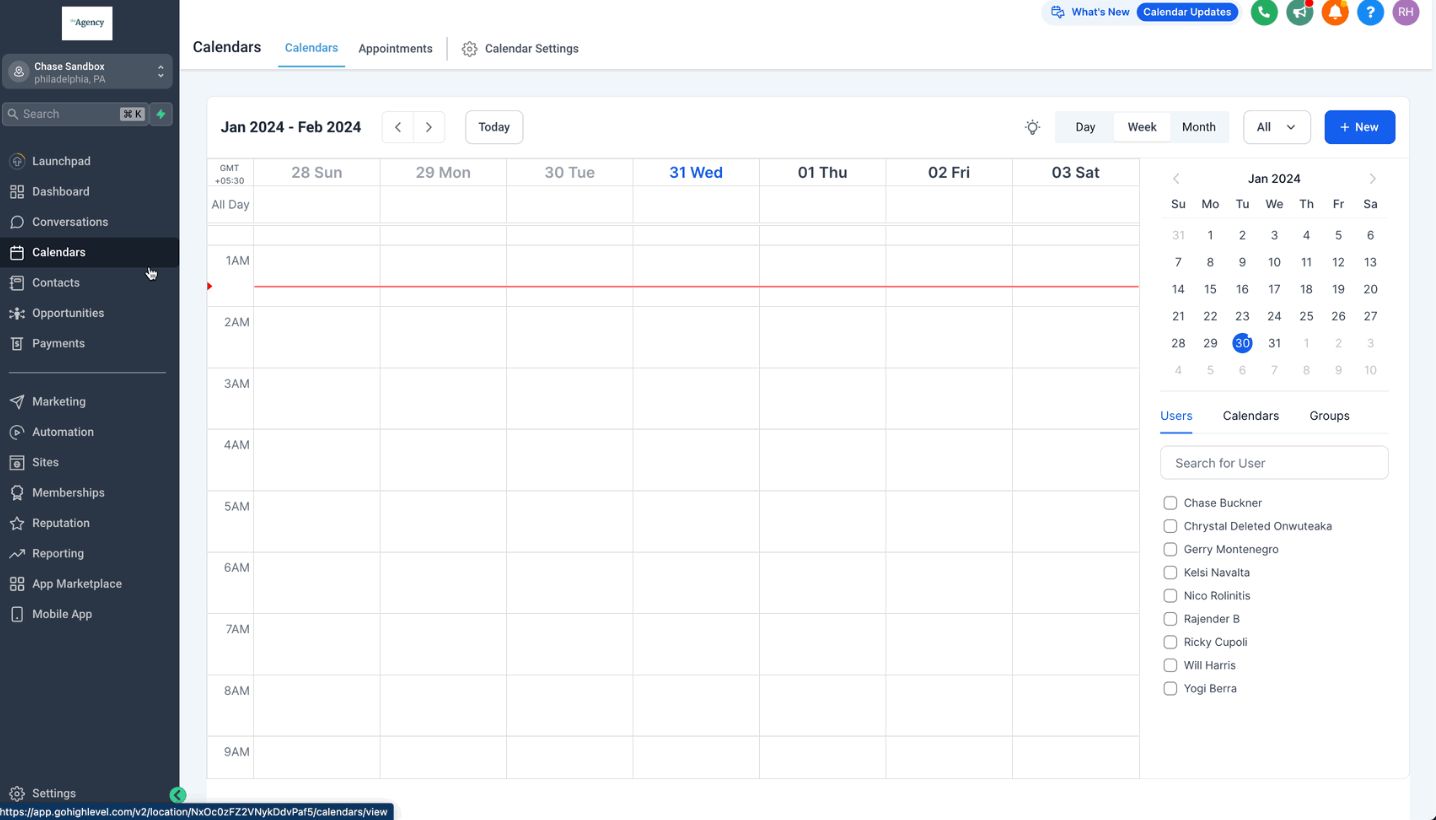
HighLevel’s internal calendar view. After a test booking, check that the appointment appears in the correct calendar. Source -
Read back one confirmed visit Check the crew and access detailsSend an accurate confirmation
Verify the replacement window against the real crew schedule and service area. Retain preparation and access notes from the existing appointment.
Tell the customer which date is now confirmed and how to contact the office if the link fails. Remove only the superseded reservation or equivalent reminder.
-
Audit the change Count duplicate reservationsCheck reminders after the change
Test a second reschedule and a cancellation with staff records. Confirm reminders reference the latest active appointment.
Measure reschedules completed, conflicting reservations and office corrections. A successful link click is insufficient evidence that the crew calendar changed.
What to measure
Finish by reading back the single active appointment. The crew schedule and CRM should agree before the office closes the request.