Use an approved kitchen walkthrough event to prepare consultations
A customer may agree to let your team host a finished-kitchen walkthrough. Plan the event so visitors can learn from real work and explicitly request a separate consultation.
Steps
-
Prepare a genuinely authorized event Get the host’s explicit agreementDefine what visitors can see
Confirm the property access, event window and photography arrangements with the host through your actual process.
Ask the designer what project decisions the walkthrough can explain and what requires a separate consultation.
-
Keep event requests traceable Use a neutral event codeTest the RSVP and consultation routes
Use Tally hidden fields to carry an event label into requests. Keep attendance interest separate from a consultation request.
Submit marked tests and confirm the office can tell which action each person requested.
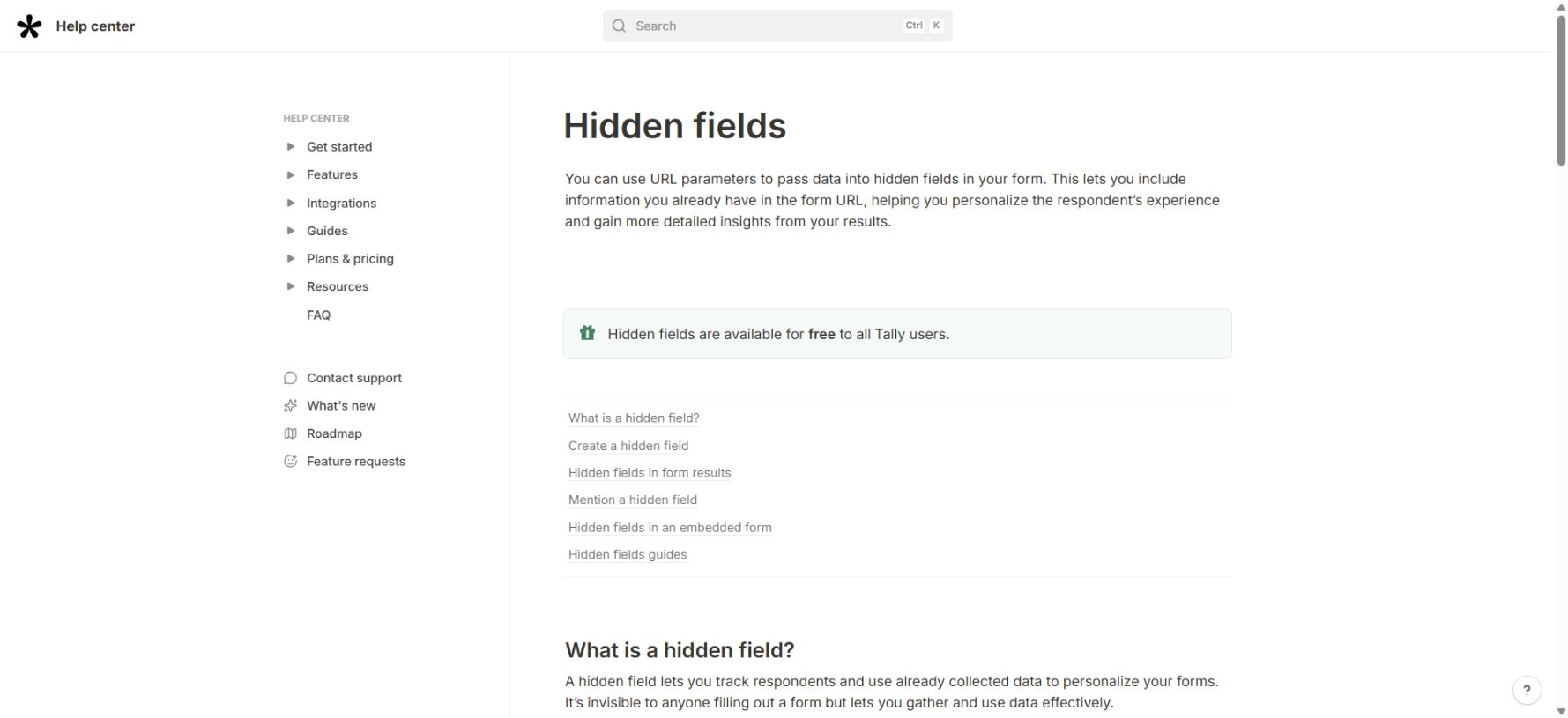
Tally’s public documentation shows how to carry a campaign label into a submitted form. Source -
Capture the visitor’s actual project question Ask whether a consultation is wantedAssign a designer after permission
At the event, record the prospective customer’s stated project and preferred next action through your approved intake.
Give actual consultation requests to one designer. A visitor attending the event has not automatically requested a quote.
-
Review consultations from the event Record actual attendanceCount attended designer meetings
Reconcile event attendance with distinct requested and attended consultations. Keep hosts and internal staff out of prospect results.
Compare the event’s actual costs with the project conversations and later supported scopes it generated.
What to measure
The event should lead to explicit project conversations your designer can use.