Carry garage door Messenger answers into the correct booking
Messenger can mix opener questions, door repairs and replacement ideas. Save what the person actually requested before moving them to your site. A booking should preserve that context for the responsible team.
Steps
-
Ask the service question first Collect property and reported issueSeparate repair and replacement goals
Ask what help is needed and the service area. Let the customer describe the issue without requiring a technical diagnosis.
Use your approved staffed escalation for reported unsafe conditions. Keep remote adjustment instructions outside marketing intake.
-
Verify inbox and CRM delivery Test the actual business PageAssign one conversation owner
HighLevel documents receiving and replying to Messenger in Conversations. Run the test through the Page your customers use.
The shared screenshot shows its example inbox. Inspect your own saved property, request type and conversation link before sharing dates.
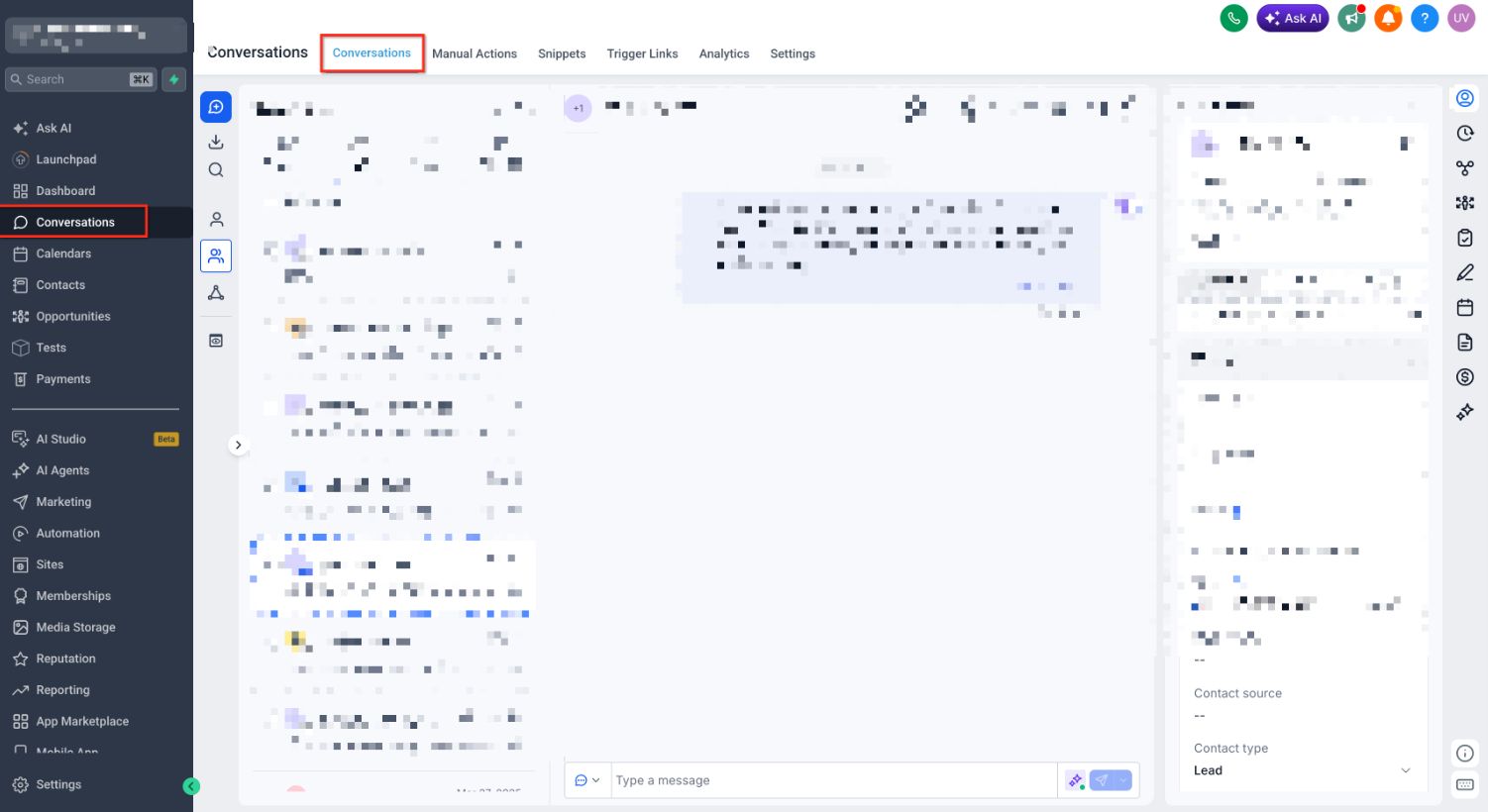
HighLevel’s example shows where incoming Messenger threads appear in Conversations. Source -
Offer the relevant site appointment Explain visit purpose and feesCheck existing jobs before reserving
Send the page for the confirmed requested service. Have staff review uncertain cases and actual availability.
Complete one controlled booking for repair and one for replacement. Inspect owner, property, time and transferred notes in the owning job system.
-
Review qualified conversations without appointments Check recent replies and calendar firstRespect current messaging limits
Before following up, check whether the person booked elsewhere in your process. Use the platform's permitted response route.
Track unsuitable scope, no available time, unclear terms and no response separately. Measure attended appointments and completed jobs.
What to measure
Review a small group of nonbookers with the service owner. Improve the question or booking explanation that repeatedly causes a handoff gap.