Move panel-upgrade Messenger inquiries into verified assessments
A panel-upgrade conversation can stop after your office sends a calendar link. Save the request before that handoff, then check whether the customer booked. Your electrician needs the proposed project and actual property, with technical capacity left for professional review.
Steps
-
Capture the project behind the panel question Ask what work the customer is planningConfirm service location and contact
Ask whether the inquiry concerns an EV charger, renovation, other added equipment or a general assessment. Collect service location and callback details. Keep reported concerns in the customer's words.
Use your staffed escalation process for reported urgent issues. Avoid diagnosing a fault or deciding panel adequacy from a message. Explain the assessment your electrician provides and when the office replies.
-
Verify the Messenger thread and CRM handoff Test the correct Page and inboxSave the request before offering dates
HighLevel documents checking a connected Messenger thread in Conversations and replying from the inbox. Test that path through the Page your company advertises. Confirm who owns the incoming thread.
The shared Messenger screenshot is its documentation example. In your account, save the service property, project goal, conversation reference and owner. Check an existing panel quote before creating another assessment task.
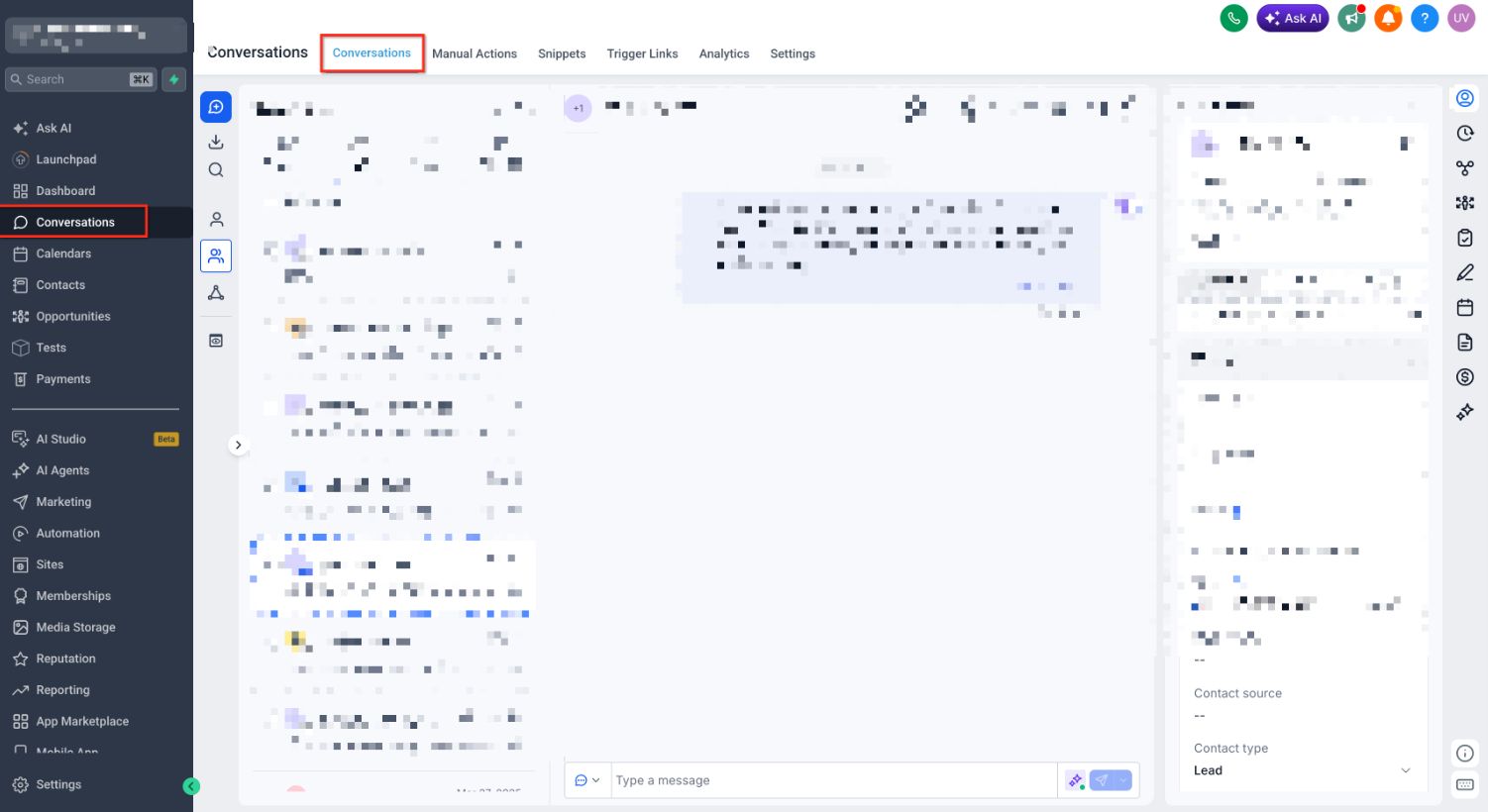
HighLevel’s example shows where incoming Messenger threads appear in Conversations. Source -
Send the relevant assessment page and verify booking Explain appointment purpose and termsInspect the resulting calendar record
Send a page explaining the assessment and any fee. Use the calendar that your electrical estimator actually covers. Offer a callback path when the customer cannot find a suitable time.
Complete a controlled booking and inspect contact, property, local time and estimator. Confirm the project goal remains attached. A link click or calendar view should stay separate from a saved appointment.
-
Review qualified nonbookers before another message Check the calendar and recent repliesRecord the reason and respect channel limits
Have the owner review serviceable requests with no confirmed appointment. Check for a booking under another contact detail before following up. Use the platform's current messaging rules and the customer's actual relationship.
Record unresolved timing, unclear fee, unsupported work and no response separately. Measure attended assessments and accepted proposals alongside conversations. If verified PipelineOn context is available, keep it additional to the saved request and avoid treating a page visit as booking intent.
What to measure
Review a small set of nonbookers with your estimator. Improve the handoff where a clearer answer or workable date would have completed the assessment request.