Turn an EV charging guide into a site-ready assessment request
An EV charging guide should lead readers toward the information your electrician needs for an assessment. Parking location, charger plans and service address can help your office arrange that visit. Keep electrical capacity and installation design with the qualified person inspecting the site.
Steps
-
Answer the planning questions before the form Explain what your assessment coversDescribe the parking information neededShow actual service coverage
Publish a charging assessment page beside your educational guide. Explain the visit, any assessment fee and which areas you serve. Show permitted examples of installations your own team completed and identify the relevant scope.
EPA's home charging guide notes that panel distance, installation location and electrical upgrades can affect installation costs. Use those factors to explain why your electrician reviews the property. Avoid promising a universal installation price from a photo.
-
Ask about the intended parking setup Collect property and parking locationAsk whether a charger is selectedAllow unknown equipment details
Ask for name, preferred contact, service address, vehicle or charging goal and where the vehicle normally parks. Ask whether equipment is already purchased. Provide an unsure option so the form captures honest information.
Make photos optional and request only accessible views of the intended location and closed equipment exterior. Ask nobody to remove covers or reach electrical equipment for marketing intake. Your electrician confirms capacity, suitability and applicable installation requirements.
-
Carry the guide source into the office request Use a guide campaign labelKeep personal details out of the URLVerify the accepted submission
Tally supports URL parameters passed into hidden fields. Use a neutral guide label so your office can distinguish this request from a general electrical repair. The shared Tally screenshot shows that mechanism in its public documentation.
Submit a test from the actual guide on a phone. Verify the source label, parking answers and optional photo arrive together. Check for an existing customer or charger quote before assigning the estimating electrician.
When PipelineOn returns an eligible match for the charging guide and survey page, check territory and search the CRM for an existing EV project. The estimator can then choose whether to review the record or wait for submitted parking and access details.
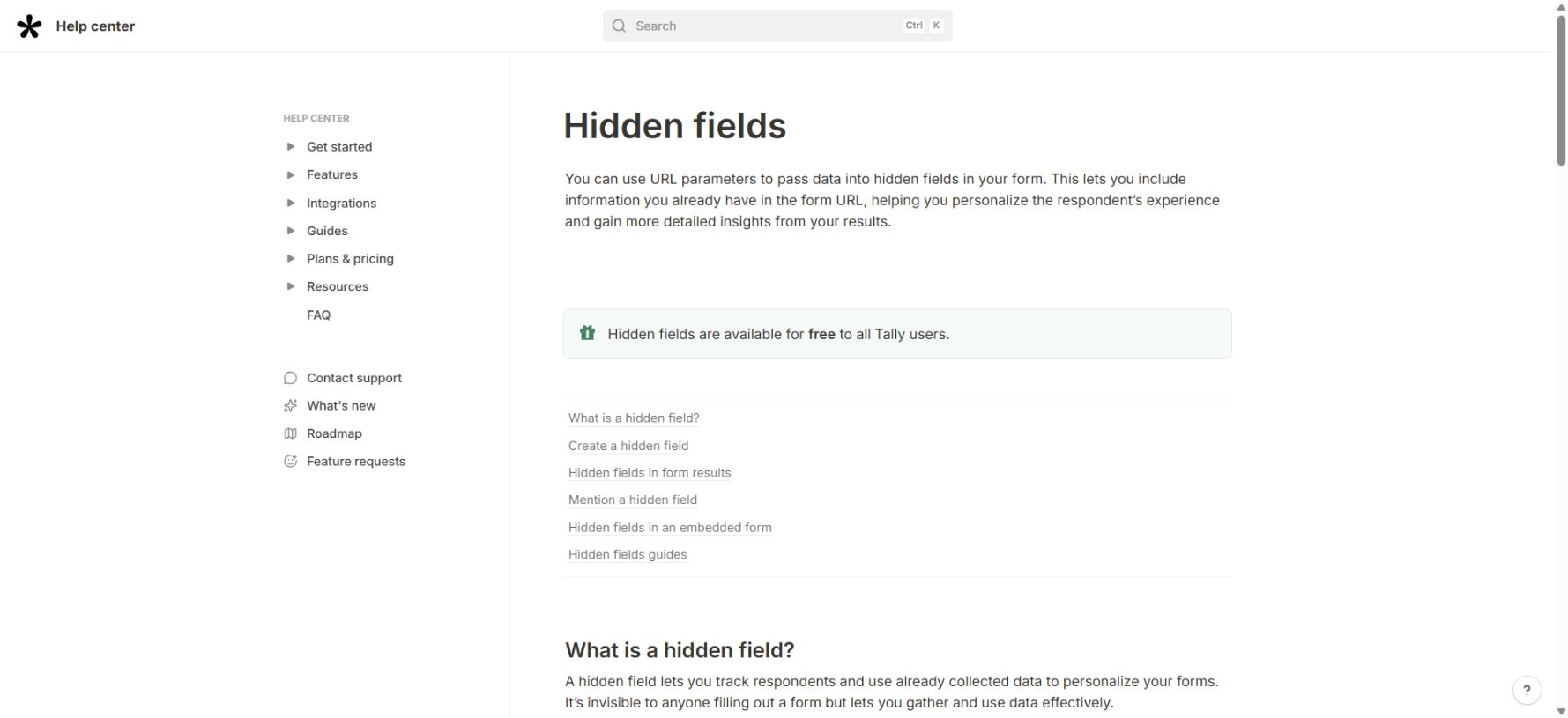
Tally’s public documentation shows how to carry a campaign label into a submitted form. Source -
Measure assessments that reach a scoped proposal Confirm territory and appointmentTrack completed assessmentsRecord why projects stop
Have the office confirm location, contact authorization and appointment availability. Give the electrician the customer's stated goal and collected information. Record the site assessment before sending a scoped installation proposal.
Track guide requests, qualified appointments, completed assessments, proposals and installed projects. Record outside-area properties, duplicate requests and scope changes. Use those outcomes to improve the guide and questions before increasing traffic.
What to measure
The guide earns the request by explaining what the electrician will check. The office earns a workable appointment by passing along accurate parking and project details.