Deliver completed sewer-camera records to the authorized recipient
A customer asks where their sewer-camera video went. Your office should locate the completed record and finish the delivery before creating another appointment.
Steps
-
Identify the completed visit Confirm property and inspection referenceRecord the requested recipient
Ask which inspection the request concerns and what record the customer expected. Accept an unknown visit reference for manual review.
Verify the requester's role through your approved process. A familiar address alone does not establish document authorization.
-
Find the delivery task Inspect the existing project historyAssign one office owner
Pipedrive's deal detail view supports review of the selected project and related information. Check your actual report storage and delivery record.
The shared Pipedrive image illustrates pipeline selection. It does not show a completed camera report or prove a file was delivered.
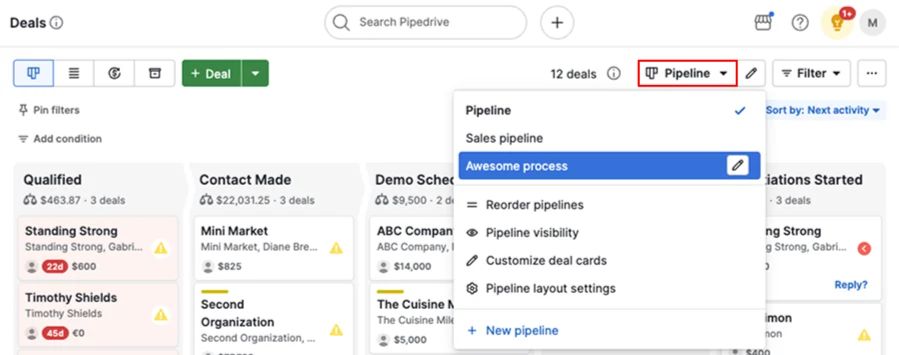
Pipedrive’s sample deal board shows the pipeline selector. Open the pipeline that contains the original proposal. Source -
Send the approved record Use the correct version and secure routePreserve inspection date and scope
Have the responsible professional confirm the approved record and any explanation needed for the documented scope.
Send it to the authorized recipient through your approved channel. Do not present earlier findings as a statement about current conditions.
-
Verify the delivery outcome Record sent and acknowledged statusReview repeated missing-record inquiries
Track the request until the office confirms the accepted delivery step. Keep any new inspection request separate.
Measure wrong links, inaccessible files and tasks mistakenly classified as new leads. Fix the document handoff responsible for the repeated calls.
What to measure
Complete the existing record delivery. A document question should not silently consume another service appointment.