Build an access checklist for sewer camera inspection requests
Your dispatcher needs more than “camera inspection” to arrange the right visit. Ask what the homeowner wants checked, where access may be available and what they already know. Give unsure answers a clear route to a callback before anyone promises the appointment.
Steps
-
Define the inspection request and urgent phone route State which inspection requests your crew accepts.Ask for the reported problem and reason for the inspection.
Build a dedicated sewer camera request page with your service area and actual visit process. Ask whether the request concerns a recurring problem, a property transaction or another reason. Let the homeowner describe any active backup in their own words. Your office should apply its normal urgent-call process when needed.
Collect the service address, authorized contact, callback number and any deadline the customer reports. Explain who confirms scope, access, fees and availability. Keep a visible phone route for people who need a timely human answer under the coverage you actually provide.
-
Ask what access is known without asking for repairs Offer known, unknown and not-accessible answers.Make photos optional and safe to obtain.
Ask whether the homeowner knows of an accessible cleanout and where they believe it is located. Include an unsure answer and a field for gates, pets, parking or permission needed to enter the property. Treat the answers as customer reports for your technician to review.
Invite an optional photo of an access point only if the customer can already see it safely. Tell them to leave caps and covers in place. For Tally, add an optional file-upload block, choose the allowed image types and check your account's file-size limits. The technician decides what access is suitable and what the visit requires.
-
Carry the source and test the complete request Save the inspection-page source with the accepted form.Test unknown access, missing photos and office delivery.
Add a hidden source field to your Tally form and pass sewer_camera_page from the published request page. Follow the embedded-form instructions when the form sits inside your website. Save the source with the accepted request and keep personal information out of the URL.
Submit a labeled test with unknown access and no photo. Repeat with a supported image and an out-of-area address. Check the confirmation, actual office destination and file access using the recipient's normal account. Verify any CRM connection before relying on it, or assign a manual transfer to a named person.
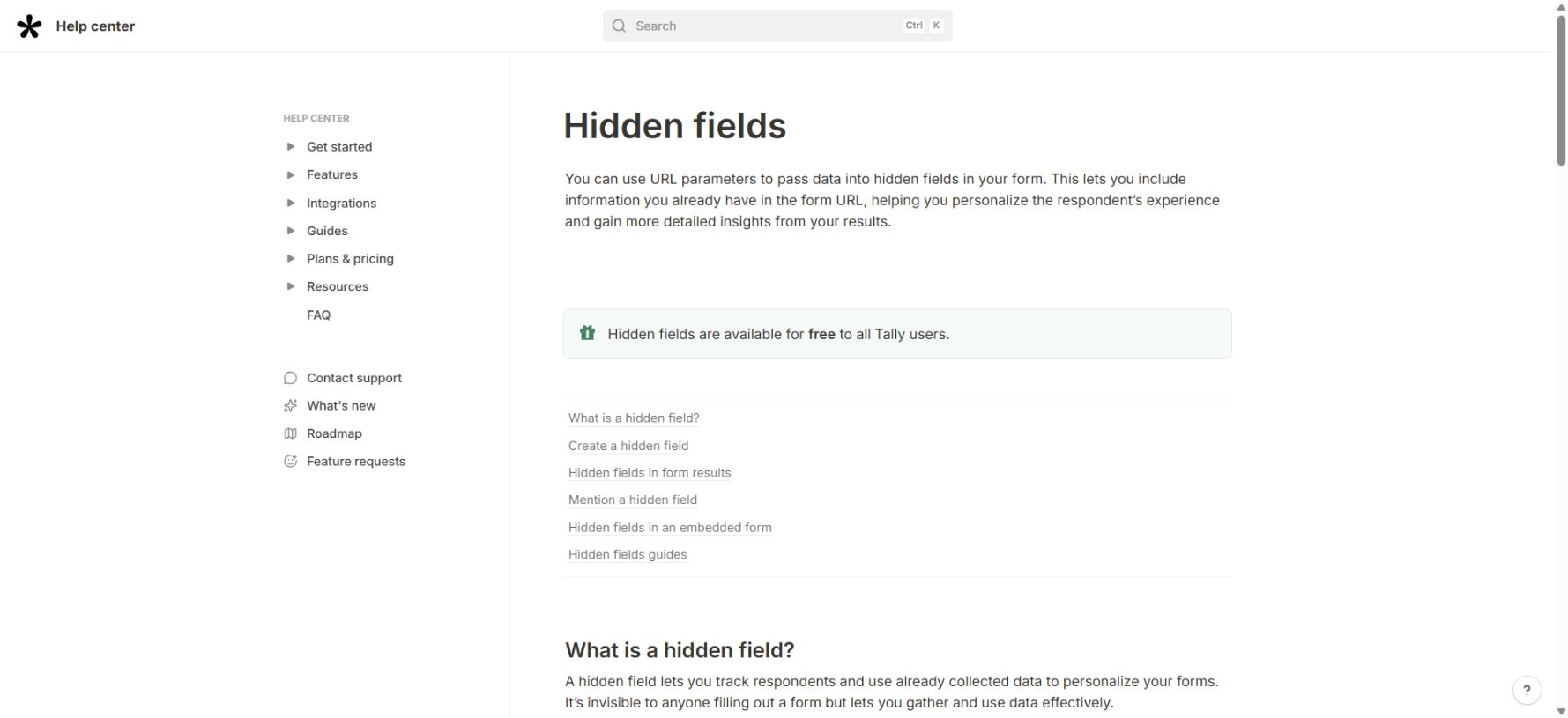
Tally’s public documentation shows how to carry a campaign label into a submitted form. Source -
Resolve access questions before confirming dispatch Check existing jobs and assign uncertain access to a callback.Record whether missing information prevented the visit.
Check the address and phone against existing jobs, then have your office confirm the reason for the inspection, authorized access and availability. Send technical uncertainties to the technician who can assess them. Keep requested, access reviewed, scheduled and completed states clear in your job system.
If PipelineOn is live, review available matches from the inspection page separately from submitted requests. Confirm an eligible contact's actual need before creating an inspection opportunity. Record completed visits and the reasons requests stopped, including territory, unresolved access, changed plans or another service being needed.
What to measure
Review accepted requests, callbacks needed to resolve access, scheduled inspections and completed visits. Change the checklist when the same missing answer repeatedly holds up dispatch.