Test after-hours voice intake for existing Christmas light displays
Separate a current display service request from a new installation inquiry before the phone agent offers a calendar slot.
Steps
-
Write the two call paths Identify existing-job questionsName the human escalation route
Ask for the service address and whether your crew installed the display. Record the caller’s description of the problem.
Have operations define which reports need a person and which callback calendar can be offered.
-
Configure and test the voice action Review eligible calendarsUse marked test calls
HighLevel Voice AI appointment actions depend on the configured calendars and availability. Inspect those settings for this intake.
Test an existing-display issue, a new quote and an unclear caller. Verify the actual appointment or human handoff after each.
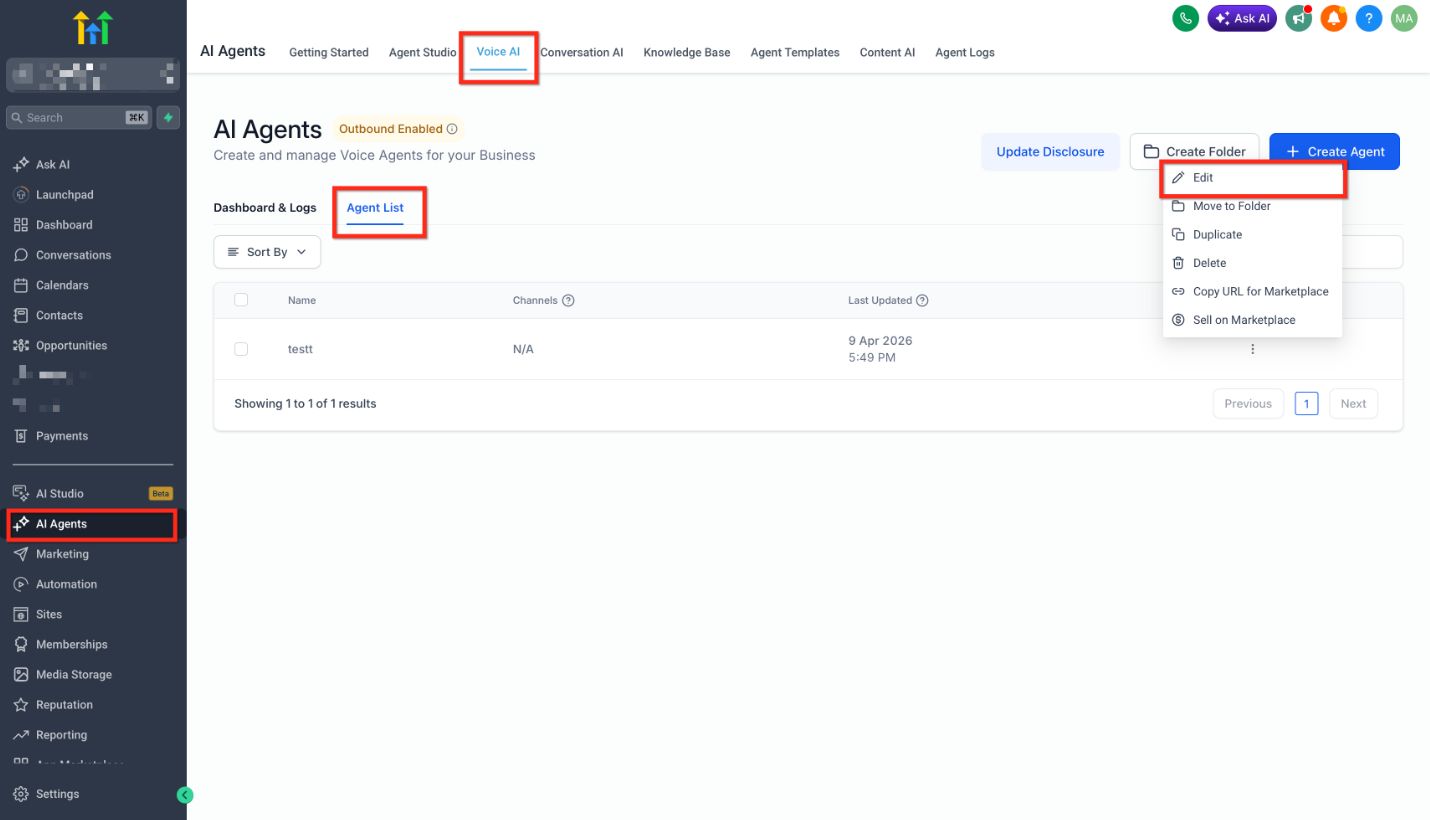
HighLevel’s public example of the Voice AI settings and action menu. Source -
Reconcile with the installed job Read current service notesAssign one owner
The office confirms the caller’s address against the existing installation and open service tasks. Keep ambiguous matches for review.
Give the installed-display issue to service and new work to estimating. Confirm the expected callback with the caller.
-
Audit call dispositions Count wrong-calendar bookingsRecord missed human handoffs
Compare the agent’s claimed outcome with the calendar and service record. Investigate each unsupported confirmation.
Keep confirmed callback appointments separate from resolved display issues and new installations sold.
What to measure
A successful call ends in the right verified record and callback route.