Fix a Christmas light gallery that blocks quote requests on phones
A large evening-photo gallery can make a lighting page hard to use. Verify the quote path before buying more traffic.
Steps
-
Reproduce the customer path Choose the advertised gallery URLTest on an actual phone
Open the gallery from the ad link and work through the quote request. Note slow images, obscured buttons and failed actions.
Use a clearly marked test so the office can verify a real accepted request.
-
Diagnose page performance Run a mobile PageSpeed reportKeep lab and field data distinct
Run PageSpeed Insights on that exact URL and review the image and loading diagnostics.
The public screenshot shows another page’s report. Use your report and the phone test to select the first repair.
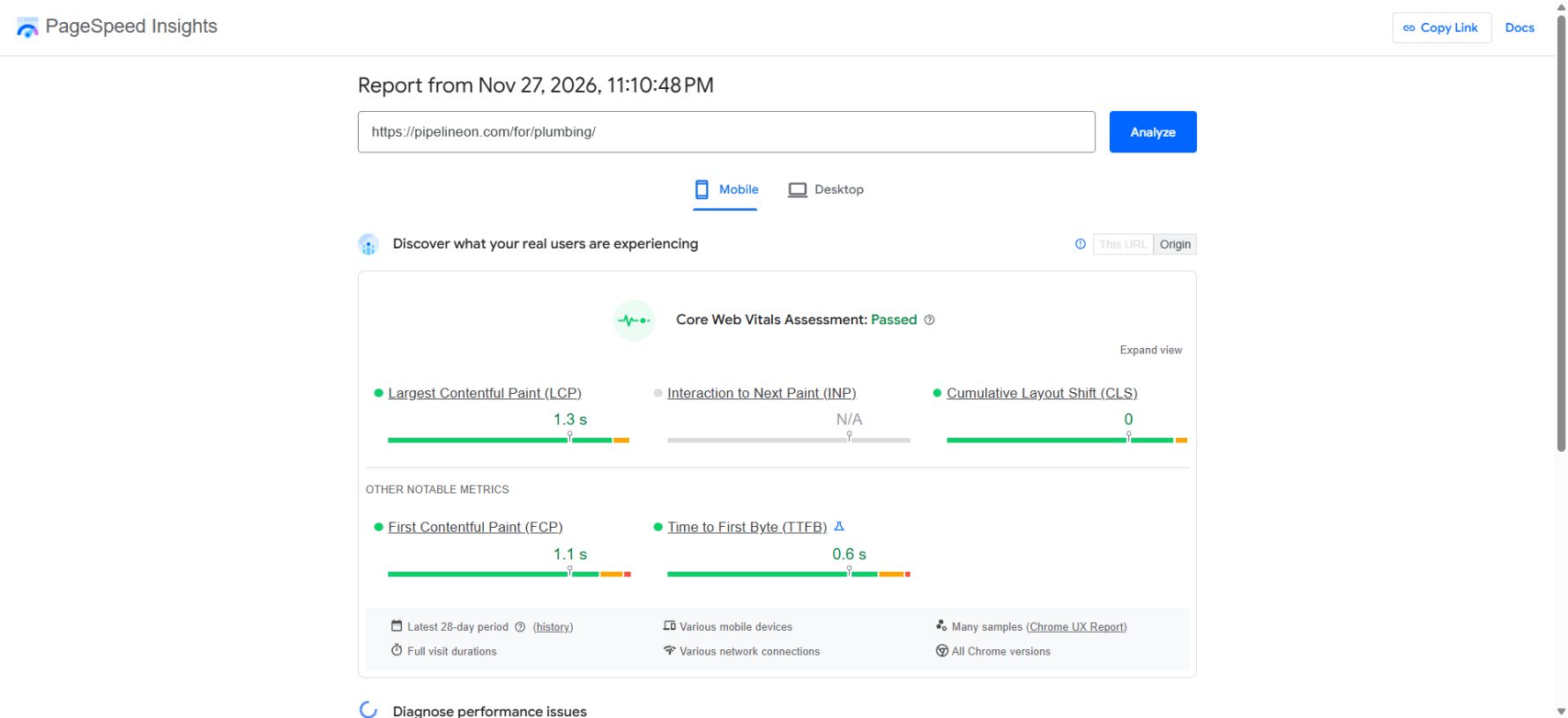
A mobile PageSpeed Insights report for a live plumbing page. Run the test on your own quote URL. Source -
Repair the specific obstruction Retain useful day and night proofRetest the quote action
Have the site manager resize or adjust the gallery based on the observed issue. Keep project photos you have permission to show.
Repeat the original phone path and confirm the office receives the request.
-
Review accepted photo quotes Compare the same traffic sourceWatch for another failure
Track gallery visits and accepted requests over a comparable period. Keep test records excluded.
Ask the coordinator whether incoming requests still omit the roofline information needed for pricing.
What to measure
Finish the repair with an accepted phone submission and a usable roofline request.