Align window installation campaigns with confirmed product lead times
A stock window and a custom opening can have different scheduling paths. Check the actual product and crew assumptions before promoting dates. Keep the measurement appointment separate from the accepted installation commitment.
Steps
-
Build a configuration-level availability check Confirm supplier information and review dateSeparate available stock from tentative orders
Have purchasing record the actual product options, configuration and supply status behind the promotion. Check pending customer orders and substitutions.
Ask the installer which opening types and scopes fit current crew capacity. Record who updates the offer when supply or workload changes.
-
Make the page explain what the date means Distinguish consultation and installationMatch the ad and product offer
State whether the customer is requesting a measure or a proposed installation period. Explain which decisions still require site review and selection approval.
Google recommends matching the ad offer to its landing page. Review all active destinations and remove dates your team can no longer support.
-
Test the measure request and manual review Allow unknown dimensionsInspect actual calendar and notes
Run requests for standard openings, custom scope and an unsure count. Confirm the office receives the customer's requested project without inventing a final specification.
The shared HighLevel calendar is an example. Check your own booking, estimator, local time and source. Ensure it does not automatically promise product delivery.
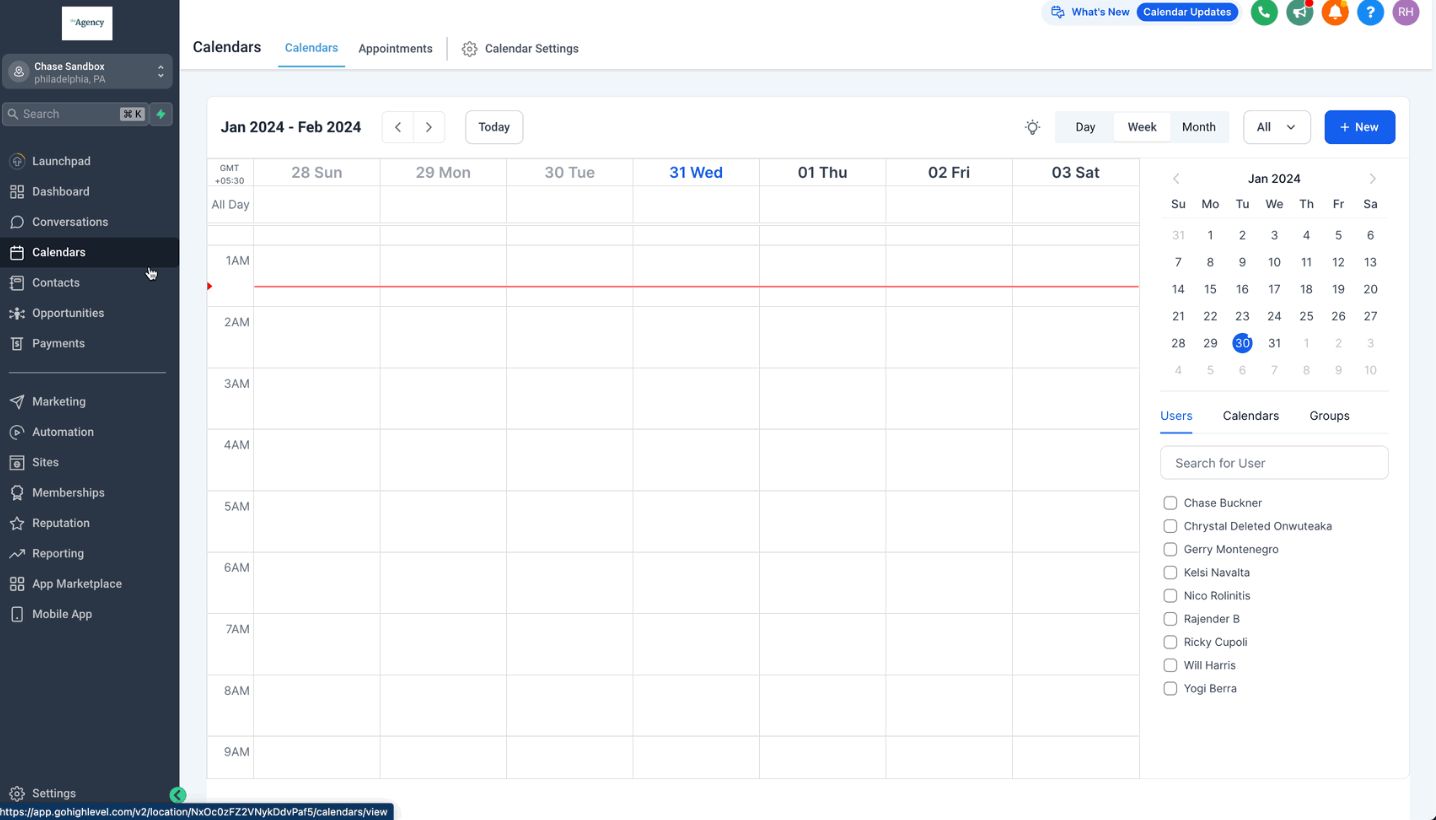
HighLevel’s internal calendar view. After a test booking, check that the appointment appears in the correct calendar. Source -
Review accepted orders and moved dates Confirm product before final schedulingTrack supply and scope delays separately
After assessment and selection, check actual supplier and crew dates again. Preserve the customer's approved product and any changes.
Track measures attended, accepted orders, completed installations and date changes. Use delay reasons to revise the offer before increasing spend.
What to measure
Keep supplier confirmation and installation capacity together. Recheck the promised next step whenever the advertised configuration changes.