Turn roofing website chat into an inspection brief an estimator can use
A homeowner asks whether a stain means the roof needs replacing. Your website chat should help the office arrange the right professional review and preserve what the homeowner actually reported.
Steps
-
Write the intake boundary Collect observations and property detailsKeep diagnosis with the roofing professional
Ask for the service address, affected area, when the concern was noticed and whether the caller is arranging access. Record the homeowner's wording and any existing roof-job reference.
Do not ask anyone to climb onto a roof or inspect an unsafe space. Route reports of immediate danger through your approved urgent protocol and public emergency guidance when appropriate.
-
Configure an identifiable chat handoff Name the company and response windowAssign a monitored inbox
HighLevel documents installing its Live Chat widget and connecting the conversation to the inbox. Verify the configuration available in your account and use the actual service team's response hours.
The shared Conversations screenshot illustrates an inbox. Test that the website conversation reaches your assigned office user with the entered address and callback method intact.
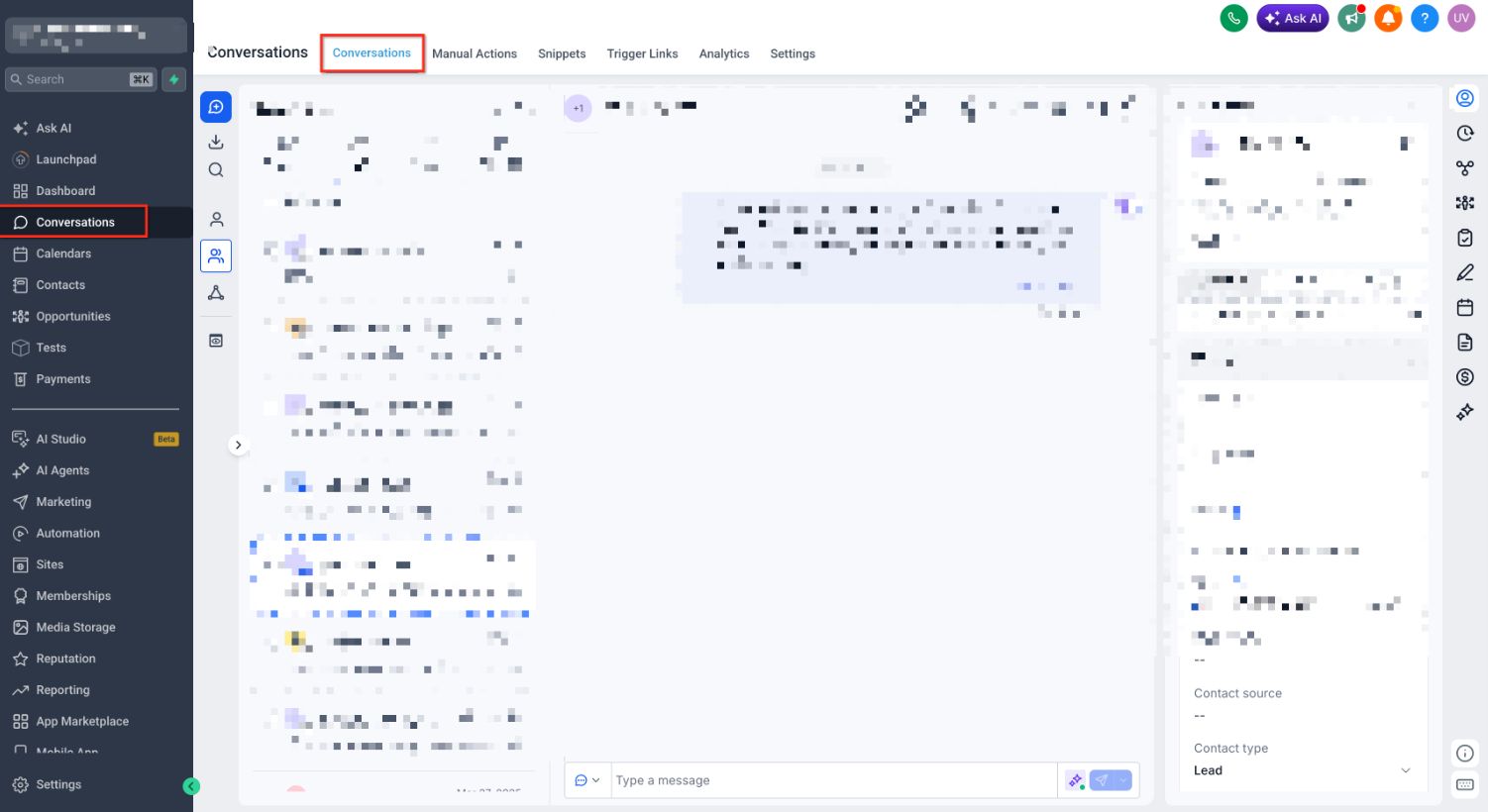
HighLevel’s example shows where incoming Messenger threads appear in Conversations. Source -
Create one assessment request Check for an existing projectRead back the reported concern
Search the CRM for the same property and unresolved issue before adding a new inspection. Attach the conversation to the appropriate project and leave uncertain matches for office review.
Confirm who can authorize access and any restrictions relevant to the visit. Offer a professional assessment window only when an estimator can cover the area and scope.
-
Test the complete conversation Submit an ordinary and urgent exampleCheck ownership and acknowledgement
Use staff test records for a routine stain report and a concern requiring urgent human review. Confirm the latter receives the approved response rather than an ordinary booking link.
Measure chats with usable briefs, office acknowledgements, attended assessments and intake corrections. Treat a chat submission as an inquiry until staff confirms the actual appointment.
What to measure
Judge the chat by the brief the estimator receives and the appointment the office confirms. A conversation count alone will miss both.