Recover roofing inspection requests when phone photo uploads fail
A roofing form can lose the request while the homeowner waits for a photo to upload. Keep contact and service details usable even when images fail. Your office can arrange a callback and let the inspector determine what further evidence is needed.
Steps
-
Define the minimum usable inspection request Require contact and service locationMake safely accessible photos optional
Ask your coordinator which fields are needed to return a call: contact details, service address, reported concern and preferred callback time. Keep technical measurements and uncertain roof details optional.
Request only photos the customer can already provide safely. Explain how to submit without an image and what happens next. Keep the actual staffed urgent route visible for reported active water entry.
-
Test the actual upload component on a phone Use realistic file sizes and formatsVerify failures preserve entered details
Test a normal image, a larger phone image, an unsupported file and no attachment on the published form. Repeat on a slower connection. Check progress, error wording and retry behavior.
Tally documents file uploads and account-dependent limits if that is your form provider. Check the actual component and plan rather than copying a limit into your page. Verify the office receives the final image in an accepted submission.
-
Measure failure separately from an accepted request Define form start, upload error and acceptanceKeep personal content out of analytics
Have your web person instrument the smallest useful events. An accepted-request event should reflect successful intake, with no form text, image or customer contact fields sent to analytics.
The shared PostHog screenshot is a sample funnel. Build your own form-start to accepted-request funnel and inspect upload failures separately. Compare acceptance events with real office records before interpreting changes.
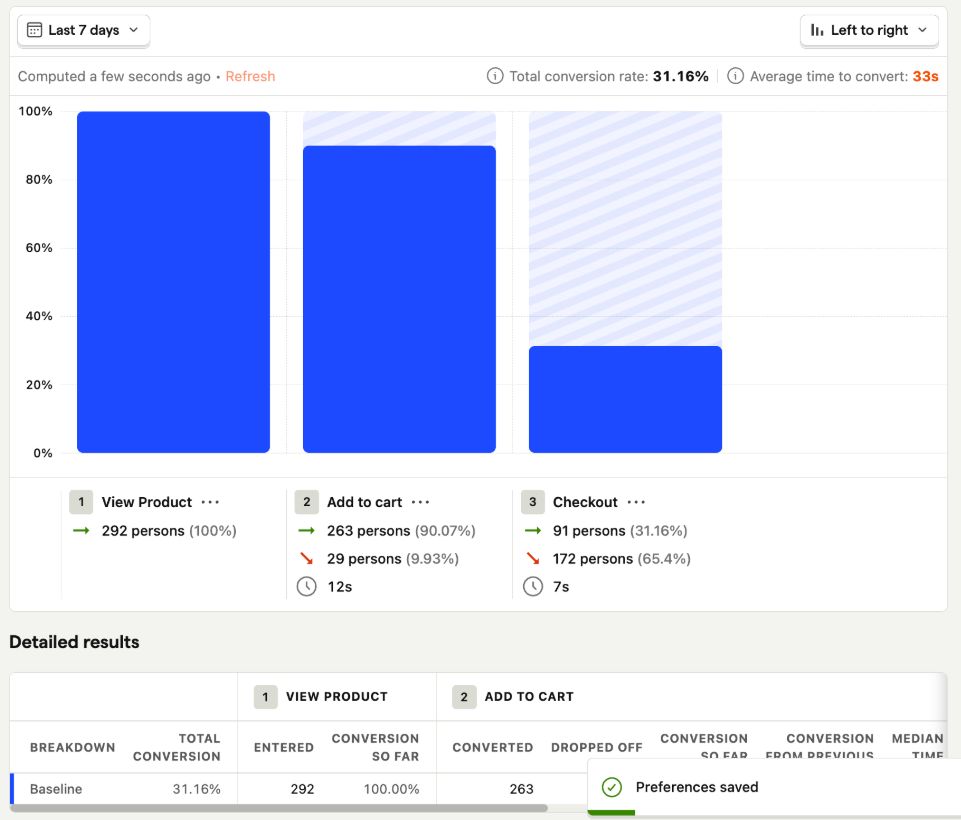
PostHog’s sample funnel. Substitute your page visit, form open and accepted request. Source -
Verify the callback fallback and inspection outcome Assign requests without photos normallyTrack completed inspections and preventable delays
Submit a no-photo test and have the coordinator read back the resulting request. Confirm it reaches the same office process and receives a realistic response expectation. Avoid duplicate requests after a successful retry.
Review accepted requests, callbacks, attended inspections and proposals alongside upload errors. Ask which missing images truly delayed assessment. Keep only the photo requirements your office can justify from actual work.
What to measure
Save the reproducible test cases with the form configuration. Rerun them after changing the upload control, validation or office integration.