Compare Google Ads and Business Profile roof estimates
A roof estimate can start with a search ad, a Business Profile website link or a phone call from Maps. Give each source a label your office can verify, then follow the resulting project to the inspection. Keep unknown sources visible so the comparison stays useful.
Steps
-
Label the website paths you can distinguish Check auto-tagging on Google Ads.Give the Business Profile website link its own campaign label.
Check your Google Ads auto-tagging setup and confirm that redirects preserve the click identifier. In the Google Account that manages your Business Profile, open Edit profile and check the website destination. Add consistent campaign parameters to that website URL, then save and verify the published link.
Use a profile label such as utm_source=google, utm_medium=organic and utm_campaign=business_profile. The profile website link can appear in both Search and Maps. This label identifies the profile link and does not separate those two surfaces. Keep Google Ads and ordinary organic website visits under their own source rules.
-
Save the source with the accepted roof inquiry Test the form from each labeled website path.Handle direct profile calls as a separate measurement path.
Have your web person carry the available source fields into the accepted form record. If you use Tally, add the required hidden fields and pass the values into the form URL or embed. Submit a labeled test for each path and inspect the actual office record. Keep the first recorded project source and any later touchpoint in separate fields.
A call placed directly from a Business Profile may never visit your site. Use a verified call-tracking setup to assign it a source, or record the homeowner's answer as self-reported. Keep unknown calls unknown. Website campaign parameters alone cannot attribute those calls.
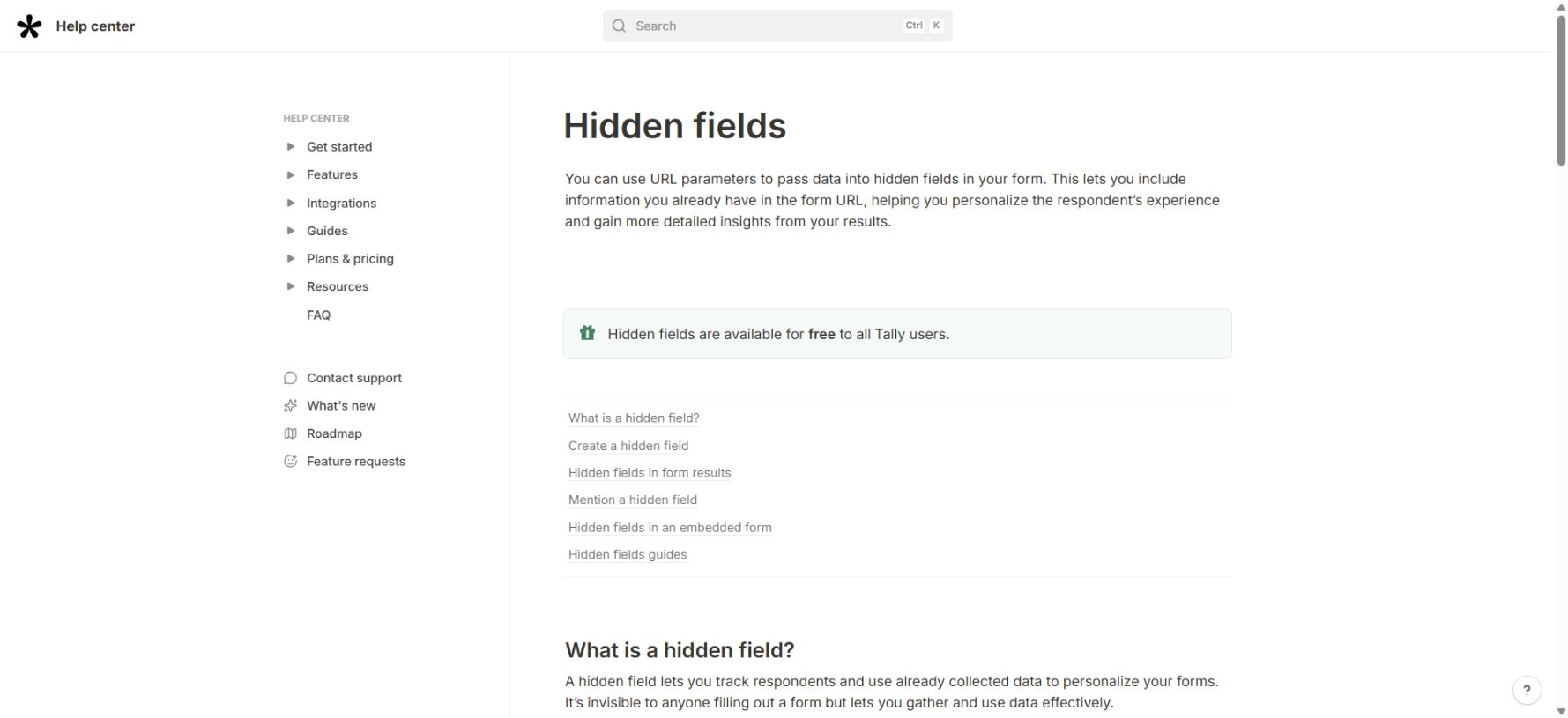
Tally’s public documentation shows how to carry a campaign label into a submitted form. Source -
Reconcile the inquiry with the attended inspection Use one project record for repeated calls and forms.Require an actual inspection outcome before counting attendance.
Before creating a second opportunity, check the address, homeowner contact details and existing roof project. Record scheduled, canceled, no-show and attended inspections separately. Let your estimator confirm the attended outcome and any reason the job did not fit.
PipelineOn can provide available page and campaign context for some identified homeowners. Check those records against existing inquiries before assigning additional follow-up. A matched roof-page visit stays outside the attended-estimate count until a real inquiry, appointment and attendance can be verified.
-
Compare source outcomes with the same follow-up time Group projects by inquiry date and verified source.Separate paid campaign costs from profile operating costs.
For each source, count unique roof inquiries, suitable projects, attended inspections and sold jobs. Allow the same time after the inquiry for appointments to happen. Show missing-source records alongside the named sources so better tracking cannot masquerade as better demand.
For the Google Ads group, divide the matching period's ad spend by attended inspections traced to that group. Record profile management and tracking costs separately if you want a fuller cost comparison. A source with no ad charge still uses staff time. Inspect job type and territory before moving budget based on a small group of inspections.
What to measure
Use the comparison to decide which source deserves the next test and which handoff needs repair. Keep Business Profile link traffic labeled as profile traffic wherever Search and Maps cannot be separated.