Fill pressure washing route gaps around a scheduled job
A scheduled wash gives your office a specific route to fill. Check the remaining crew hours, then invite nearby households to request work that fits that day. Keep the existing customer's address private and confirm every added job against travel, setup and surface requirements.
Steps
-
Start with one confirmed wash and usable capacity Verify the job date and durationChoose nearby ZIPs with workable travelSet a booking cutoff
Open a real scheduled job and ask the crew lead how much work can be added. Allow for travel, water access, setup and the surfaces your team handles. Use a ZIP as an initial filter, then check the actual address before booking.
Write down the remaining hours and an office cutoff. Check the confirmed wash in your scheduling system. Decide how you will update the invitation if rain moves the original job.
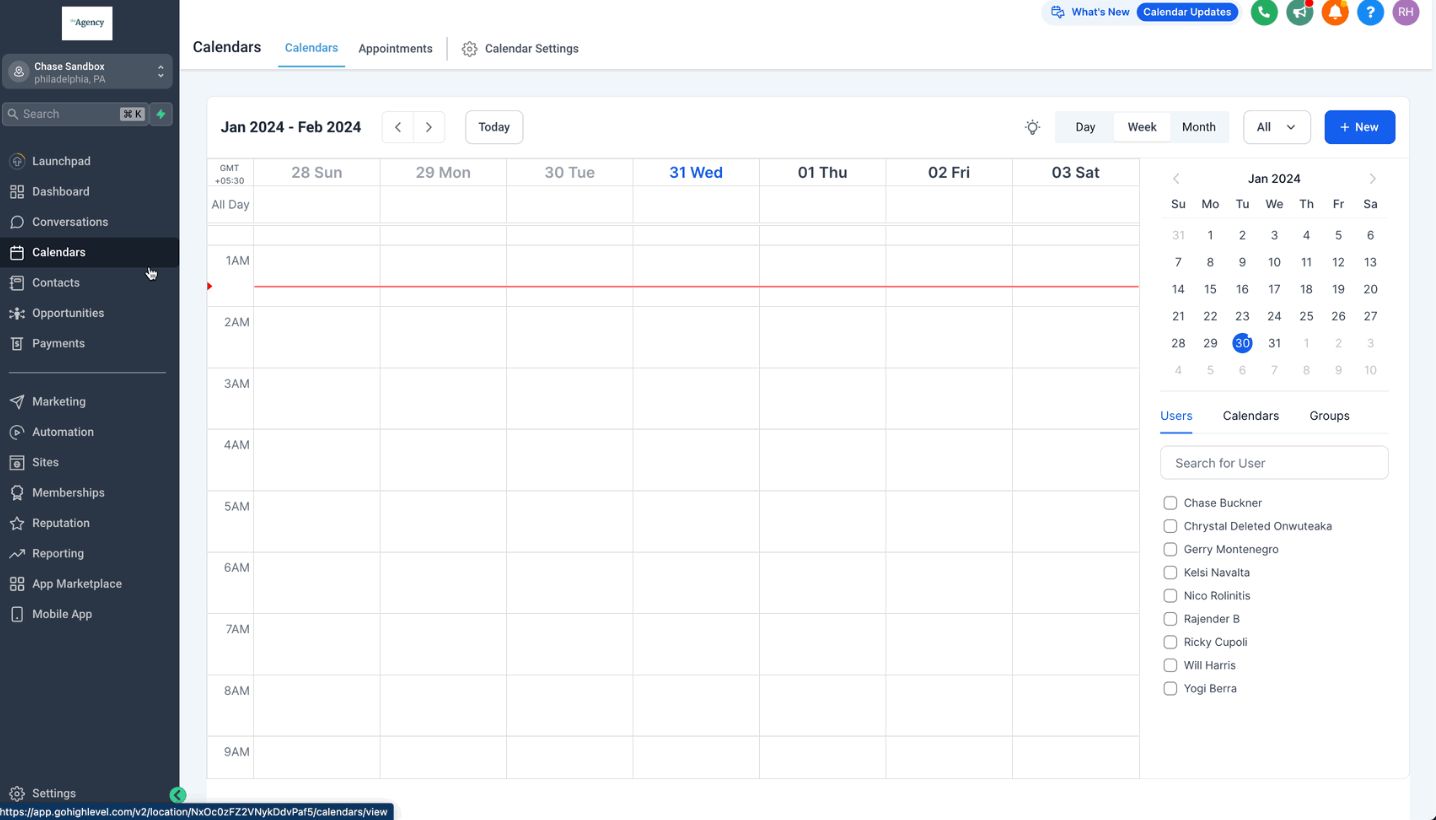
HighLevel’s internal calendar view. After a test booking, check that the appointment appears in the correct calendar. Source -
Choose email or postal around your lead time Use eligible nearby email contactsAllow enough time for postal deliveryDescribe the area without naming the customer
For a near-term opening, filter your existing eligible email audience by service location and remove open jobs or suppressed contacts. Offer a specific opportunity: We have a crew scheduled in [area] on [date]. Request a driveway or patio quote and our office will check whether it fits the route.
For a later route, USPS Every Door Direct Mail lets you select carrier routes. Check route coverage, current requirements and delivery lead time before promising a date. A carrier route can extend beyond the blocks you want. A targeted addressed mailing may fit a narrower area.
-
Carry the route label into the request Use an internal campaign labelAsk for address and surfaceKeep appointment approval with the office
Send the email link or postal QR to a short request page. Ask for contact details, service address, surface and a photo if useful. State that your office confirms scope and availability. Keep names and customer addresses out of campaign URLs.
Tally supports passing URL parameters into hidden fields. Its shared documentation screenshot shows that mechanism. Add a route campaign label and verify it appears in the submitted request, then in your office handoff. This example does not show your own campaign results.
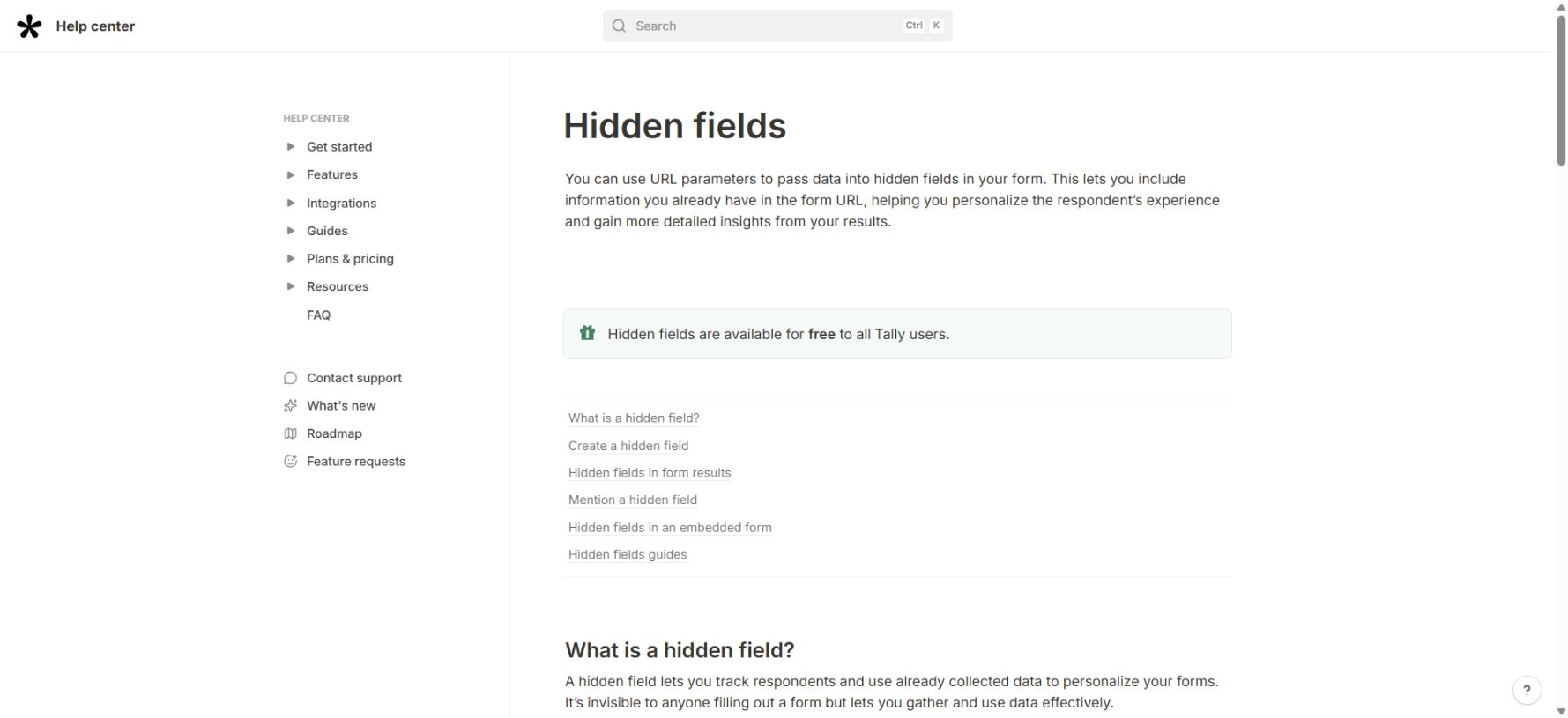
Tally’s public documentation shows how to carry a campaign label into a submitted form. Source -
Confirm route fit and measure completed add-on work Check each address and durationClose the offer when capacity fillsRecord incremental travel and margin
Have one dispatcher approve additions against the crew's remaining time. Confirm access, price and arrival arrangements with each homeowner. Update the request page when the day fills so the office can offer another date.
Track campaign requests, qualified jobs, confirmed bookings and completed washes. Compare added revenue with labor, materials, mailing or email costs and extra drive time. Count each property once when a homeowner calls after also submitting the form.
What to measure
Repeat the offer around jobs with enough lead time and genuine spare capacity. A useful route campaign leaves the crew with a workable day and the office with confirmed addresses.