Confirm outdoor pest-service changes after the professional's weather decision
An outdoor service day changes after the field team reviews conditions. Your office needs to distinguish postponed work from a confirmed replacement visit.
Steps
-
Use the professional's service decision Identify affected appointmentsPreserve the accepted service scope
Have the responsible pest professional decide whether the planned service can proceed under the applicable requirements.
Reception should not invent weather thresholds or product instructions. Record which visits need an update and who owns the decision.
-
Review real scheduling capacity Check route and service requirementsKeep new times provisional until accepted
Inspect the actual calendar and technician route before offering another window. The shared HighLevel calendar is an example of scheduling UI.
Run a marked staff reschedule and inspect the new appointment and old reminders separately.
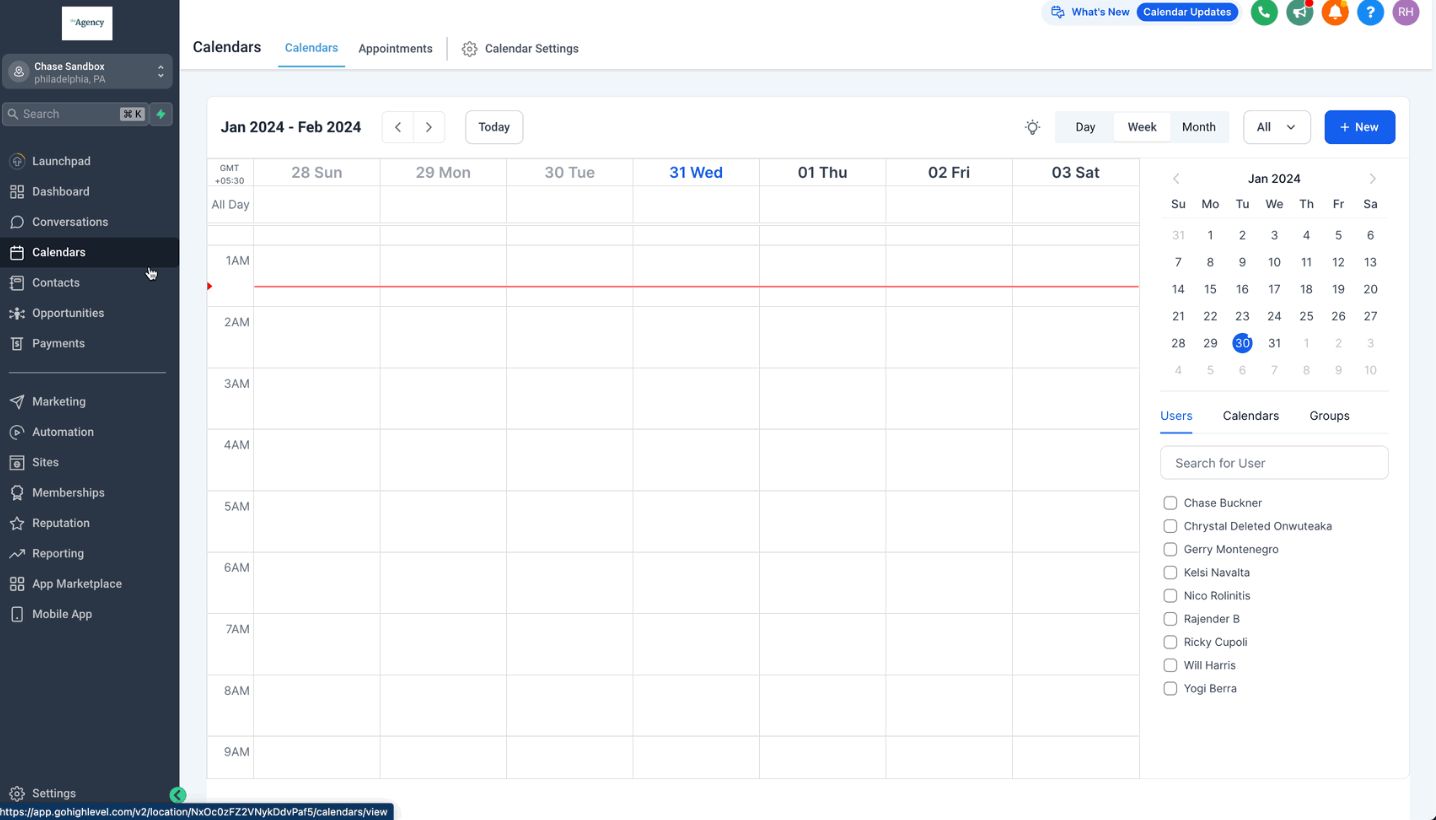
HighLevel’s internal calendar view. After a test booking, check that the appointment appears in the correct calendar. Source -
Send an accurate update State postponed or confirmed statusUse approved instructions for the actual service
Explain what has changed and whether the customer needs to accept a new time. Give them a monitored contact route.
Ask the professional to resolve any preparation question. Do not imply an alternative service is equivalent without qualified acceptance.
-
Reconcile the affected list Track acknowledgements and replacement visitsCheck duplicate route entries
Compare the original affected list with confirmed appointments and outstanding contact tasks.
Review reminders for old times and customers never reached. Correct the schedule or message process responsible for the gap.
What to measure
A reschedule is complete when the professional accepts the plan and the customer receives the correct appointment status.