Fill a recurring pest route only after checking service scope and capacity
A nearby address does not automatically fit a recurring pest route. Check service scope, agreement and technician time before inviting another stop. Keep current customers' commitments intact.
Steps
-
Find a real route opening Review technician and travel capacityCheck supported services and materials
Have dispatch identify the actual day and remaining time. Include existing commitments, travel and work your technician is qualified to provide.
Record a cutoff and update owner. Keep a new inspection or initial service distinct from a routine contracted visit.
-
Choose eligible relevant accounts Review agreement and completed workRemove booked or suppressed contacts
Use actual service history and territory. Confirm that the proposed visit is appropriate to the account and not already completed.
Invite eligible customers through the channel your provider supports. Keep accurate sender and opt-out handling for commercial email.
-
Confirm the appointment and owning work order Verify actual address and scopeCheck the technician's record
Have staff review the customer's request, access, fee or agreement terms and the route fit before reserving time.
The shared HighLevel calendar is an example. Inspect your actual job system for technician, property and accepted service, not only the marketing appointment.
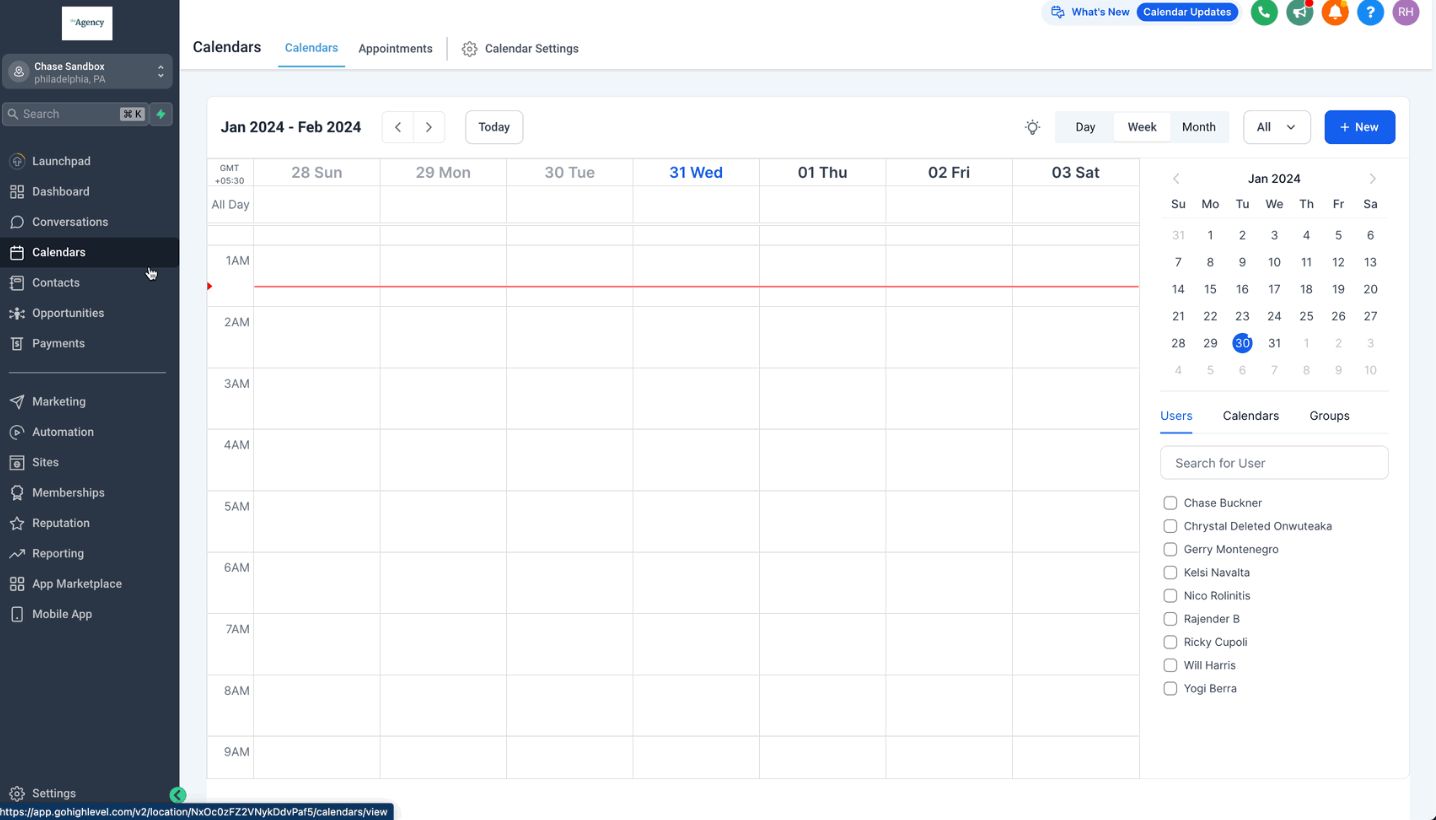
HighLevel’s internal calendar view. After a test booking, check that the appointment appears in the correct calendar. Source -
Review added work and route impact Track completed paid or covered visitsInclude travel and disruption
Measure invitations, accepted requests and completed visits. Keep duplicates and existing appointments outside the added-stop count.
Review direct effort, changed scope and delayed commitments. Repeat only where the actual route outcome supports another offer.
What to measure
Start with one dispatcher-approved opening. A useful route addition matches the agreement and the technician's actual workday.