Qualify patch and full-driveway inquiries from the same yard sign
One sign can bring in a customer asking about a small patch and another customer planning a full replacement. Give people a way to choose the conversation they need.
Steps
-
Set two realistic inquiry options Ask what the crew can priceAdd an unsure option
Before printing a QR, have the estimator confirm which patch jobs and replacement work fit your operation. State the service area on both routes.
Show which work needs an on-site assessment. Use paid-project photos only where you have permission to share them.
-
Test both paths from the printed sign Scan the final QR on a phoneVerify the saved campaign label
Use one URL for the sign and save a neutral campaign label with the submitted request. Carry the homeowner’s selected service in its own field.
Prove both routes on a phone before installing signs. Confirm the office receives patch, replacement and unsure requests with different assignment statuses.
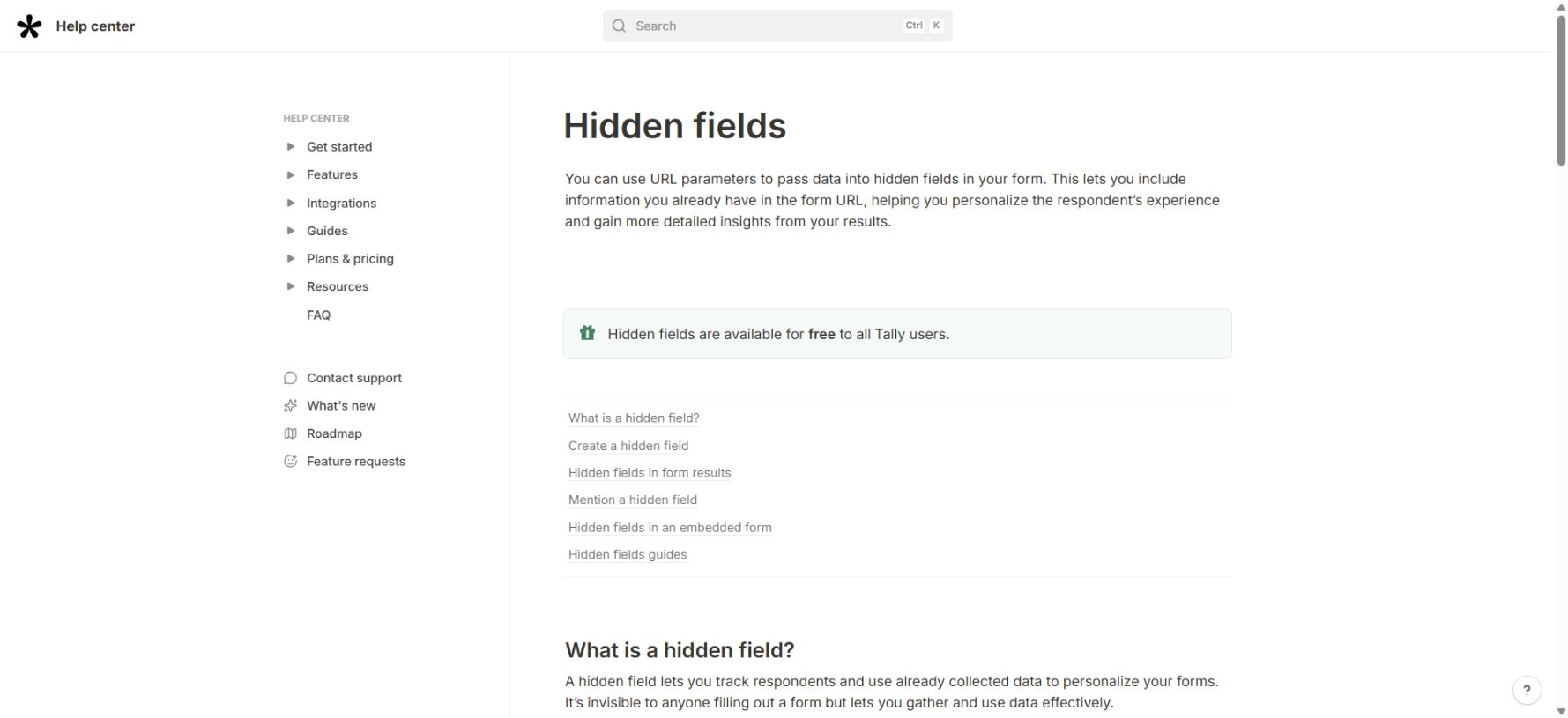
Tally’s public documentation shows how to carry a campaign label into a submitted form. Source -
Assign the request by actual scope Ask about approximate area and accessCheck open work first
Give unresolved scope to a person rather than asking people to choose from technical terms they may not know. The estimator can review site conditions.
Review available PipelineOn matches from the landing page as separate context. Check territory and current records before deciding if an eligible callback makes sense.
-
Judge the sign by work you can take Count qualified inquiries by serviceCompare completed jobs
Count unique sign requests, estimates attended and work completed. Record which small repairs fall outside your service and why.
Check if a bigger sign run would add work the crew can take in the same area. Keep the message consistent with actual job limits.
What to measure
The sign works when the estimator receives more requests with a usable scope and fewer calls have to be sent elsewhere.