Make after-hours paving calls useful to the next estimator
A caller may need to ask when they can drive on a surface. Your after-hours system needs to record the question and route it to a person who knows the material and the job.
Steps
-
Define the calls an automated intake can handle Ask current project or new requestState how to reach staffed help
Use approved questions for address, callback number and the project or service requested. Give people a way to ask for a person.
Route reports about an active job to the crew’s approved workflow. Keep urgent access or safety concerns out of the routine estimate queue.
-
Test the actual agent actions Configure only actions the office can supportCheck what happens with an existing project
Review the actions available in your HighLevel Voice AI setup. Test a new driveway inquiry and an existing customer asking when their property can reopen.
Verify the actual appointment or message reaches the right owner. Remove answers that suggest a construction date or give material-use timing the crew has not approved.
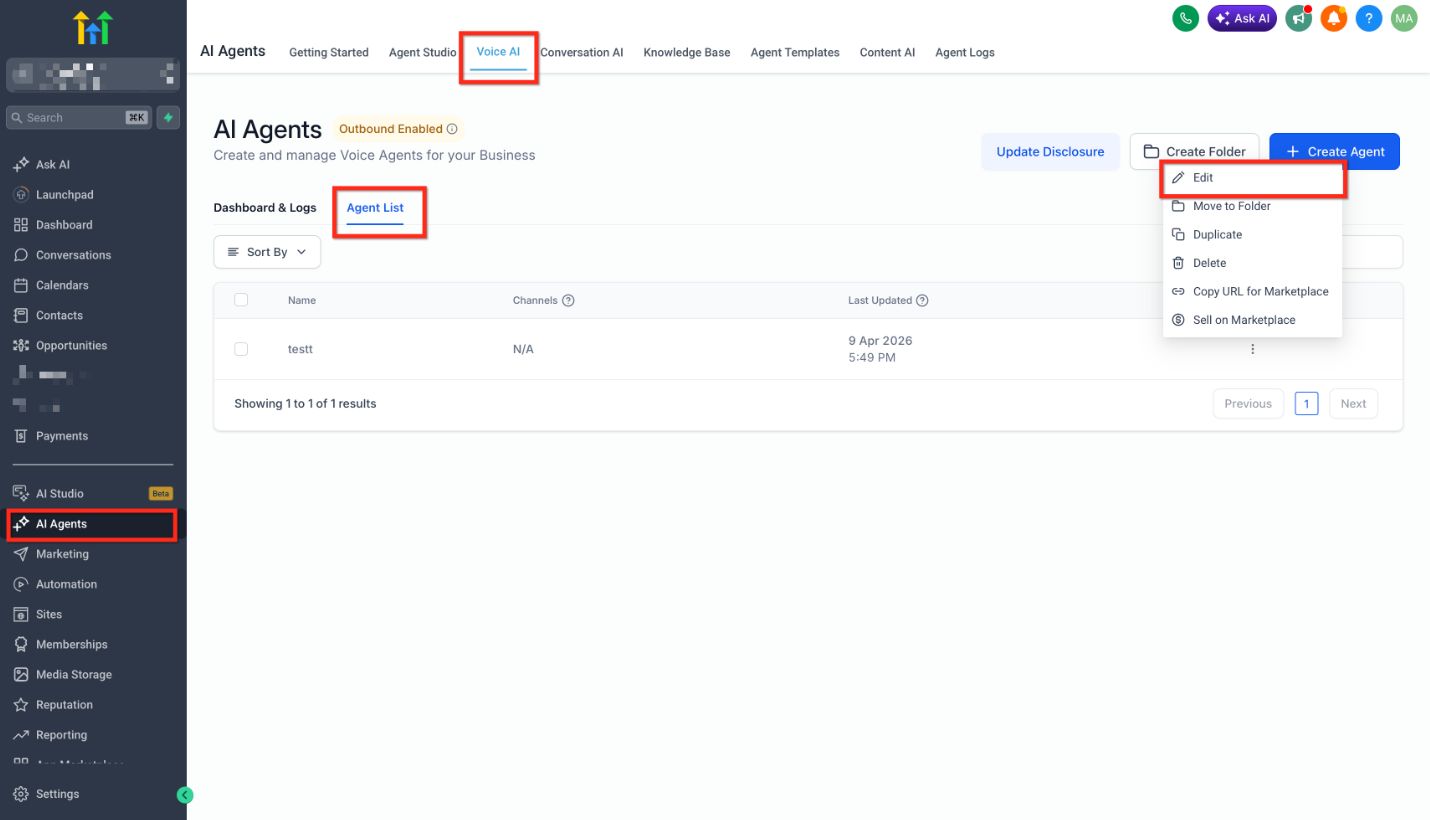
HighLevel’s public example of the Voice AI settings and action menu. Source -
Give the office usable context in the morning Include requested work and accessCompare with established property records
Have the estimator read call notes alongside the actual request and open project. Keep equipment access assumptions with the estimate.
PipelineOn can add available page context to a verified record in some cases. Let the caller’s information and current project instructions drive the reply.
-
Review outcomes that reflect real work Count callbacks and confirmed appointmentsAudit promises made in test calls
Review failed transfers, duplicate records and unsupported timeline promises. Check that active projects stayed with their assigned crew.
Compare attended consultations and accepted scopes after the handoff, then revise the approved intake questions.
What to measure
Use the agent for a usable record and an owned next step. Your team confirms commitments about access, schedule and the work itself.