Use brick-step search questions to improve the right masonry page
Check whether actual brick-step searches and office questions reveal missing information on your existing masonry page.
Steps
-
Locate the owning service page Review current page coverageCollect actual inquiry questions
Find the live masonry page receiving relevant search visits. Read what it says about the work your company accepts.
Ask the estimator which step-repair questions customers repeatedly raise before a site visit.
-
Inspect the actual query evidence Use a keyword filterKeep query and page context together
In Search Console, inspect queries for the owning page and filter for the relevant step-related terms.
The screenshot shows query-filter controls, including branded options for eligible properties. It does not establish your site’s queries or demand.
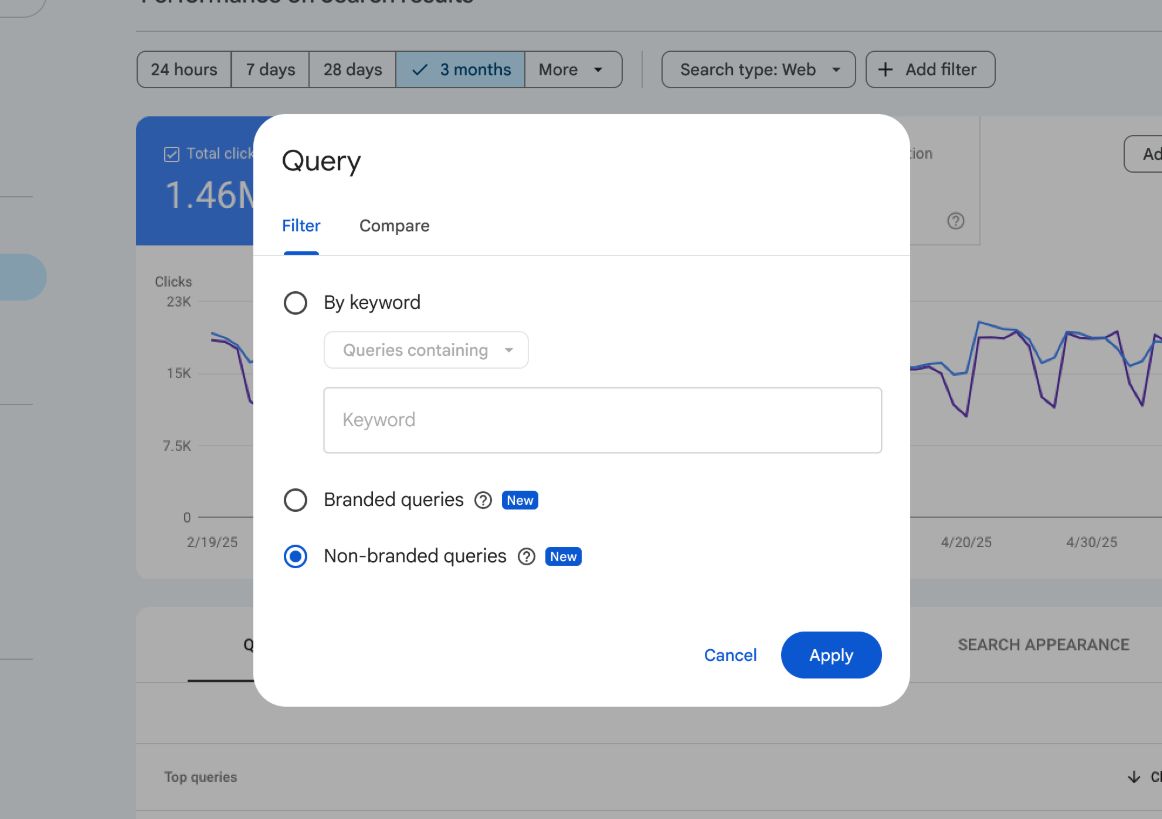
Google’s cropped Search Console example shows where to filter by keyword or choose branded and non-branded queries for an eligible property. Source -
Add the missing decision information Use the estimator’s service boundaryGive one assessment route
Explain what customers should describe and which questions require the qualified site review. Use an authorized actual project if helpful.
Keep new content with the page that owns the service unless the evidence supports a separate substantial task.
-
Check resulting request readiness Record the change dateRead new inquiry descriptions
Review whether accepted step-repair inquiries now contain the information the estimator needs.
Compare similar query periods without treating a short traffic fluctuation as proof of the content’s effect.
What to measure
Use observed questions to improve the page that actually owns the service.