Turn foundation crack searches into qualified assessment requests
A person searching about a foundation crack needs a clear way to request professional review. Your site can explain the assessment and gather observations your office can use. Keep the cause, significance and repair scope for the qualified people who inspect the property.
Steps
-
Check what the foundation page appears for Filter Search Console to the pageReview actual query themesSeparate repair from informational intent
Open Search Console's Search results report for the exact crack-assessment page. Review the date range, queries, impressions and clicks. Identify searches that fit your actual service and those needing a different destination.
The shared Search Console screenshot illustrates report context. Google documents query and page filtering, but your own property supplies the evidence. Search exposure does not establish that a property has a defect or that someone requested help.
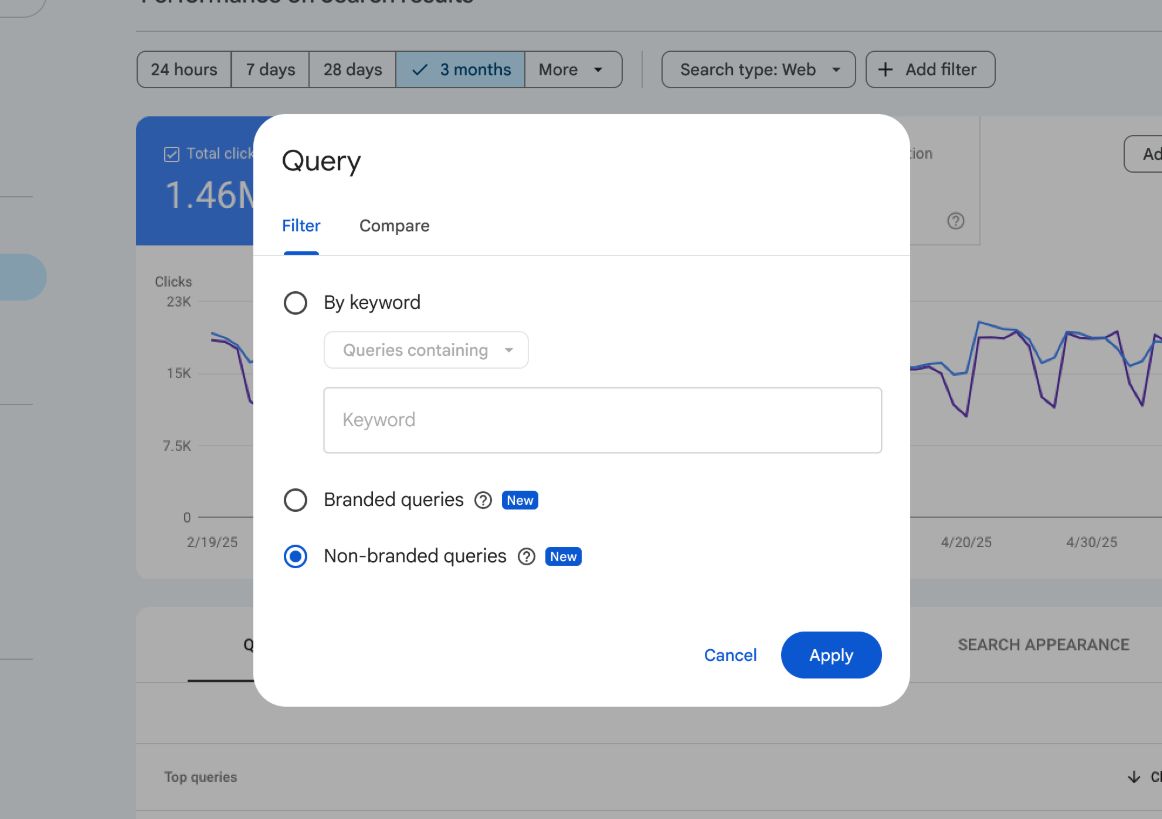
Google’s cropped Search Console example shows where to filter by keyword or choose branded and non-branded queries for an eligible property. Source -
Explain the assessment and collect observations Describe the actual assessment serviceAsk what the customer observedMake measurements and photos optional
Explain who attends, any fee and what your office needs to arrange the visit. Ask for service address, contact role, observed location and when the concern was noticed. Allow unknown dimensions and optional safe photographs.
Avoid assigning a severity rating or repair recommendation from a marketing form. Let the customer report changed conditions in their own words. Put reported urgent concerns through your established staffed escalation process.
-
Assign the request to qualified review Confirm territory and accessCheck existing projects and reportsIdentify specialist dependencies
Have the coordinator check coverage, authorization to arrange access and any existing estimate or service case. Ask whether the customer has a prior report and offer your approved document-sharing route if needed.
Give the responsible assessor the observations and relevant history. Record when engineering or another specialist review is required by the project process. Confirm appointment purpose before the office marks a construction estimate ready.
Use PipelineOn’s available page context to review eligible matches from the assessment page that have a reliable property and territory fit. The follow-up can offer a conversation about a qualified assessment. Page activity does not tell staff what caused the issue.
-
Review assessment outcomes alongside search traffic Track accepted and attended requestsPreserve findings in the professional recordMeasure appropriate proposals and work
Track page clicks, accepted inquiries, qualified appointments, completed assessments and resulting proposals. Keep a professional finding separate from the customer's original description. Record referrals and situations outside your services.
Review mismatched inquiries and missing intake information. Improve the page when the same misunderstanding repeats. Keep open assessments visible and avoid claiming that more clicks alone produced more completed projects.
What to measure
Test one ordinary request and one case needing manual specialist review. Both should receive an accurate explanation of the next professional step.