Carry occupied-room details from Messenger into a flooring measure
A flooring conversation can contain useful room details that disappear at the calendar. Save the request before moving to booking. The estimator should see occupancy, requested outcome and access questions on the actual appointment.
Steps
-
Collect the room request Ask rooms, property and desired outcomeKeep area and material uncertain when unknown
Ask which rooms need work and whether people remain living there. Record contact, service location and preferred timing.
Keep technical substrate conclusions for the installer. A customer photo or approximate area does not establish readiness.
-
Verify the Page and office inbox Test incoming and outgoing messagesAssign a conversation owner
HighLevel documents Messenger reception in Conversations. Use the Page your company advertises to test the actual handoff.
The shared screenshot shows its example inbox. Preserve the room notes and owner in your own project before sending the calendar.
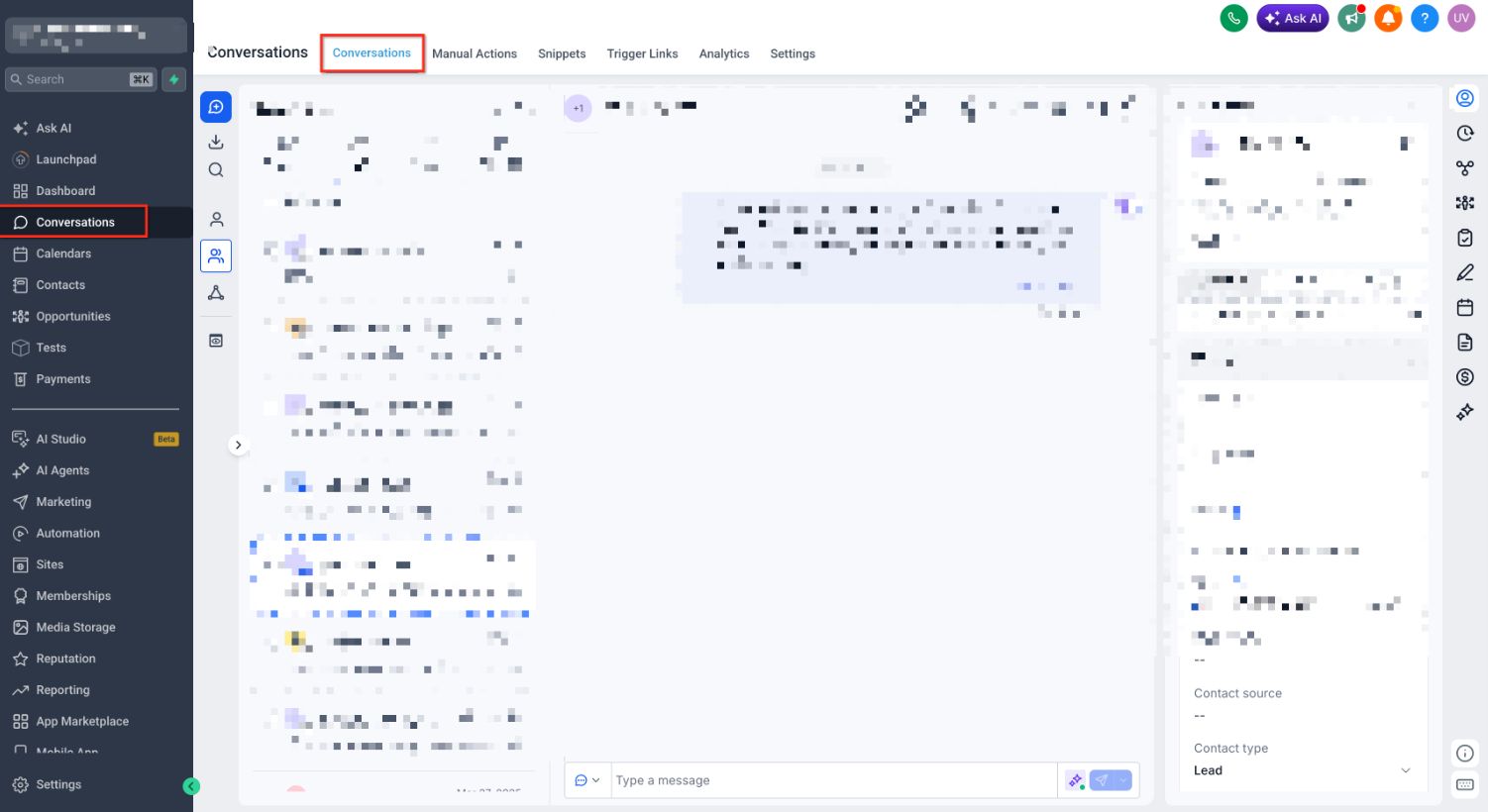
HighLevel’s example shows where incoming Messenger threads appear in Conversations. Source -
Offer a relevant site measurement Explain purpose and termsCheck existing project and availability
Send the page describing the measurement and fee if applicable. Have staff confirm territory, authority and a real appointment.
Complete a controlled booking. Inspect property, estimator, local time and occupancy notes in the owning project system.
-
Review qualified nonbookers Check calendar and recent repliesRespect current channel limits
Before another message, check whether the person booked through another route. Use permitted messaging and the customer's actual relationship.
Track no suitable time, missing room preparation, unclear terms and no reply. Measure attended visits and installed outcomes to improve the handoff.
What to measure
Review a small nonbooking group with the estimator. Fix the missing answer or timing problem before adding more automated reminders.