Carry drain Messenger observations into a useful dispatch appointment
A drain conversation can contain the fixture and access details your dispatcher needs. Preserve them before moving to booking. Keep urgent decisions and technical method selection with the actual staffed team.
Steps
-
Collect the reported request Ask affected fixtures and service propertyRecord recurrence and access if known
Let the customer describe the issue and prior service without diagnosing it. Collect callback details and requested help.
Keep unknown cleanout or line details unknown. Use your approved staffed process for reported urgent conditions.
-
Verify the actual Messenger inbox Test the intended business PageAssign one owner
HighLevel documents Messenger reception in Conversations. Use a controlled message and reply through the Page customers actually contact.
The shared screenshot shows an example inbox. Confirm your office saves the report, property and conversation link before offering dates.
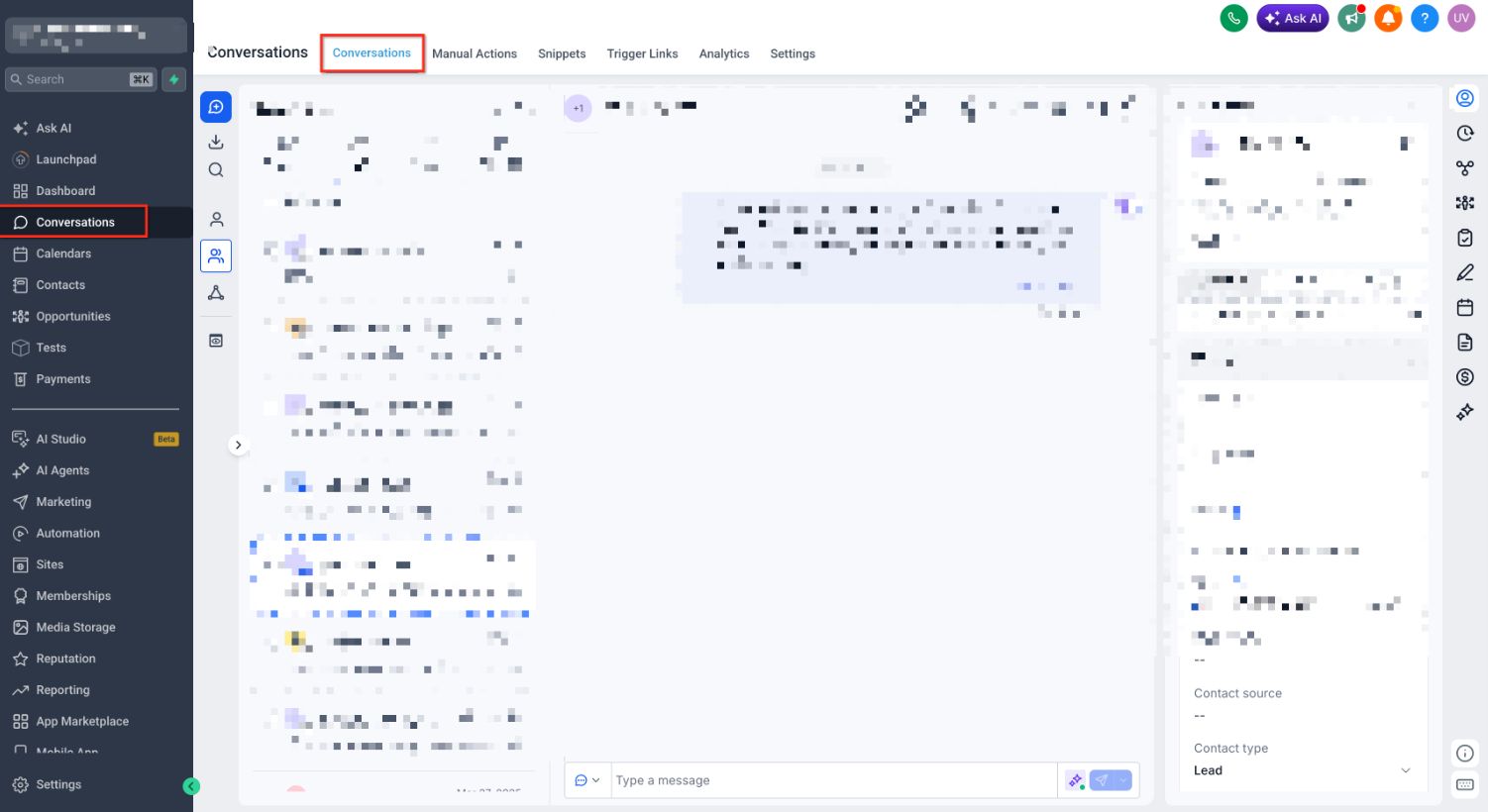
HighLevel’s example shows where incoming Messenger threads appear in Conversations. Source -
Confirm the appropriate appointment Check existing service episodesExplain actual purpose and terms
Have dispatch review scope, territory, access and equipment availability. Route uncertain cases to the drain lead.
Test a controlled appointment and inspect the owning work order, technician, local time and transferred notes. A calendar click alone is separate from accepted service.
-
Review conversations that never book Check recent replies and calendar firstRespect current channel limits
Before another message, check whether the person booked through a call or another record. Use the permitted response route.
Track unavailable timing, unknown access, unsupported work and no reply. Measure attended visits and completed work to improve the handoff.
What to measure
Review a small nonbooking sample with dispatch. Fix the actual missing answer or scheduling gap before adding more reminders.