Recover cancelled deck consultations with a verified next appointment
Use the customer’s cancellation reason to decide whether to offer another design appointment or close the request.
Steps
-
Read why the meeting was cancelled Keep the original scopeCheck for another booking
Review the cancellation message and any existing consultation at the same property. Ask whether the customer still wants a meeting.
Keep a clear decline outside the reschedule list and respect contact preferences.
-
Verify the replacement calendar path Check the correct designerMake a controlled booking
Open the HighLevel consultation link and inspect the appointment type and current availability.
Book a marked test and confirm it appears in the correct internal calendar. Cancel the test through your normal process.
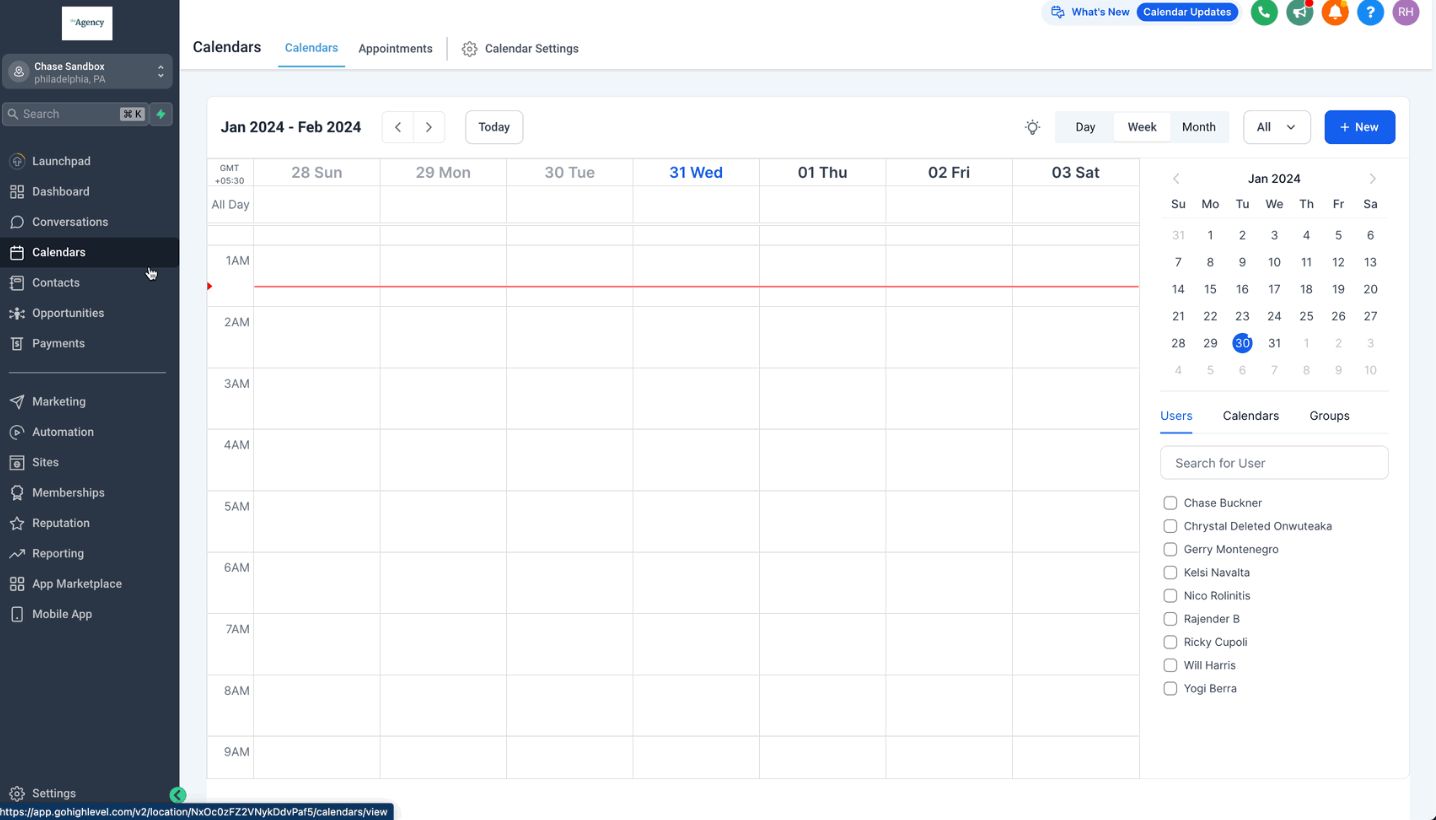
HighLevel’s internal calendar view. After a test booking, check that the appointment appears in the correct calendar. Source -
Offer a relevant reschedule Address the recorded obstacleConfirm the new scope if changed
If timing caused the cancellation, offer an actual available window. If the project changed, let the designer review it first.
Send the accepted time and preparation request to both customer and designer.
-
Measure attended reschedules Keep original cancellation datesRecord repeated cancellations
Count customers who attended a replacement meeting. Separate later new projects and contacts who declined.
Review the reasons a second appointment failed and adjust the preparation or calendar offer.
What to measure
The recovery outcome is an attended, correctly prepared consultation.