Send the customer the job-specific driveway reopening instructions
A completed concrete customer needs the crew’s actual access instructions before an office reminder tells them the driveway is ready.
Steps
-
Get the project lead’s instruction Confirm the installed scopeRecord the current restriction
Ask the lead for the job-specific customer access instructions and who can update them.
Keep generic web advice separate from the instructions approved for this actual driveway.
-
Test the handover link Use the current instruction pageCheck tracked-link delivery
If your HighLevel messages use trigger links, insert the actual link pointing to the approved project handover resource.
Test the message and destination. A recorded click does not prove the customer understood an access restriction.
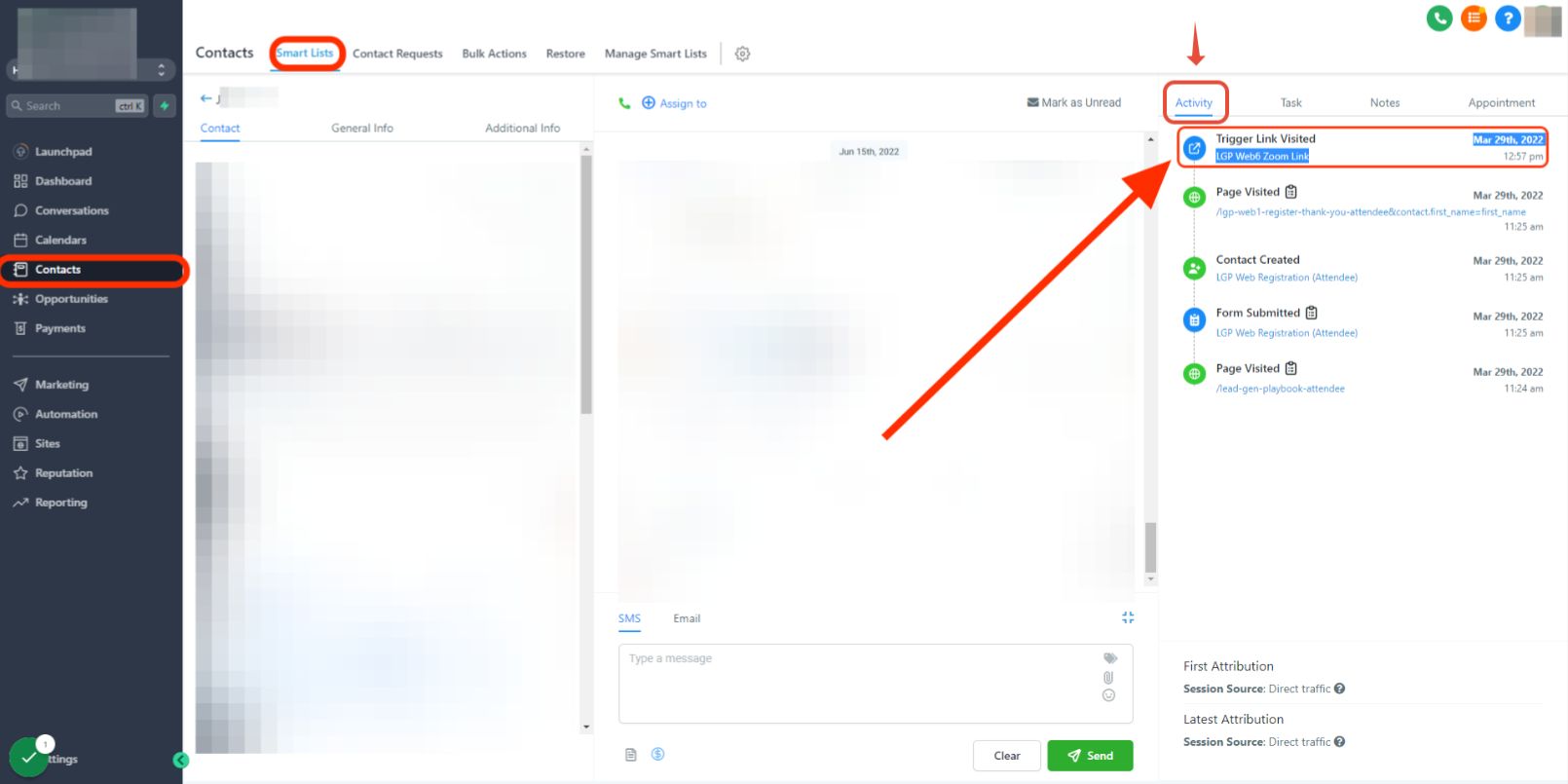
HighLevel’s trigger-link example. Use the CRM’s record of the click alongside verified activity. Source -
Confirm the customer received the plan Use the agreed contact channelRoute questions to production
Have the coordinator ask the customer to confirm receipt of the written instructions. Give questions to the project lead.
If production changes the instruction, update the record and tell the customer explicitly through your established process.
-
Review handover clarity Record unanswered access questionsCheck conflicting reminders
Inspect messages still queued for the job and remove wording inconsistent with the current instruction.
Track repeat calls about driveway access and improve the handover explanation responsible.
What to measure
The customer should receive one current instruction approved for the actual job.