Close sold-out Christmas light offers and collect honest future interest
A sold-out installation route needs a different landing page from a route still accepting work. Have your office verify capacity, update the live offer and give late visitors an honest next step. Future interest should stay separate from confirmed seasonal bookings.
Steps
-
Confirm which routes and services are full Check remaining crew hoursInclude takedown obligationsChoose the booking cutoff owner
Have dispatch confirm capacity by area, installation type and week. Include existing additions, return visits and takedown commitments. Decide whether any scope can still be accepted and who approves exceptions.
Record the cutoff and responsible person. Keep cancellation openings in a separate review process with current availability. A customer leaving their details must receive an accurate explanation of whether this season's work remains possible.
-
Update the ad destination and booking controls Remove unavailable installation claimsInspect the actual site calendarCheck every active campaign destination
Pause or revise campaigns promoting unavailable dates, then update the corresponding landing pages. Remove automatic booking for full routes. Keep the service scope and area consistent across the ad, page and office script.
Test your public booking page for an unavailable date and an allowed exception. Then open the internal calendar to verify that the allowed booking appears and the sold-out route remains blocked.
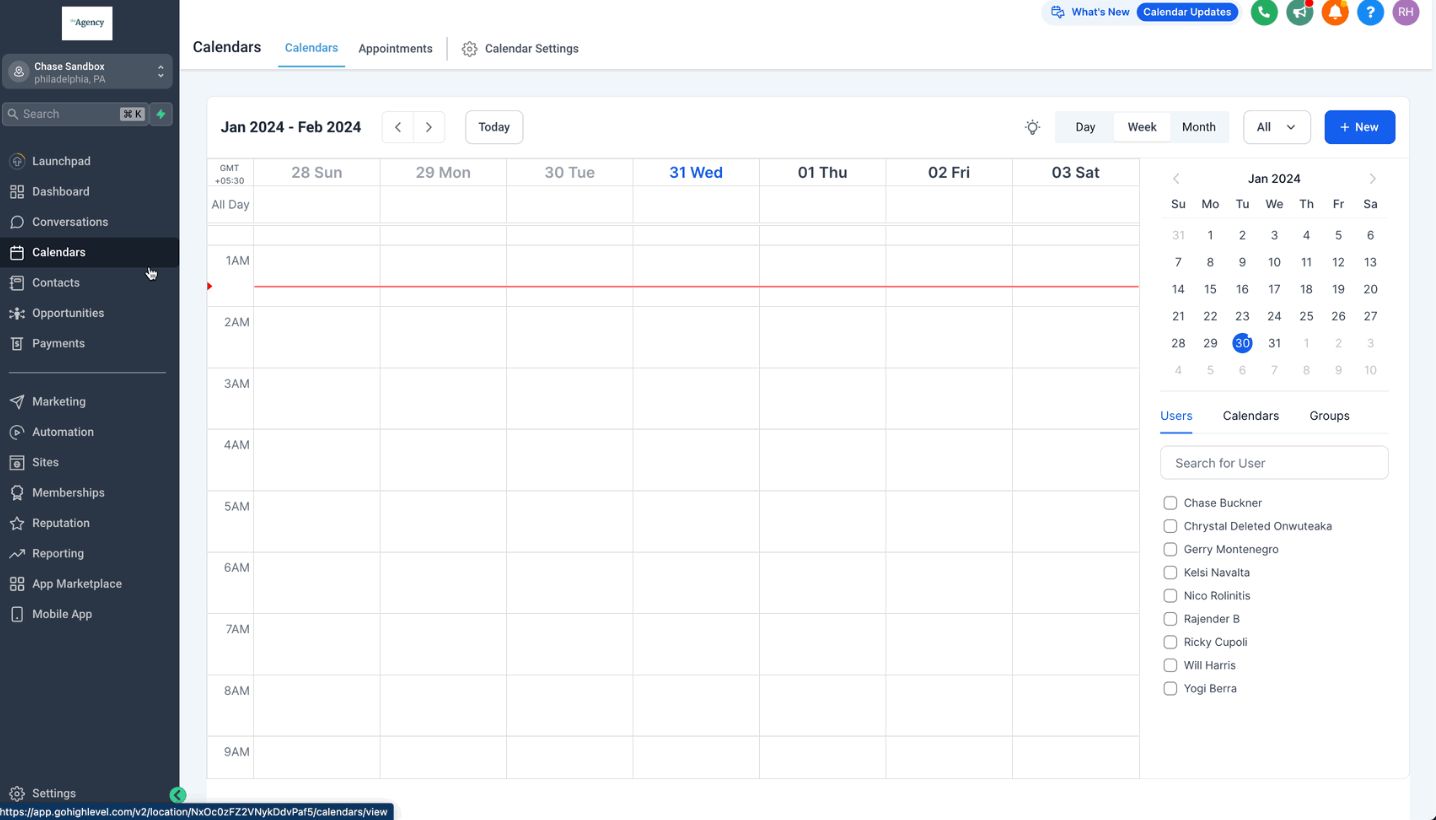
HighLevel’s internal calendar view. After a test booking, check that the appointment appears in the correct calendar. Source -
Offer a clearly labeled future-interest form Name the future planning seasonExplain that no date is reservedCollect minimal project information
Offer a short form for name, service area, preferred contact and general scope. State that it records interest for a future planning conversation. Give the office a real review date or explain when the next schedule is expected to open.
Use a neutral campaign label to preserve the late-season source. Tally supports passing labels into hidden fields. Keep personal details out of the URL and optional marketing permission separate from the customer's requested future contact.
-
Keep future interest out of this season's booked totals Use a separate CRM statusCheck for existing customersMeasure later conversations and installs
Create a future-interest status with a review owner and date. Check whether the contact already has a reinstall record or another active request. Avoid generating an installation work order from this form.
Track accepted future-interest requests, later conversations, scoped proposals and actual installations when that season arrives. Review stale advertising and accidental bookings immediately. Count cancellations filled this season separately from future work.
Keep the sold-out URL in your PipelineOn review filters if your team wants a picture of returning interest. Use available page and ZIP context to decide which routes to plan first. A matched visit stays outside the next-season waitlist until someone asks to join.
What to measure
Test the closed route and future-interest path together. The customer message, calendar behavior and CRM status should describe the same actual offer.