Keep asphalt quote forms usable when driveway photos fail
When someone sends a photo from the end of a driveway, the phone may have weak coverage. Let the homeowner leave a usable request even when the attachment fails.
Steps
-
Ask what the estimator actually needs on the first call Use location and intended work firstGive an option for unknown scope
Collect service property, contact and whether the person wants maintenance, replacement or assessment. Keep dimensions approximate unless your office can accept unknown ones.
Make the site photo optional. Explain how an estimator will ask for more context when it helps.
-
Reproduce the mobile failure Try a large photo and no photoVerify attachment permissions
Check the allowed formats and maximum size in the form uploader. Test using the same mobile page a real visitor opens.
Verify that the success screen only appears after a complete request. Confirm the right office staff can see the details and open the optional file.
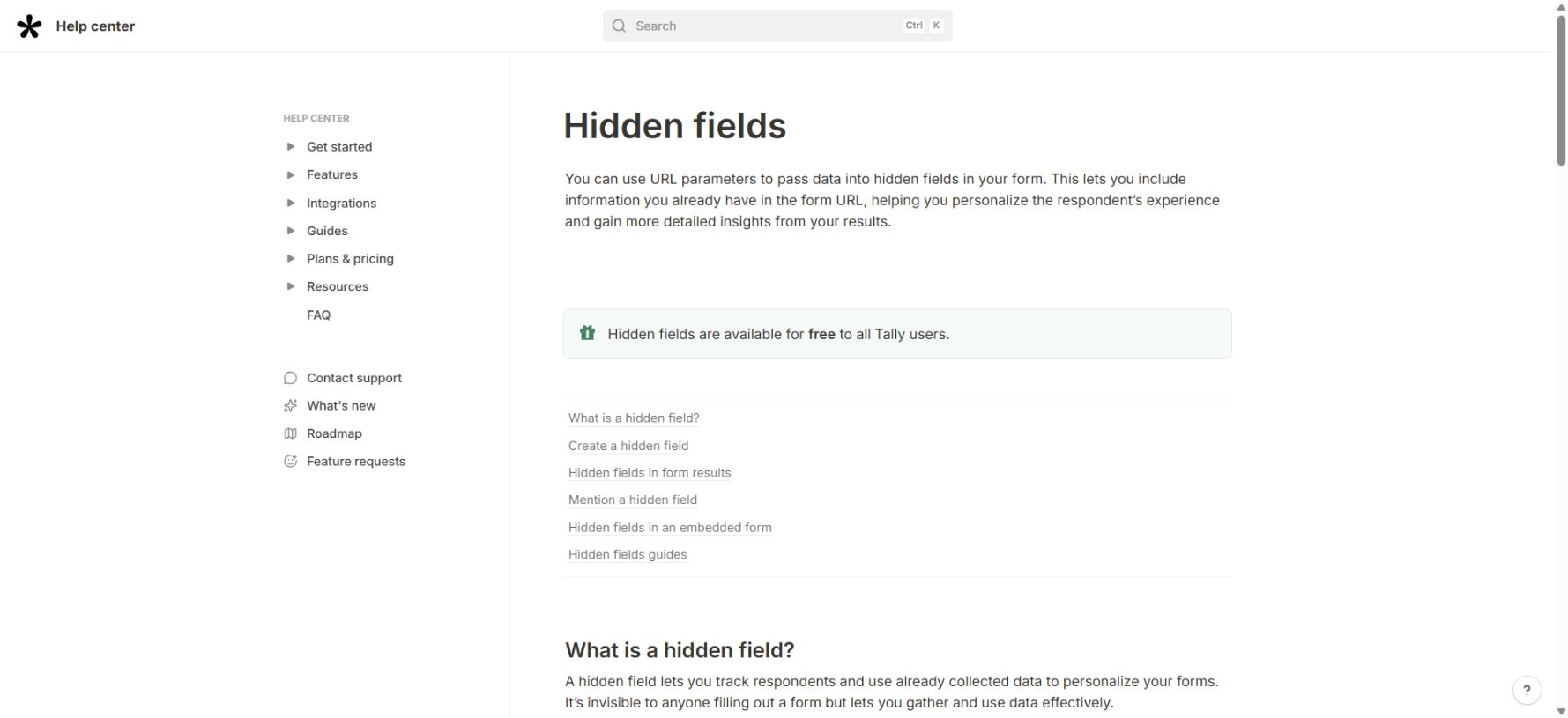
Tally’s public documentation shows how to carry a campaign label into a submitted form. Source -
Compare events with first-party outcomes Review form opens and confirmed submissionsCheck eligible matches separately
Track failure, retry and accepted request without sending customer details to analytics. Check the reported success count against the actual inbox.
If an eligible PipelineOn record returns, review the page paths alongside actual requests. Verify ownership and fit before creating a new follow-up.
-
Use the first usable request as the performance result Record accepted requests per visitMeasure whether lack of photos delayed quotes
Compare normal and weak-connection tests. Check whether making the upload optional changed the quality of assigned visits.
Ask the estimator which image actually helps decide a site visit. Keep the first-step upload only where that value outweighs the friction.
What to measure
Use accepted and assigned requests as the test result. A faster-looking form still needs to reach the person who can quote the job.