10 Integration Platforms for Home-Service Teams
96% of website visitors don’t convert through a form, according to Pipeline On’s published positioning. That leaves a large group of potential customers who have already shown interest but never reach your CRM, dispatcher, or field-service software. Pipeline On can identify those visits and pass profiles into tools such as ServiceTitan, Housecall Pro, Jobber, HubSpot, and Pipedrive, where your team can act while the need is still current.
The right integration platform determines whether that handoff becomes a dependable lead-routing system or another fragile workflow your office has to babysit. Judge each option against connector availability, workflow complexity, data volume, error visibility, implementation ownership, and pricing model. A simple visitor alert needs a different tool from a multi-system process that creates a contact, checks for duplicates, assigns a territory, sends an SMS, and records the outcome.
This list compares ten integration platforms through a home-service workflow. The recommendations focus on how quickly you can route Pipeline On profiles, how much technical work your team must own, how usage-based pricing behaves as activity grows, and when native connectors or enterprise iPaaS become justified.
Table of Contents
- 1. Zapier
- 2. Make
- 3. Workato
- 4. Tray.io
- 5. Boomi
- 6. MuleSoft Anypoint Platform
- 7. Microsoft Power Automate
- 8. Pipedream
- 9. n8n
- 10. Celigo
- Top 10 Integration Platforms Comparison
- Choose the Simplest Platform That Holds Up
1. Zapier
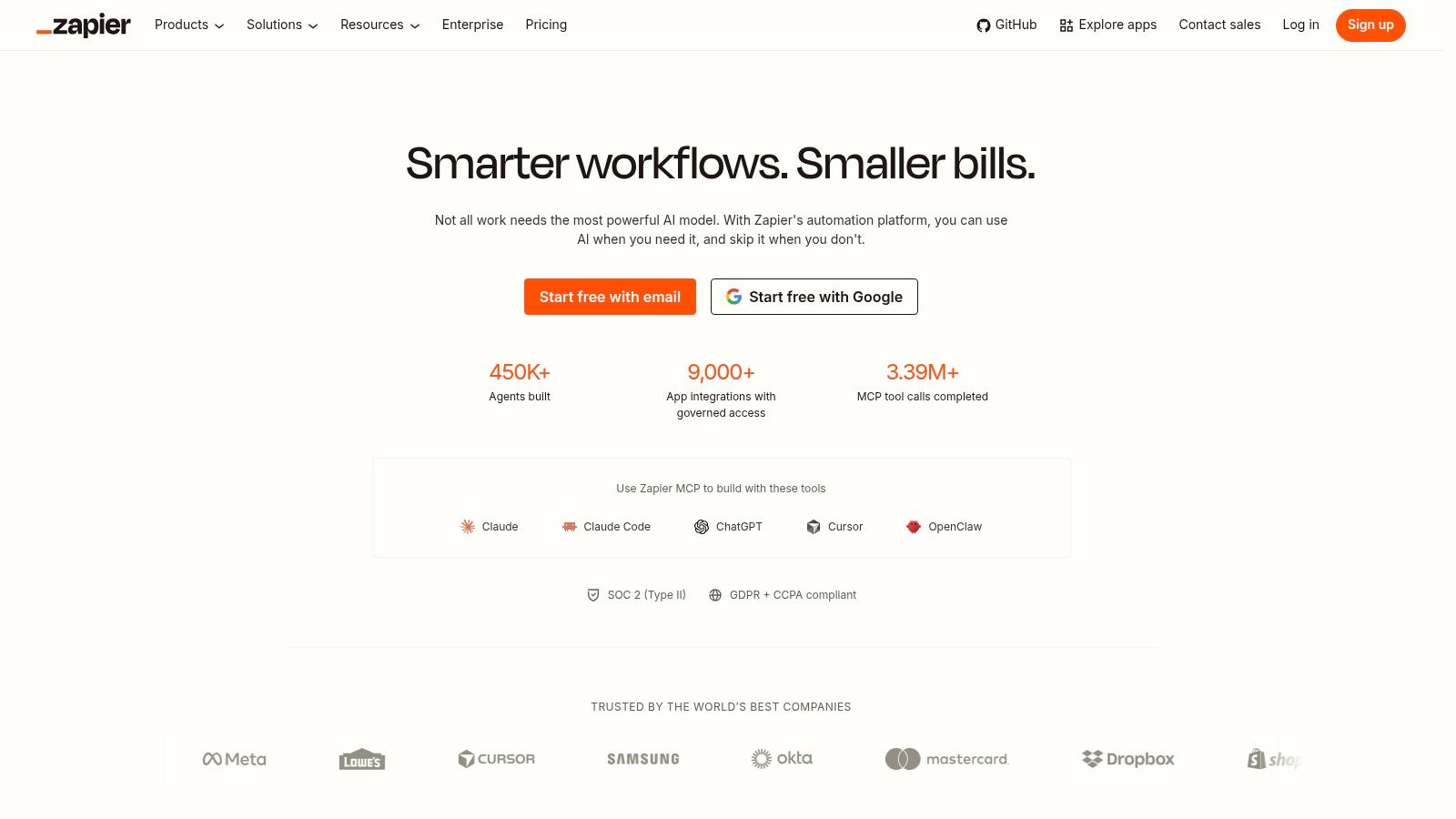
Zapier is the fastest choice for a contractor who needs a working lead-routing workflow without building an internal integration team. Its no-code editor, visual steps, conditional logic, AI assistance, webhooks, and large app library make it straightforward to send a Pipeline On profile into a CRM, notify the office, and start follow-up.
Zapier lists more than 9,000 app connectors, which gives it a practical advantage when your stack includes several ordinary business tools. It has published integrations for Jobber and Housecall Pro, so you can avoid building an HTTP request for common field-service handoffs. Paid plans also provide access to premium apps and webhooks, which matter when Pipeline On needs to trigger a custom route or pass data into a less common system.
Best fit for fast lead routing
Build the first workflow around a small number of actions:
- Create or update the contact: Map the visitor’s name, address, email, page visited, and source into your CRM.
- Notify the office: Send a real-time message to the person responsible for first response.
- Route the lead: Use service area, trade, and page intent to assign the right team or pipeline.
- Start follow-up: Trigger email or SMS only when your consent and contact rules allow it.
Zapier bills by task, so every action in a workflow affects consumption. A profile that creates a contact, posts a message, adds a tag, and starts a campaign uses more tasks than a single CRM update. That model is easy to understand at low volume, but heavy activity can raise operating cost.
Practical rule: Use Zapier for the first reliable version, then review task usage before adding extra enrichment and notification steps.
Its error history is useful for routine troubleshooting, but it doesn’t match enterprise iPaaS platforms for deep observability, governance, and advanced failure recovery. Choose it when speed and low IT involvement matter most.
2. Make
Make gives you more control than Zapier when a lead must pass through several decisions before it reaches a crew or sales pipeline. Its scenario builder uses a visual canvas with granular field mapping, branching, transformations, and error-handling controls. That makes it a strong choice for contractors with different rules for HVAC, plumbing, roofing, electrical, or multiple service territories.
A Pipeline On scenario could check whether an identified visitor already exists, normalize an address, branch by service area, create a CRM record, send a Slack alert, and call a field-service API. Make supports native ServiceTitan modules, while Jobber workflows can use the generic HTTP module and API connection. That flexibility helps when your exact system isn’t covered by a polished native connector.
Where Make earns its place
Make uses a credit-based billing model tied to operations and credits. The pricing structure can deliver good value for technical users running data-heavy scenarios, but you must monitor how many operations each profile consumes. AI-assisted steps may also use credits, so don’t add them to every lead path without checking the usage impact.
Use Make when your routing logic needs clear branches:
- Duplicate control: Search the CRM before creating a record.
- Data transformation: Convert field formats, split full names, and standardize phone numbers.
- Conditional alerts: Notify a branch manager only when a visitor matches a defined territory or service page.
- Failure handling: Store incomplete records for review instead of discarding them.
Make’s error tools are more flexible than a basic trigger-and-action builder, but the platform demands more setup discipline. Someone on your team must understand API credentials, response codes, scenario history, and credit consumption. Fewer home-service connectors are available out of the box than in Zapier, so expect HTTP configuration for parts of the workflow.
Choose Make when branching and transformation justify the extra implementation effort. Skip it for a single Pipeline On alert that only needs to create a contact and notify a dispatcher.
3. Workato
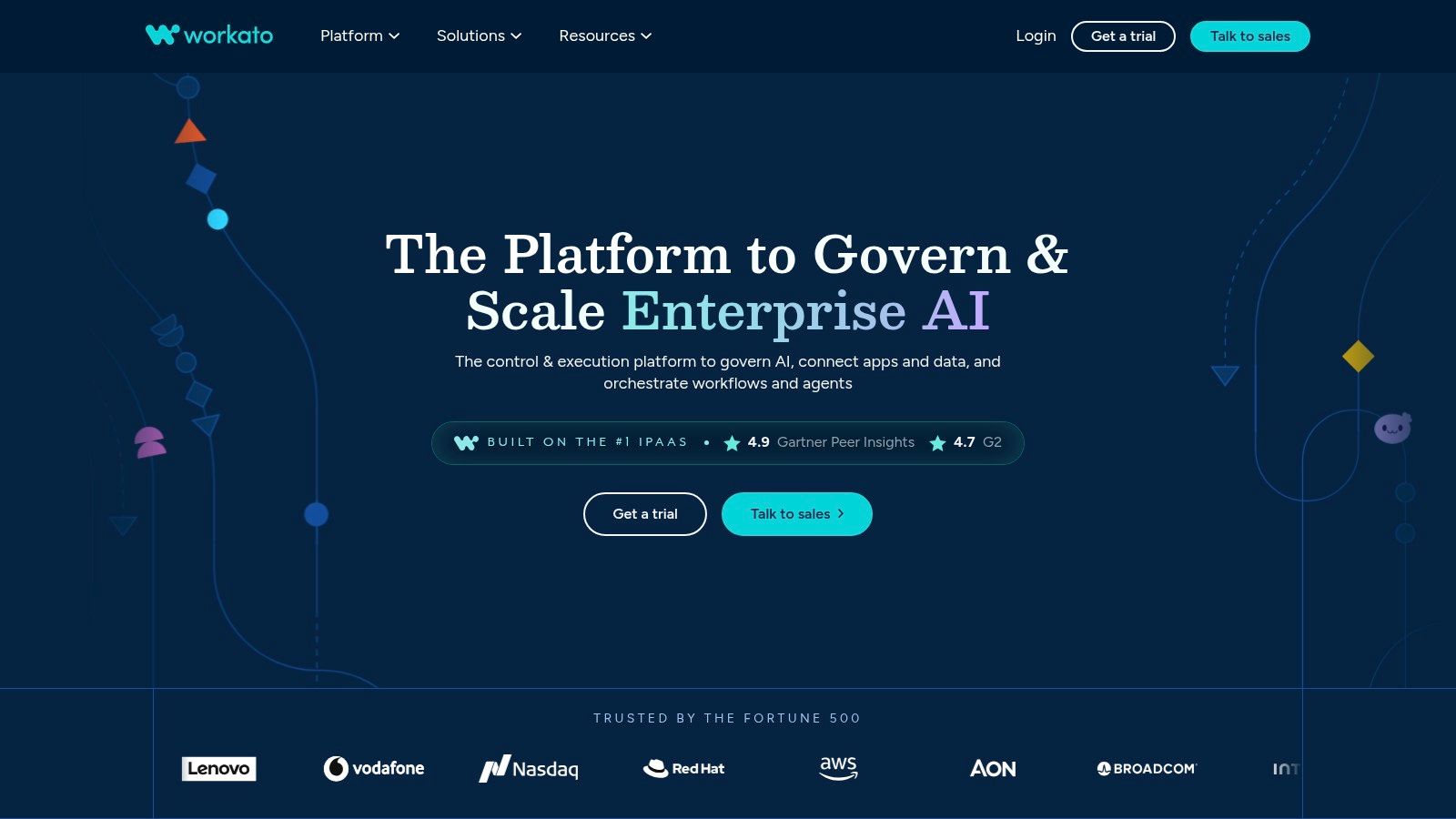
Workato is built for organizations that need governed, mission-critical automation across many departments. Its recipe model supports complex orchestration, API management, versioning, monitoring, and security controls. For a large contractor network, franchise group, or software company serving contractors, those controls can matter more than a quick setup.
A Pipeline On workflow in Workato can enforce a consistent customer model across marketing, sales, dispatch, finance, and customer support. You can define how a visitor becomes a lead, which fields are mandatory, how records are deduplicated, and which teams can change production recipes. Versioning gives your technical team a safer way to test and release changes without editing the live process blindly.
Choose Workato for governance
Workato also offers Workato Embedded, an embedded iPaaS option for delivering integrations inside your own SaaS interface. That matters if you’re building a contractor platform and want customers to connect their CRM, field-service system, or messaging account from a native integrations marketplace. Embedded capabilities include authentication widgets, environments, APIs, and customer-facing integration controls.
Self-serve Free and Pro options use credits, while enterprise and embedded arrangements require a more involved commercial discussion. Enterprise contracts can become expensive and pricing can be complex at scale. You’ll also need an owner who understands governance, credentials, release management, and incident response.
For a typical HVAC or plumbing company, Workato is more platform than you need for a Pipeline On-to-CRM handoff. Select it when you have multiple business units, strict access requirements, a large integration portfolio, or a product that needs to offer integrations to its own customers.
A governed workflow earns its cost when a failure affects many branches, teams, or customer accounts.
Workato’s strength is operational control. It isn’t the best first purchase for a small office that needs one dependable alert and contact-creation flow.
4. Tray.io
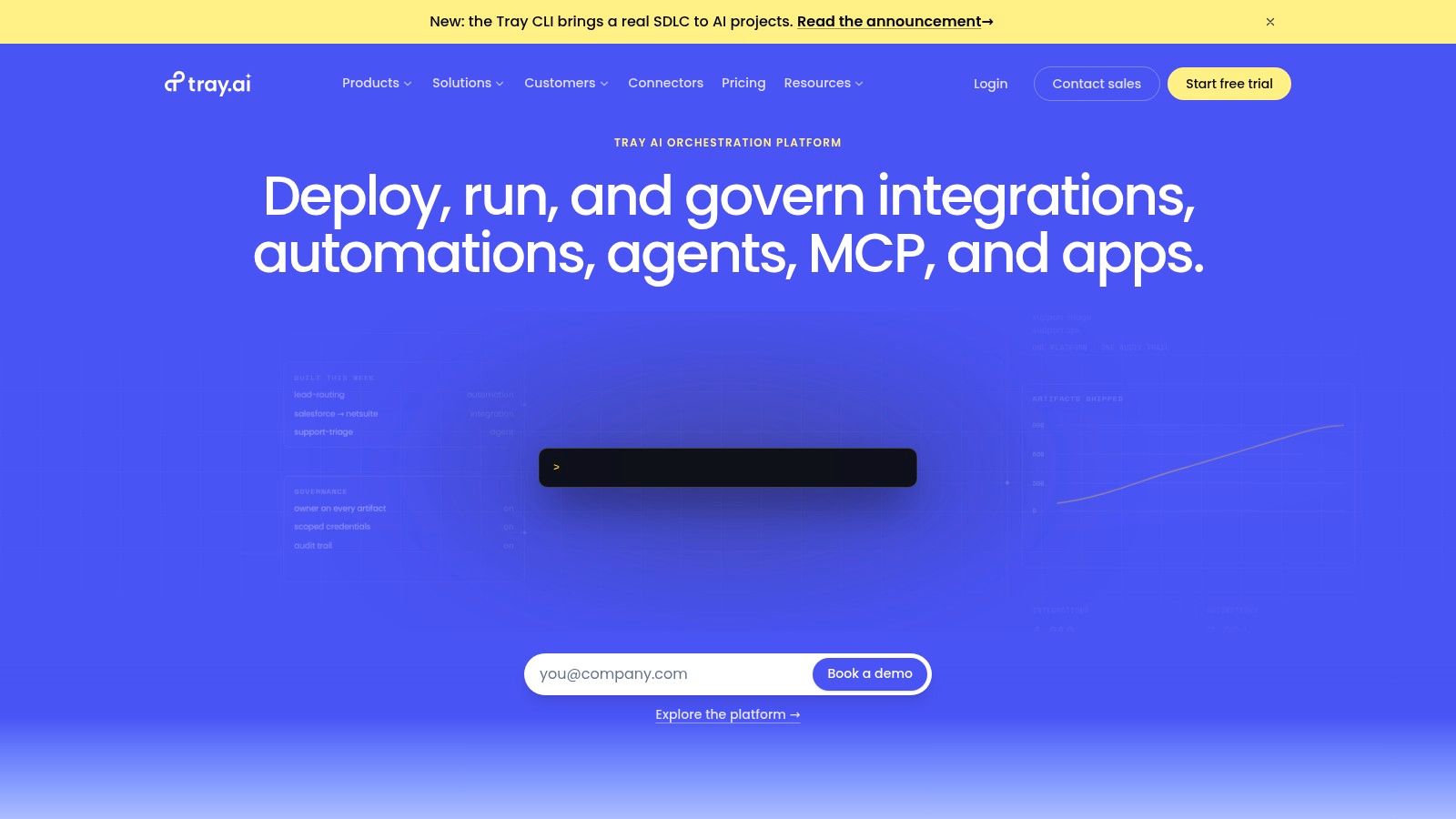
Tray.io is a low-code iPaaS aimed at product and business teams that need flexible workflow construction and customer-facing integrations. Its strongest contractor use case is usually above the individual business level. If you operate a SaaS product for home-service companies and want users to connect their own CRM or field-service tools, Tray Embedded gives you the pieces for that marketplace.
Tray Embedded includes a configuration wizard, authentication dialogs, custom UI options, enterprise workspaces, usage dashboards, connector APIs, and developer-facing tools. You can use those capabilities to let customers connect accounts without sending them through an unrelated automation platform. That creates a more controlled experience for account setup, permissions, and integration management.
Where contractors should draw the line
For a single contractor, Tray.io makes sense only when your integration requirements are unusually broad or your internal product team already uses the platform. A Pipeline On workflow that sends identified visitors to HubSpot, Jobber, or another field-service system doesn’t need a white-label marketplace. Start with a native connector or a simpler automation platform.
Tray.io doesn’t publicly list standard pricing, so expect a quote-based buying process. A fully native experience can also require more engineering than some embedded competitors. That implementation work includes customer authentication, settings screens, support procedures, and monitoring.
Review your existing Pipeline On integrations before selecting Tray.io. Confirm whether the handoff you need already exists, whether the required fields are supported, and whether your team needs a customer-facing connection flow or only an internal automation.
Choose Tray.io for a software vendor or contractor network building integrations into its own product. Skip it for a local service company that needs lead routing, alerts, and CRM updates without a product engineering project.
5. Boomi
Boomi is the practical enterprise choice when your operation includes cloud software alongside older accounting, ERP, warehouse, or on-premise systems. It combines low-code integration, API management, a marketplace, partner connectivity, and support for hybrid environments. That combination is useful when a modern CRM and field-service platform must exchange data with systems your business can’t replace quickly.
For a contractor, Boomi can connect Pipeline On lead activity to the front-office stack while also moving approved customer or job data into legacy systems. The platform’s hybrid approach helps keep selected processing near an on-premise database while managing integrations through a cloud control layer. EDI and B2B features also matter if your business exchanges structured documents with partners or larger customers.
Strong hybrid coverage, heavier ownership
Boomi offers subscription options and a pay-as-you-go SKU. That gives you more flexibility than a single rigid contract, but total cost can rise with enterprise add-ons, connectivity, support, and implementation work. The platform is heavier than a no-code tool, so you’ll need someone responsible for environments, credentials, mappings, monitoring, and changes.
Use Boomi when the problem is bigger than a lead notification:
- Legacy accounting: Keep older finance systems connected to current CRM records.
- Hybrid data: Link cloud applications with systems inside your office or private network.
- Partner exchange: Manage structured business data with vendors and commercial partners.
- Central governance: Apply consistent controls across a growing application estate.
The platform is a poor fit for a small contractor with cloud-only tools and a short workflow. You’ll pay for capabilities you won’t use and take on implementation work that Zapier or Make can avoid.
Select Boomi when legacy systems, hybrid deployment, or B2B requirements drive the decision. Configure the Pipeline On handoff as one governed process inside the broader architecture, not as a disconnected side automation.
6. MuleSoft Anypoint Platform
MuleSoft Anypoint Platform is for a contractor organization that needs a formal API program across many systems, regions, or business units. Its API-led approach includes gateways, runtime, lifecycle management, monitoring, security, B2B, and EDI capabilities. You can standardize customer, lead, job, and payment data instead of allowing every department to create its own interpretation.
A Pipeline On workflow would typically sit behind a governed API layer. The identified visitor can enter a controlled lead service, where the platform validates fields, applies business rules, routes the record, and exposes approved data to CRM and field-service systems. That architecture gives technical teams reusable assets, but it takes skilled implementers to design and maintain correctly.
Use MuleSoft for scaled API governance
Mule Credits provide a consumption model intended to support predictable usage, but the full commercial picture is sales-assisted and pricing isn’t transparent. Total cost of ownership includes implementation, architecture, monitoring, security administration, and specialized skills. A local electrical contractor doesn’t need that burden for a straightforward visitor-to-contact workflow.
The platform becomes justified when you have:
- Many systems: Multiple CRMs, field-service applications, finance platforms, and partner endpoints.
- Shared data models: A contractor network needs consistent definitions for leads, customers, jobs, and territories.
- Governed APIs: Internal teams and external partners require controlled access to the same services.
- Complex legacy work: Older systems need a managed bridge to modern cloud applications.
Read data management solutions before expanding the architecture. Define the customer record, ownership rules, and retention requirements before purchasing an enterprise integration layer.
Choose MuleSoft when API governance is a business capability you must operate for years. Skip it when your immediate problem is missed lead response and a native connector can complete the handoff.
7. Microsoft Power Automate
Microsoft Power Automate is the right starting point when your office already lives in Microsoft 365, Outlook, Teams, Dynamics, and Dataverse. Cloud flows can move Pipeline On data into Microsoft tools, while attended and unattended desktop flows can handle processes that still depend on a desktop application.
Its connector library includes more than 1,000 connectors, giving Microsoft-heavy teams broad coverage for common business systems. Native governance, identity controls, and single sign-on simplify administration when your users already have Microsoft accounts and your IT team manages the tenant.
Watch licensing before launch
Power Automate uses per-user and other licensing arrangements, with premium and custom connectors requiring Premium licensing. The options can be confusing at first, especially when a flow combines standard Microsoft connectors with a paid CRM or a custom Pipeline On endpoint. Document the license required by every production flow before your team builds around it.
A practical lead workflow could:
- Capture the profile: Send identified visitor details into Dynamics or another approved system.
- Alert the team: Post a message in Teams and create a follow-up task in Outlook.
- Apply ownership: Use territory and service type to route the record.
- Escalate failures: Send an administrative alert when a connector or credential stops working.
Power Automate fits teams that already have Microsoft governance and user access in place. It doesn’t automatically become the best option because your business uses Outlook. Confirm that the Pipeline On, CRM, and field-service connections support the fields and events you need.
For broader planning around automated customer follow-up, review this B2B marketing automation platform guide. Choose Power Automate when Microsoft is your operating center. Choose Zapier or Make when your field-service stack sits outside Microsoft and speed matters more than tenant governance.
8. Pipedream
Pipedream is the code-first option for contractors or software teams with a developer available to own custom integrations. It supports event-driven, serverless workflows, hosted OAuth clients, secure token storage, automatic token refresh, code steps in Node, JavaScript, and TypeScript, and thousands of prebuilt components.
That makes Pipedream useful when Pipeline On must connect to an API that lacks a native connector or when your routing rules don’t fit a visual automation builder. A developer can receive a webhook, validate and reshape the payload, call a CRM API, check the field-service response, and write custom retry or logging logic in one managed workflow.
Best for custom APIs and embedded connections
Pipedream’s managed OAuth and token handling reduce the work required to let users connect their own applications. That matters for a contractor software vendor building a “connect your app” flow, as well as a multi-location operator with custom systems that need authenticated API access.
The trade-off is ownership. Pipedream isn’t a pure no-code tool, so you need someone who can read API documentation, manage secrets, test code, and respond when an endpoint changes. Its self-serve plans include free and paid credit-based tiers, which means usage still needs review as events increase.
Use Pipedream for:
- Webhook-first workflows: React to a visitor event as soon as it arrives.
- Custom field logic: Apply rules that standard modules can’t express.
- API gaps: Connect a field-service or CRM endpoint without waiting for a native app.
- Embedded authentication: Let users authorize connected tools inside your product.
Choose Pipedream when custom code reduces implementation time. Skip it when your office has no developer and the required handoff already works through a maintained native connector.
9. n8n
n8n gives technical teams control over workflow execution without forcing every integration into a closed SaaS environment. You can self-host the open-source platform or use n8n Cloud. The self-hosted route gives you control over infrastructure, data location, authentication, and deployment, while Cloud removes much of the operational maintenance.
For a home-service company, n8n is most useful when an internal developer or trusted technical partner can maintain it. The platform combines low-code workflow design with code, custom nodes, HTTP requests, role-based access, projects, insights dashboards, and community-built extensions. That makes it suitable for niche field-service APIs and custom Pipeline On routing.
Self-hosting changes the cost calculation
n8n Cloud bills by execution, rather than by every task or step. That can make a multi-step workflow easier to reason about, but you still need to measure how often workflows run and how much infrastructure or support your team requires. Self-hosting can improve control and cost predictability, yet it adds DevOps work for updates, backups, availability, credentials, and incident response.
Use n8n when:
- Control matters: Your data or compliance requirements favor self-hosting.
- Custom nodes matter: Your field-service software needs an integration you must extend yourself.
- Code belongs in the workflow: A developer needs JavaScript or HTTP logic beside visual steps.
- Execution pricing fits: You prefer billing based on workflow runs rather than individual actions.
Support service levels require the Enterprise plan, while other users may rely on community support. That distinction matters when a broken lead route can leave your office unaware of active prospects.
Choose n8n when you have technical ownership and want flexibility. Skip it as a casual replacement for Zapier if nobody will monitor the server or maintain the workflows.
10. Celigo
Celigo is a strong mid-market option for steady, high-volume synchronization between business applications. It offers prebuilt Integration Apps, templates, a developer workspace, and a particularly strong NetSuite ecosystem. For a contractor growing into a structured finance and operations stack, that makes Celigo more relevant than a lightweight trigger tool.
Use Celigo when the Pipeline On lead handoff is part of a wider data process. A visitor profile may enter the CRM, become a customer, connect to billing, and then feed reporting or finance workflows. Celigo’s endpoint-and-flow pricing is flat-rate rather than per-task, with no per-task overages. That makes costs easier to forecast for always-on synchronization.
Built for predictable operational flows
The platform is suited to operations and finance teams that need repeatable connections between ERP and CRM systems. Its multiple editions document different plan capabilities, but entry pricing is sales-assisted and can be higher than SMB-focused no-code products. Plan for a commercial conversation and define the endpoints, flows, environments, and support requirements before comparing proposals.
Celigo earns consideration when:
- Syncs stay active: CRM, billing, and ERP records move continuously.
- Volume is steady: You want a predictable model rather than a growing task bill.
- Finance needs control: Reconciliation and operational records must remain consistent.
- Templates save work: Your systems match available Integration Apps or established patterns.
DIY resources are less extensive than the communities around Zapier and Make. Your implementation still needs clear field mapping, duplicate rules, ownership, and failure alerts.
Choose Celigo for a mature operations stack with sustained synchronization needs. Skip it for a simple Pipeline On profile alert, where a native connector or Zapier will launch faster and require less administration.
Top 10 Integration Platforms Comparison
| Platform | Core features | Target audience 👥 | UX / Reliability ★ | Pricing & Value 💰 | Unique strength ✨/🏆 |
|---|---|---|---|---|---|
| Zapier | Visual no‑code builder; 9,000+ connectors; webhooks & quick starts | Small contractors & ops teams who want no‑IT automations 👥 | ★★★★☆ | 💰 Per‑task billing, low entry, can spike with high volume | ✨ Fastest no‑code path; direct Jobber & Housecall Pro support 🏆 |
| Make (Integromat) | Drag‑drop canvas; granular mapping & branching; ServiceTitan modules | Technical SMBs needing complex multi‑step flows 👥 | ★★★★☆ | 💰 Credit‑based, good value for data‑heavy flows | ✨ Rich data transforms & error handling |
| Workato | Enterprise recipes; API management; Embedded iPaaS option | Large enterprises / SaaS vendors & governance needs 👥 | ★★★★★ | 💰 Enterprise/embedded pricing, can be expensive | 🏆 Embedded integrations + strong governance |
| Tray.io | Low‑code workflow builder; embedded bundle; connector APIs | Product & integration teams building native marketplaces 👥 | ★★★★☆ | 💰 Quote/enterprise pricing | ✨ Mature embedded tooling for white‑label marketplaces |
| Boomi | Low‑code integrations + API mgmt; hybrid on‑prem & EDI support | Organizations with legacy/on‑prem systems & ERP needs 👥 | ★★★★☆ | 💰 Subscription + add‑ons; cost rises with connectivity | ✨ Strong hybrid/EDI and partner ecosystem |
| MuleSoft Anypoint | API‑led integration; gateways, runtime & monitoring | Large programs needing strict API governance & standardization 👥 | ★★★★★ | 💰 High TCO; sales‑assisted pricing | 🏆 Deep API governance & B2B/EDI capabilities |
| Microsoft Power Automate | Cloud flows, RPA, Dataverse & 1,000+ connectors | Microsoft‑centric contractors/IT shops (Office/Teams/Dynamics) 👥 | ★★★★☆ | 💰 Per‑user / premium connector licensing | ✨ Native MS SSO, governance & desktop RPA |
| Pipedream | Serverless, event‑driven workflows; hosted OAuth & code steps | Developer teams building custom or embedded connect flows 👥 | ★★★★☆ | 💰 Credit/usage tiers + free tier | ✨ Fast code‑first builds and managed OAuth |
| n8n | Open‑source self‑host + n8n Cloud; custom nodes & RBAC | DevOps/technical teams needing control & compliance 👥 | ★★★★☆ | 💰 Self‑host free; Cloud execution‑based pricing | ✨ Full control + extensible custom nodes |
| Celigo | Prebuilt “Integration Apps”; flat‑rate endpoint/flow pricing | Mid‑market ops (ERP/CRM syncs, NetSuite customers) 👥 | ★★★★☆ | 💰 Flat‑rate by endpoints/flows, predictable for steady syncs | ✨ Predictable pricing for always‑on integrations |
Choose the Simplest Platform That Holds Up
Start with the native connector when it covers the required Pipeline On-to-CRM or Pipeline On-to-field-software handoff. A direct connection removes an extra platform, credential set, billing model, and failure point. Confirm that it supports the fields your team needs, including contact details, address, source, page activity, ownership, and consent status.
Choose Zapier for the fastest low-IT launch. It fits a contractor who needs visitor profiles to create or update CRM contacts, alert the office, and trigger follow-up without involving a developer. Keep the first workflow short, measure task usage, and add complexity only after the basic route works reliably.
Choose Make when your process has branches and transformations. Use it for territory assignment, service-type routing, duplicate checks, address normalization, and different actions for different lead conditions. Assign someone to monitor credits, scenario errors, API credentials, and incomplete records.
Reserve developer-led platforms for custom APIs and custom logic. Pipedream fits teams with a developer who can own webhook processing and authenticated API calls. n8n fits technical teams that need code, self-hosting, or control over execution. These platforms give you flexibility, but that flexibility becomes an operating responsibility.
Use enterprise iPaaS when the business problem supports it. Workato and Tray.io fit governed automation and embedded integration marketplaces. Boomi fits hybrid cloud, on-premise, legacy, and B2B requirements. MuleSoft fits a formal API program across many systems and business units. Celigo fits sustained, predictable synchronization across CRM, ERP, billing, and finance. Power Automate fits a Microsoft-centered organization with the right licensing and governance.
The integration market is large enough to support very different buying decisions. Gartner estimates cited by Oneio place iPaaS revenue above $9 billion in 2024, compared with $7.8 billion in 2023 and $5.9 billion in 2022, with a projection beyond $17 billion by 2028. That growth gives you plenty of options, but it doesn’t justify buying enterprise software for a two-step lead route.
Run this implementation checklist before turning on production:
- Map every field: Decide where name, address, email, phone, page activity, source, and consent status go.
- Prevent duplicates: Search the destination before creating a new contact, and define the matching fields.
- Set contact rules: Separate identifiable profiles from contacts you can legally and operationally reach.
- Assign alert ownership: Name one person for real-time alerts and one backup for missed notifications.
- Configure retries: Retry temporary API failures, quarantine bad records, and alert someone when retries stop.
- Review usage monthly: Check tasks, credits, executions, endpoints, flow runs, failed records, and unused steps.
- Test the full route: Send test profiles through the CRM, field-service system, notification channel, and follow-up process.
- Document changes: Record credentials, mappings, owners, and the procedure for pausing or restoring a workflow.
Your goal is a lead response system your office trusts when the phone is busy and the crews are in the field. Keep the architecture small until volume, system complexity, governance, or synchronization requirements clearly demand more.
Pipeline On identifies homeowners who browse your website without submitting a form, then connects those profiles with CRMs and field-service tools through native integrations, Zapier, Make, webhooks, and its REST API. Add the tracking script, define your lead-routing workflow, and visit Pipeline On to recover more actionable opportunities from the traffic you already attract.
Written by
Pipeline Research Team