Keep restoration Messenger requests intact when moving to assessment
An incident conversation can stall after an appointment link. Save the actual request first. Your coordinator needs the property and authorized contact to arrange the right professional review.
Steps
-
Record the requested help Ask location and incident timingConfirm the contact's role
Collect the customer's description, service property, contact details and timing. Keep unknown circumstances explicitly unknown.
Route reported urgent or unsafe conditions through your approved staffed process. Avoid remote diagnosis or a promise about claim value.
-
Verify the inbox handoff Test the intended Facebook PageAssign one conversation owner
HighLevel documents checking Messenger threads in Conversations. Test incoming and outgoing messages through the actual business Page.
The shared screenshot shows its example inbox. Confirm your owner sees the request and can preserve incident and authority details.
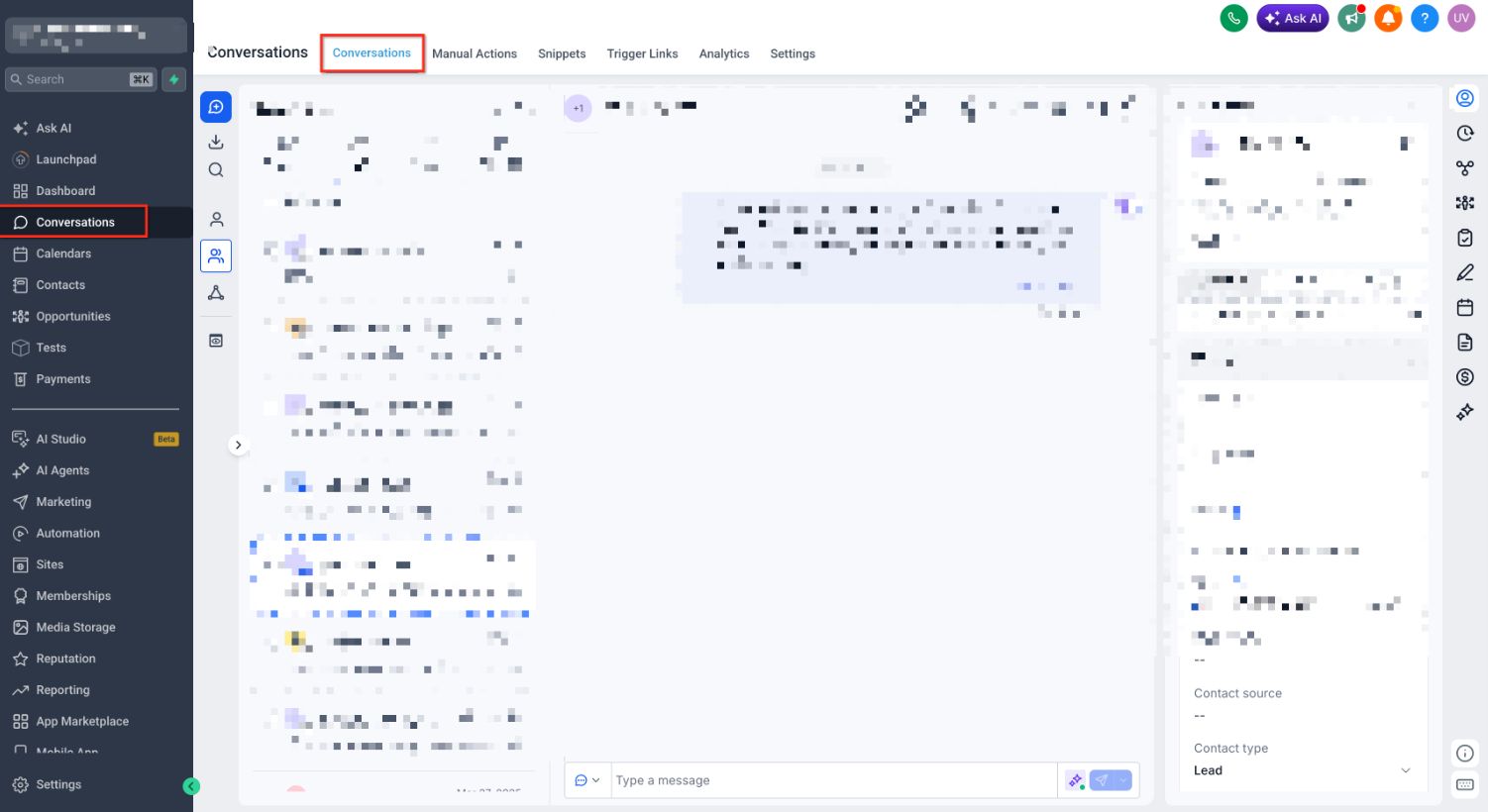
HighLevel’s example shows where incoming Messenger threads appear in Conversations. Source -
Offer the appropriate assessment Explain scope and actual availabilityCheck existing loss records
Have the intake lead confirm service fit, access and the relevant assessment process. Check for an open incident before adding another visit.
Send the site page and booking route your team actually supports. Verify a controlled appointment and its field-service record.
-
Review qualified unresolved conversations Inspect calendar and recent repliesRespect platform contact limits
Check whether the customer already booked or reached staff another way before following up. Use the platform's current permitted response process.
Record unavailable timing, missing authority, unsupported scope and no reply separately. Track attended assessments and authorized projects.
What to measure
Review a small unresolved group with the intake lead. Improve the question or booking explanation that repeatedly prevents the next decision.