Move pool equipment messages into parts-ready service appointments
A pool equipment conversation can sound ready to book before anyone knows the model or required parts. Give your office a short route from Messenger to a site request. Let the technician confirm what the visit can accomplish before reserving a service window.
Steps
-
Collect the reported issue in one conversation Ask for service location and equipment typeRecord the caller's descriptionKeep technical decisions with the technician
Have the office ask whether the request concerns a pump, heater, controller or another item. Collect service address and the reported symptom. Explain when a person will review the information and how your company handles urgent reports.
If using HighLevel, connect the correct Facebook Page and send a controlled test message. Its documentation recommends checking the incoming thread in Conversations and replying from there. The shared Messenger screenshot illustrates that inbox, with no claim about your account.
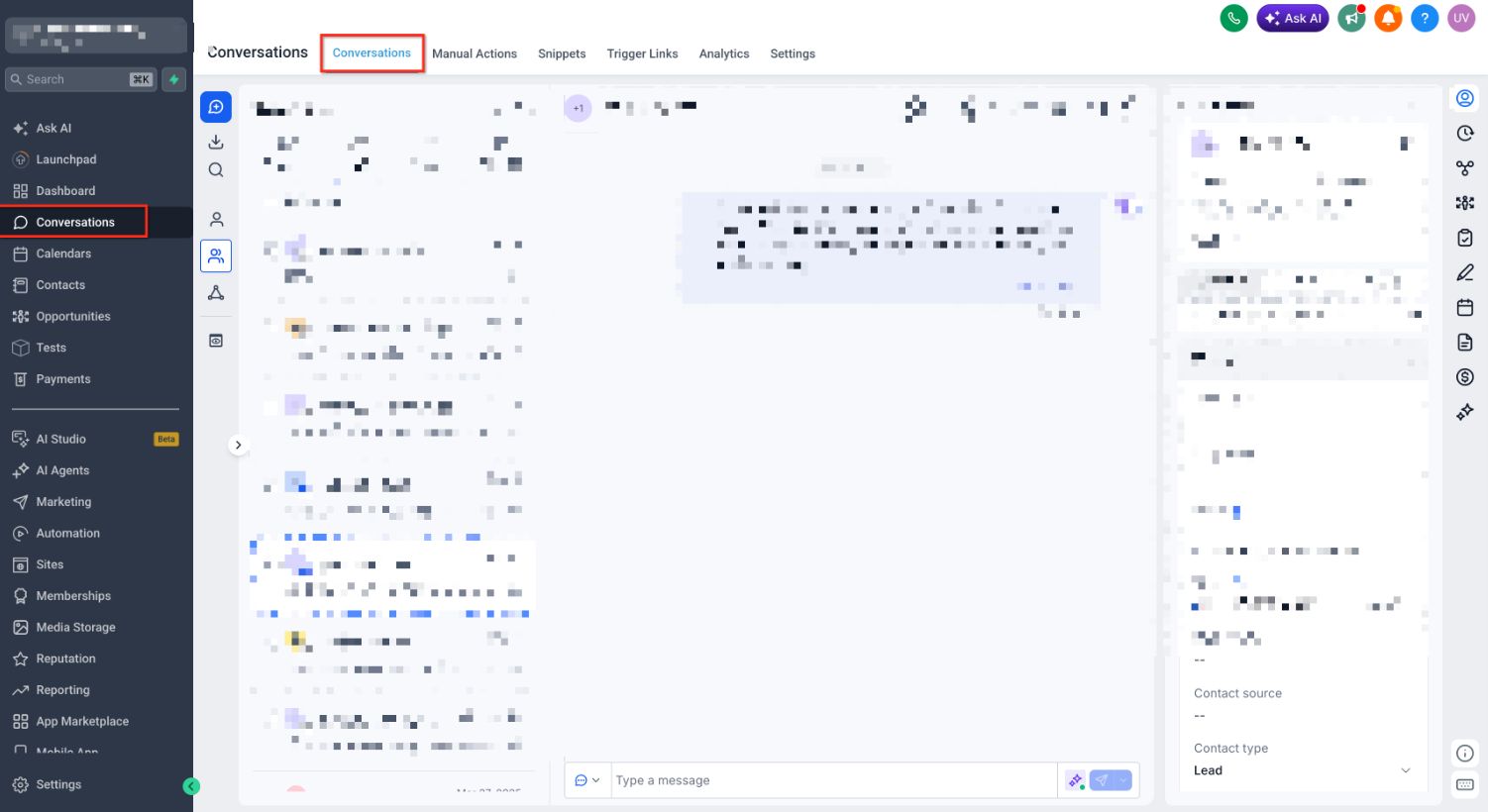
HighLevel’s example shows where incoming Messenger threads appear in Conversations. Source -
Offer a short site form for model information Make accessible photos optionalAllow an unknown modelCarry the conversation reference internally
Link to a form collecting contact details, service address, equipment description and optional model-label photo. Request only safely accessible external views. A homeowner should never need to open electrical equipment to complete your marketing intake.
Tally supports file uploads. Check your account's current limits and test a real phone image before launch. Offer a no-photo submission path so a failed upload cannot block a service request. Keep personal details and sensitive conversation content out of the form URL.
-
Have a technician decide the appointment type Review equipment and service historyCheck actual parts availabilityDistinguish diagnosis from repair
Check the customer account, installed equipment and open work orders. Have the technician decide whether the first visit is diagnostic or whether enough information exists to prepare a defined repair. Verify supplier availability before representing a part as ready.
CDC advises that properly trained people service chlorine and pH control feed and recirculation systems. Keep requests involving those systems with qualified personnel and your normal service protocols. Marketing intake collects information and does not instruct the homeowner to perform repairs.
An available match in PipelineOn can help your office connect relevant website activity to a verified open equipment conversation. Keep the parts check on the existing intake record and use the caller’s confirmed model and equipment details to prepare the visit.
-
Confirm the visit and measure avoidable return trips State what the visit is booked to doAttach model and parts notesTrack completion and return reasons
Have the office confirm the appointment purpose, fee, access and available date. Pass the model information and technician notes into the work order. Check that an existing repair record receives the update instead of another duplicate ticket.
Track conversations, accepted service requests, diagnostic visits, completed repairs and return visits caused by missing information or unavailable parts. Review the website form when technicians repeatedly need the same detail before they can prepare.
What to measure
Test the full path with one staff-controlled Messenger thread and phone photo. Your technician should be able to explain the appointment purpose from the resulting work order.