Give your painting chatbot three questions the estimator can use
A chat that gives your office a name and a photo still leaves basic questions unanswered. Ask which surfaces, which rooms and what condition the homeowner can describe before handing the conversation to the estimator.
Steps
-
Choose the first three scope fields Ask about surfaces and number of roomsCapture conditions the homeowner can describe
Give short options such as walls, ceilings and trim. Let the homeowner add whether rooms are occupied and where they see peeling or marks.
Have the estimator confirm which jobs might start with a photo and which require a visit. Give unsure answers to the office for review.
-
Make a handoff the office can test Use a secure photo routeCheck whether the record arrived
Send the customer to a short form if a photo would help. Make the image optional and confirm the supported uploads and who can view them.
Test one complete photo intake and one unsure case. Verify the owner can follow the chat context without requiring the homeowner to repeat it.
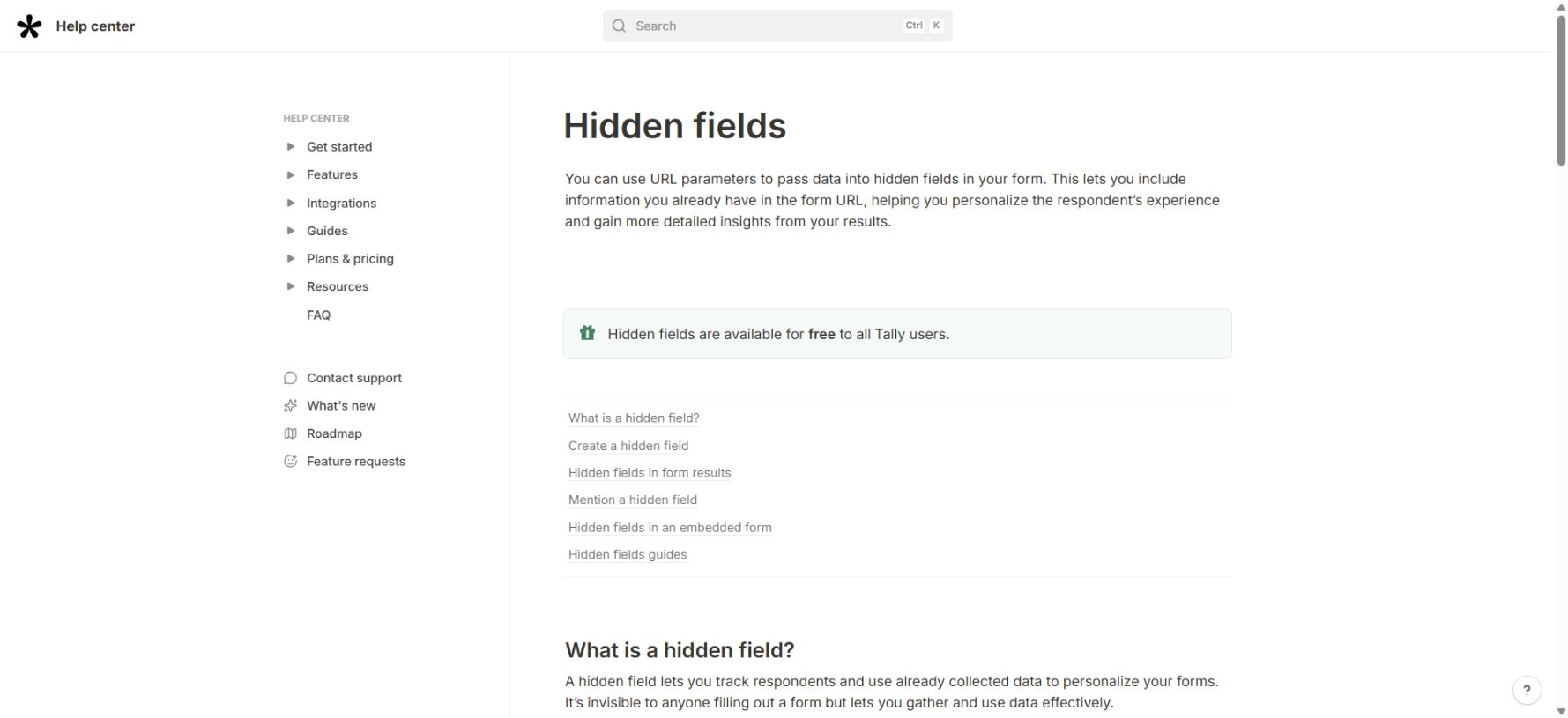
Tally’s public documentation shows how to carry a campaign label into a submitted form. Source -
Review the right type of website activity Count completed requests firstCheck eligibility and existing scope
If available, PipelineOn can help you review some matched visits on the quote page. Compare with verified chat contact and property details before joining the records.
Keep responses the household actually supplied separate from site activity. Give the owner the unresolved question the next conversation needs to answer.
-
Compare the scopes the team could price Count accepted handoffs and quotesRecord wrong assignments
Ask the estimator how often the first contact still lacked the surface or room count. Track cases that had to be moved from photo review to a site visit.
Trim the script to the questions that repeatedly improve the estimate.
What to measure
Keep the chat only if more first contacts reach the right quote path without adding unnecessary questions.