Offer a canceled HVAC visit to the right waiting customer
A canceled visit can create useful room in the schedule. Your office still needs to confirm that the next customer's job fits the technician and the available window.
Steps
-
Validate the released capacity Confirm the cancellation is finalCheck technician and appointment scope
Have dispatch release the actual reservation and identify its duration, location and assigned technician.
Do not assume an opening for one service can handle a different system or scope. Keep urgent dispatch commitments visible.
-
Choose eligible waiting requests Use current customer requestsCheck location and readiness
Review customers who explicitly asked to be contacted about an earlier appointment. Verify their service request is still open.
Exclude already resolved work and requests requiring different skills or duration. Retain the original appointment while the earlier offer remains unaccepted.
-
Confirm one accepted change Read back the new appointmentReconcile the previous reservation
Use the actual configured calendar to inspect the new record. The shared HighLevel calendar illustrates the scheduling surface, not your technician's availability.
Once the customer accepts and dispatch confirms, update the original appointment and check reminders. Close other offers for the same opening.
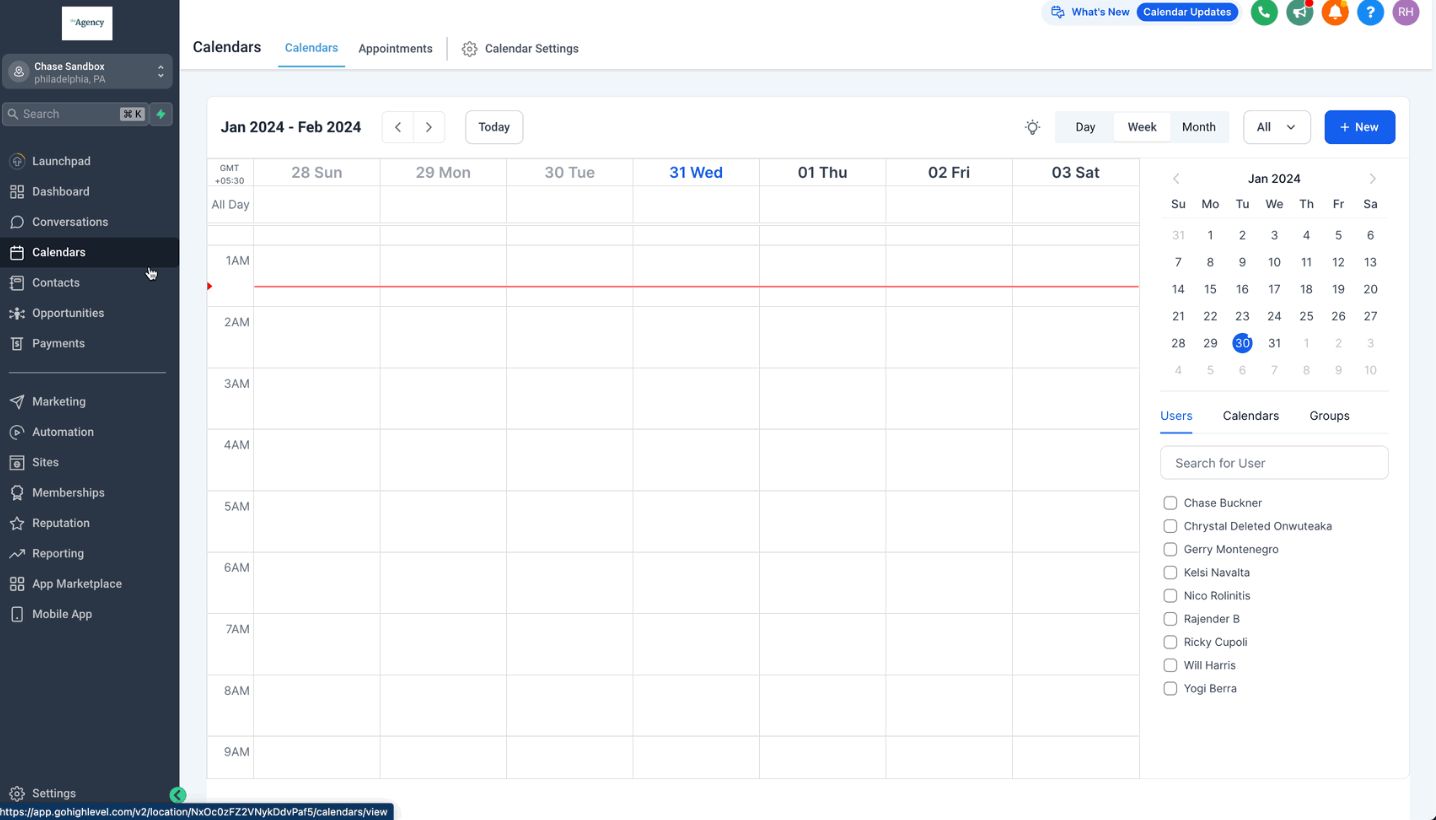
HighLevel’s internal calendar view. After a test booking, check that the appointment appears in the correct calendar. Source -
Review productive use of the opening Count accepted and attended changesTrack scheduling conflicts
Test two customers replying to one offer and ensure dispatch awards only one reservation.
Measure completed earlier visits, unfilled openings and duplicate reservations. Avoid counting an invitation as recovered capacity.
What to measure
Your next action is a confirmed earlier visit with a suitable technician. Keep the original booking safe until that change is accepted.