Offer a nearby HVAC tune-up only when the existing route can support it
A booked service stop can create room for another routine visit nearby. Check the technician's actual day before sending a route offer. Your office needs confirmed equipment, access and duration so the added appointment does not disrupt existing customers.
Steps
-
Calculate spare time around a real service stop Use the confirmed technician and routeReserve travel, service and urgent capacity
Open a scheduled job and have dispatch identify a workable additional window. Include travel, normal visit duration, current workload and the urgent-service capacity your company preserves.
Check which systems that technician can service and what equipment or materials are available. A nearby address alone cannot make an appointment fit. Record the booking cutoff and person responsible for updating capacity.
-
Choose a verified eligible customer group Use actual service history and locationRemove current bookings and covered visits already completed
Start with nearby existing customers whose records support the proposed service. Check agreement scope, equipment, prior visit and contact preferences. Avoid offering paid work that duplicates an included appointment.
Link eligible contacts to a page explaining the actual service and how to request the route window. Use accurate email sender and opt-out handling under your provider's rules. Keep the customer's address private in campaign copy.
-
Confirm route fit before reserving the visit Check actual address and equipmentVerify the calendar and work order
Have the office confirm the customer's requested service, equipment, access and timing. Reserve the opening only after dispatch accepts the fit. Close or update the offer when capacity fills.
The shared HighLevel image is an internal calendar example. Test your own appointment and check technician, address, local time and equipment note. Confirm the visit reaches the field-service work order rather than only the marketing calendar.
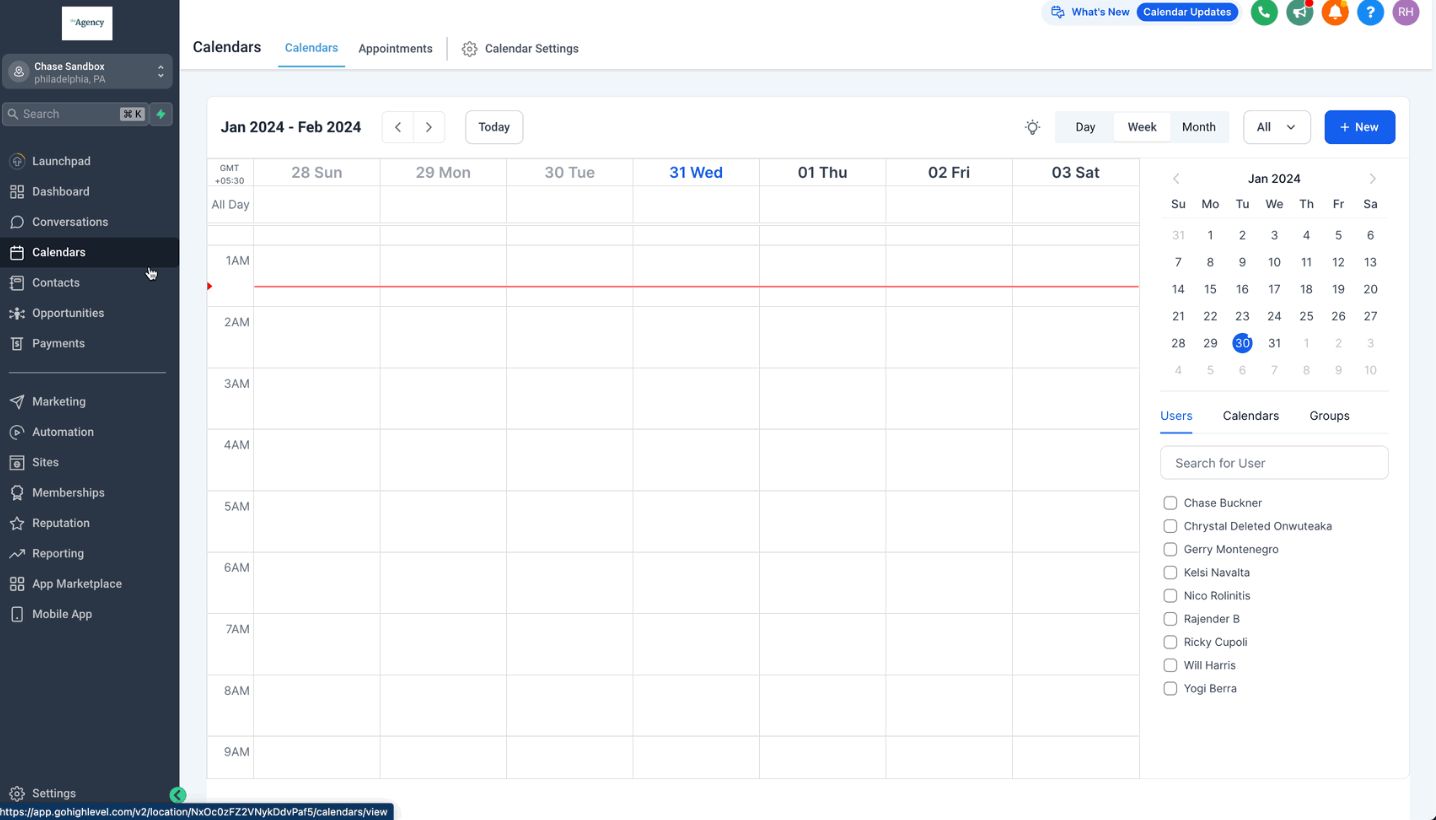
HighLevel’s internal calendar view. After a test booking, check that the appointment appears in the correct calendar. Source -
Compare added work with actual route cost Measure completed incremental visitsRecord travel and schedule disruption
Track invitations, qualified requests, confirmed visits and completed paid service. Record added travel, technician time and any displaced work. Separate repeat contacts for the same visit.
Review revenue after direct visit costs and the office effort. Keep cancellations, late arrivals and existing-customer disruption visible. Repeat only around routes where the actual outcome supports the offer.
What to measure
Start with one route and one controlled opening. The useful result is a completed service visit that fits the technician's day and your customer commitments.