Verify PipelineOn after moving a concrete website to its public domain
A redesigned concrete site may still reference its preview address. Verify the approved public website before reviewing household activity.
Steps
-
Confirm the final website Test public quote pagesIdentify preview copies
Record the exact customer-facing domain and test its patio and driveway request links.
Ask the site manager which preview address remains accessible and keep its tests separate from public-site review.
-
Verify the WordPress connection Use the official pluginCheck live tracking status
Follow the PipelineOn plugin connection flow for the exact public website and inspect the verification status.
The screenshot shows Connect. An installed plugin alone does not establish an approved connection or live tracking.
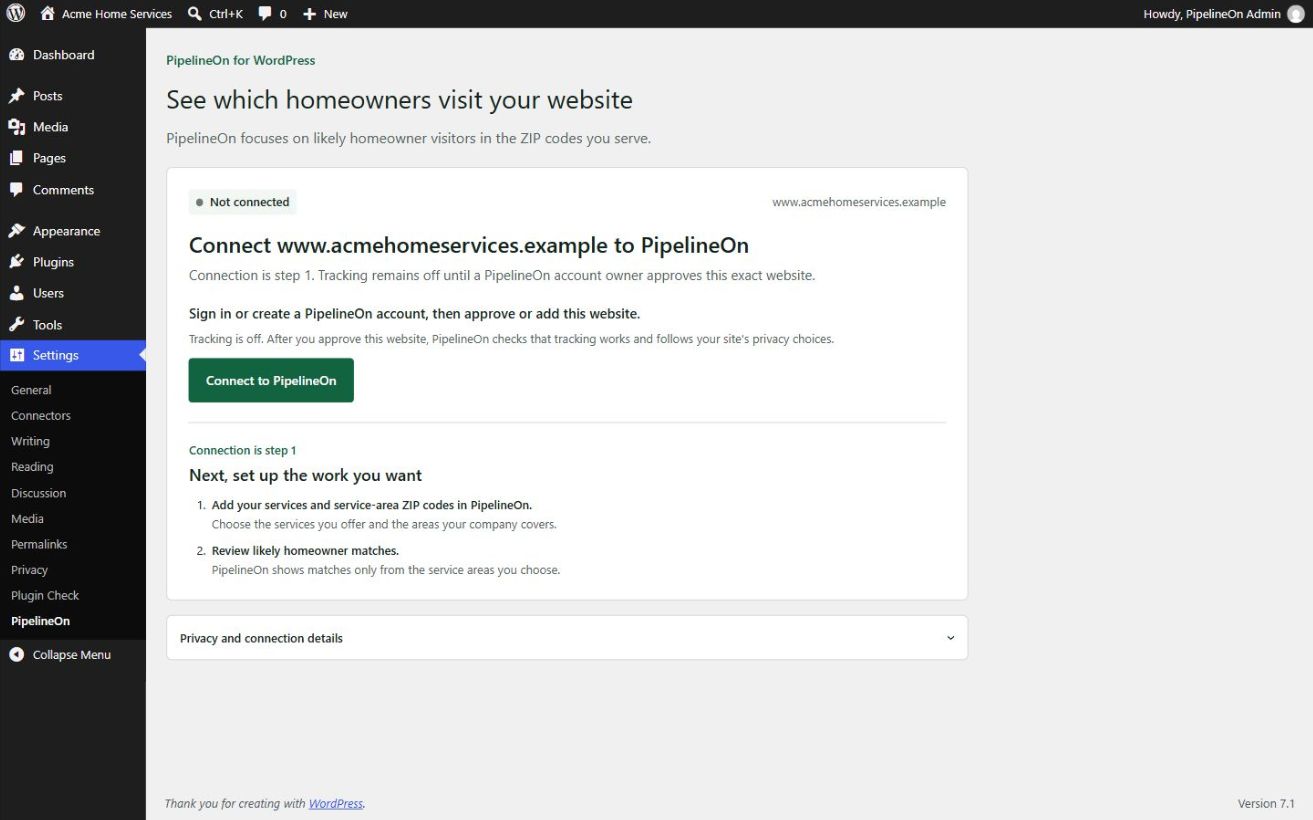
The official PipelineOn plugin’s demo Connect screen in WordPress. Source -
Review territory and page fit Confirm selected ZIP rulesInspect available page context
Check service-area ZIP rules with operations and review the public URLs appearing in available activity.
PipelineOn identifies some homeowners with varying details. Check matches against existing requests before choosing eligible follow-up.
-
Document the setup result Record website and check dateAssign future domain reviews
Save the observed verification result and the person who checked it in the website handover notes.
Name an owner to recheck after domain changes. Keep technical verification separate from how many households match.
What to measure
Finish with a verified public connection and a named setup owner.