Use remote bathroom discovery to decide whether a site visit is ready
A remote homeowner can discuss goals on video while the estimator still needs verified site information before pricing.
Steps
-
Define what the remote meeting delivers Ask who can show the roomList information still needing a visit
Offer a discovery conversation about goals and available records. Explain which measurements or conditions your team verifies onsite.
Confirm the property contact who can provide access without assuming the remote owner will attend in person.
-
Test the discovery booking Choose the remote appointment typeInspect the internal record
Use the appropriate HighLevel calendar link for the discovery call. Check its description matches the meeting offered.
Make a test booking and verify the assigned person, time and meeting details in the office calendar.
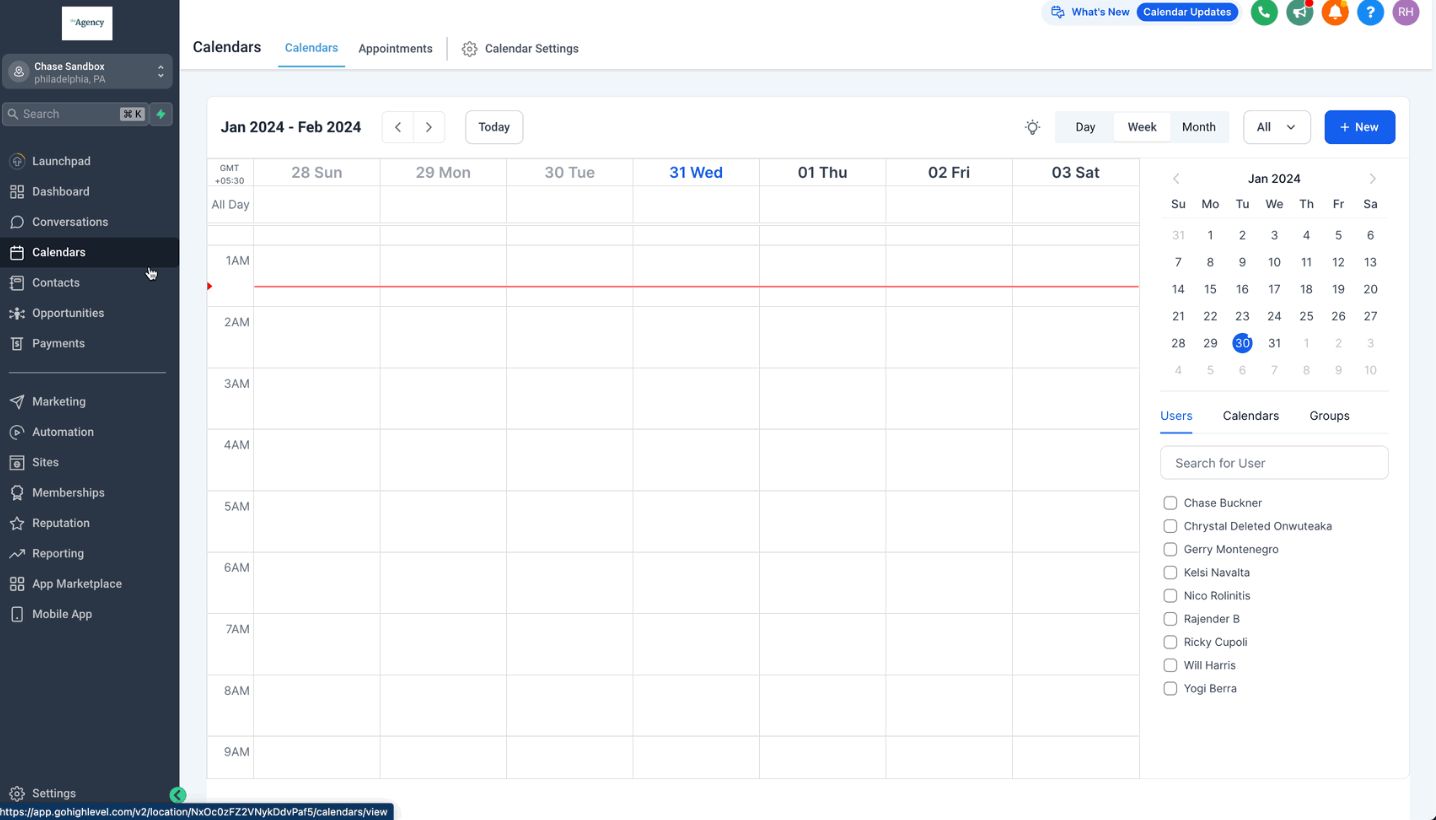
HighLevel’s internal calendar view. After a test booking, check that the appointment appears in the correct calendar. Source -
Prepare the estimator’s site decision Collect existing plansRecord what video could not establish
Have the designer record the owner’s goals and unanswered site questions during the conversation.
Ask the estimator whether the available information supports an onsite visit and who must attend it.
-
Track productive remote meetings Record site visits preparedLog repeated missing information
Measure remote calls that produced a useful next-visit brief. Keep remote attendance separate from a completed measurement.
Improve the pre-call request when the same missing record prevents progress.
What to measure
The remote meeting should prepare a better site decision.